
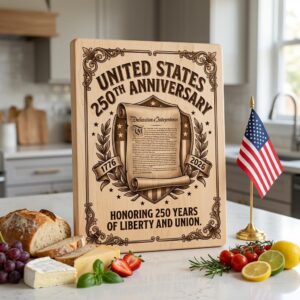
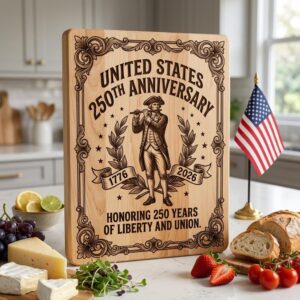
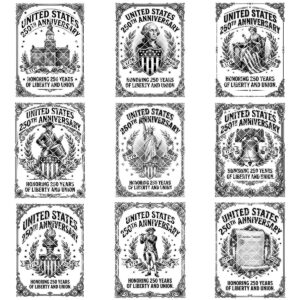

Description
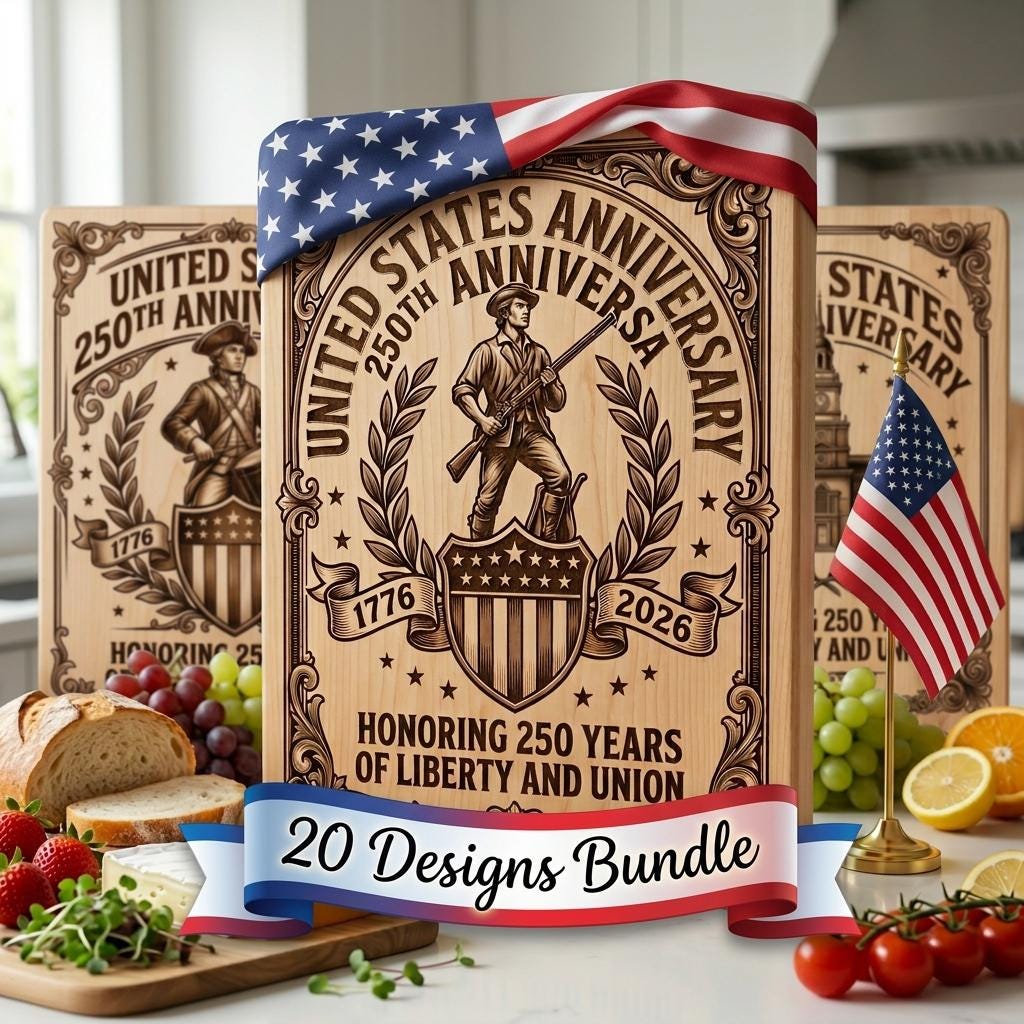
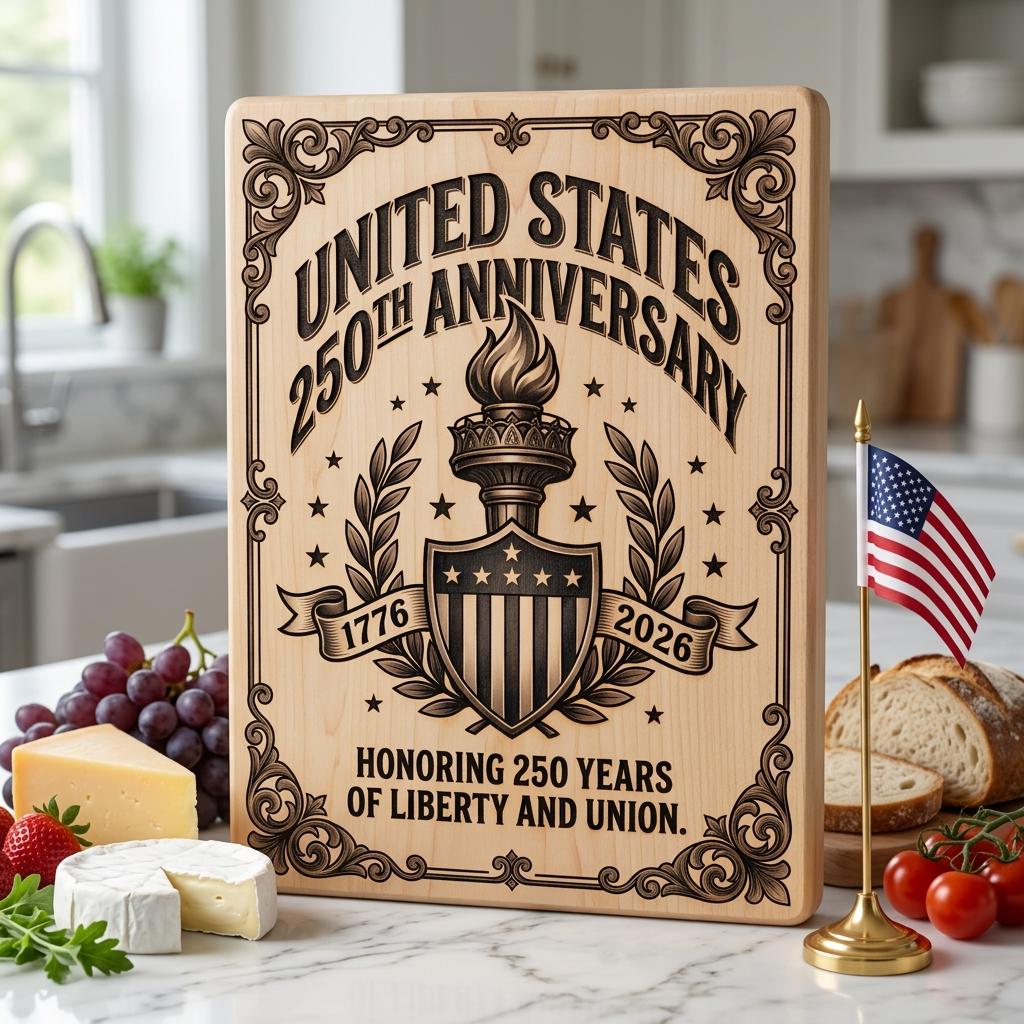
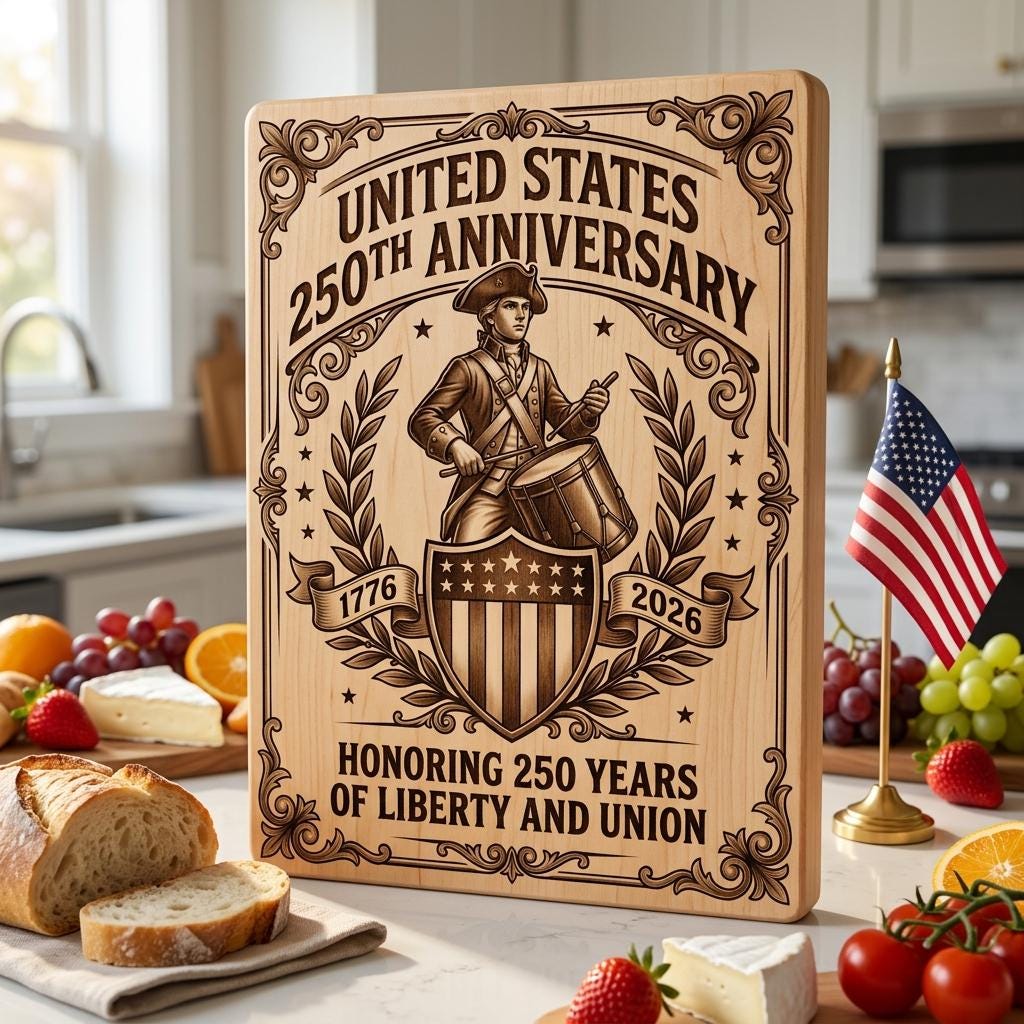
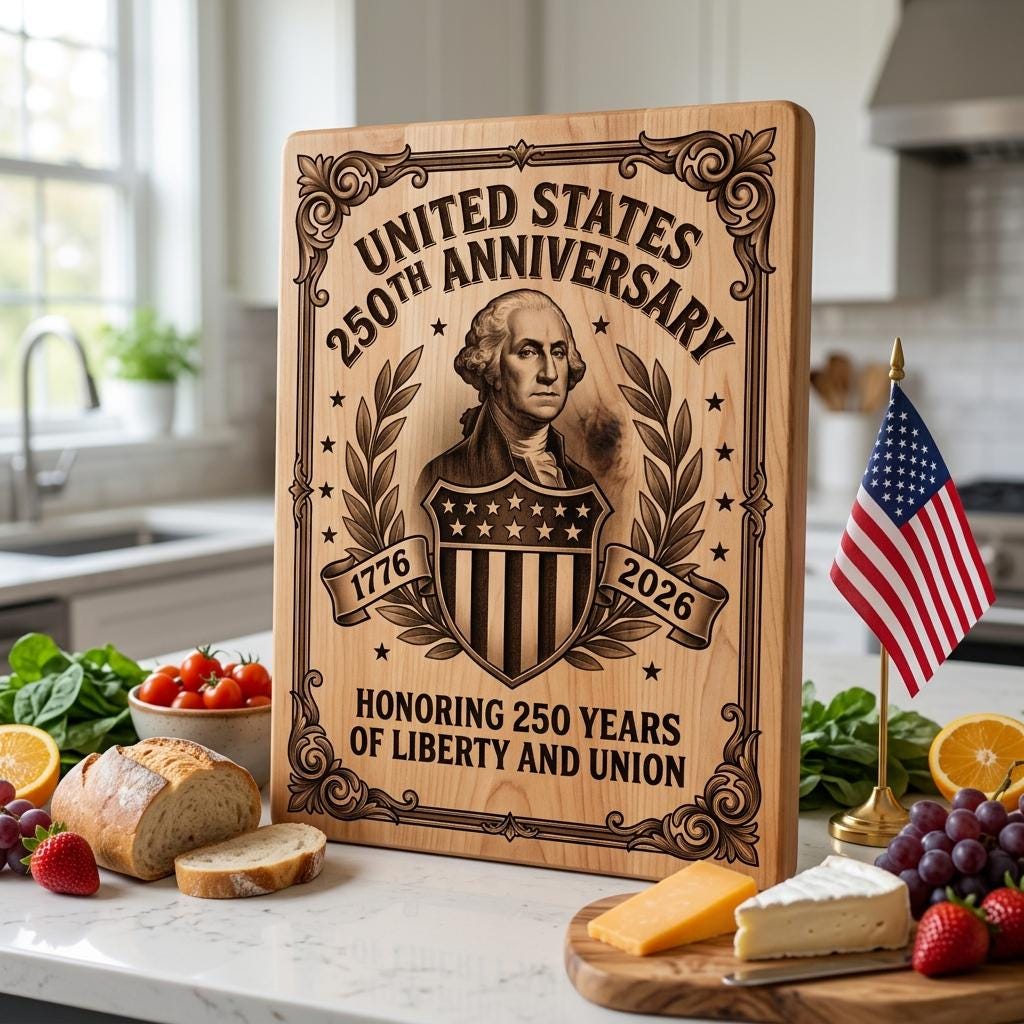
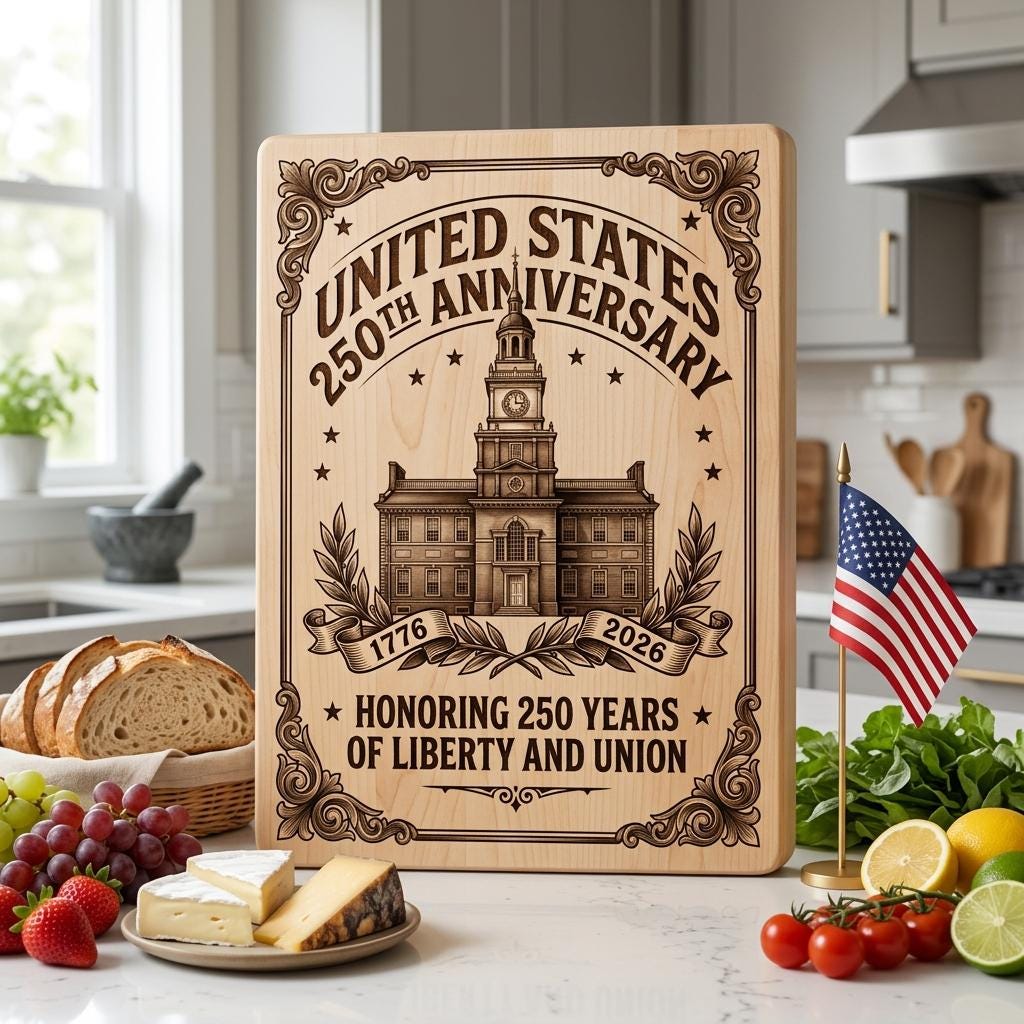
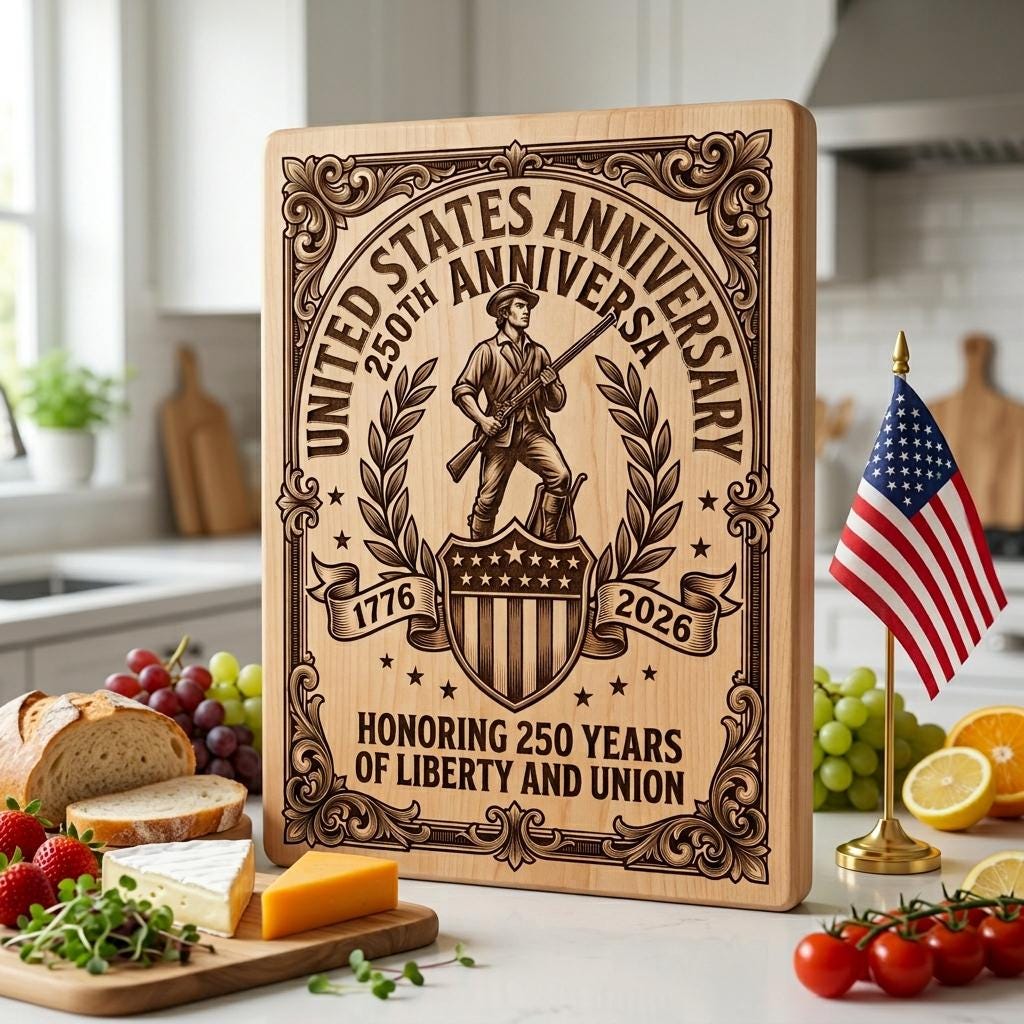
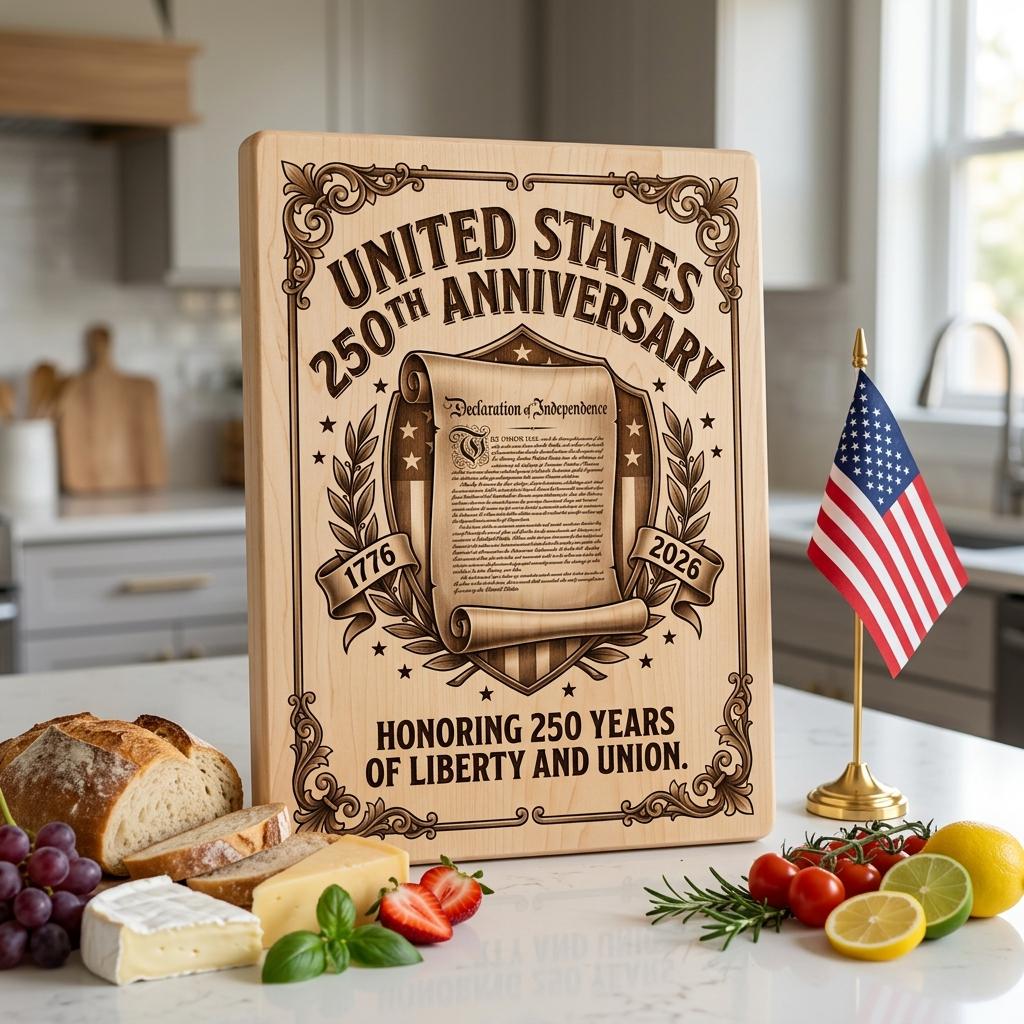
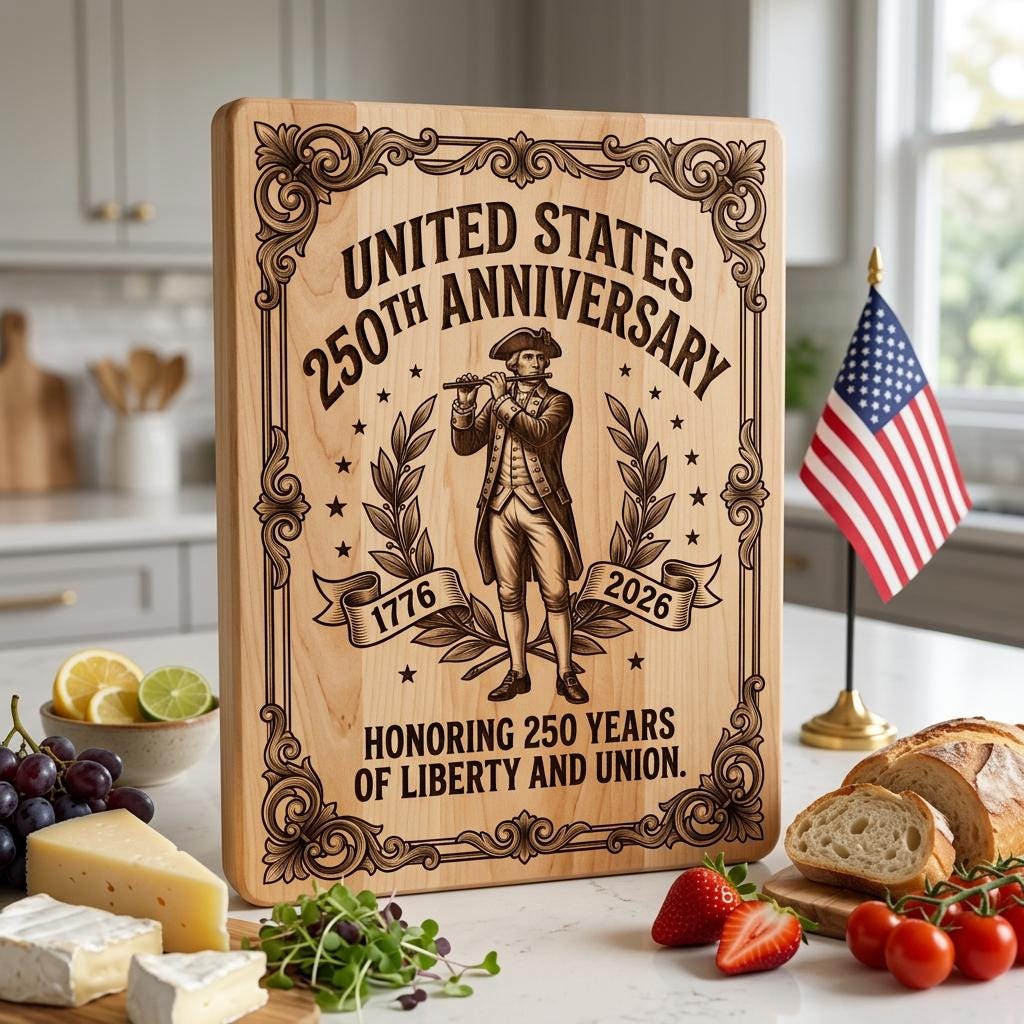
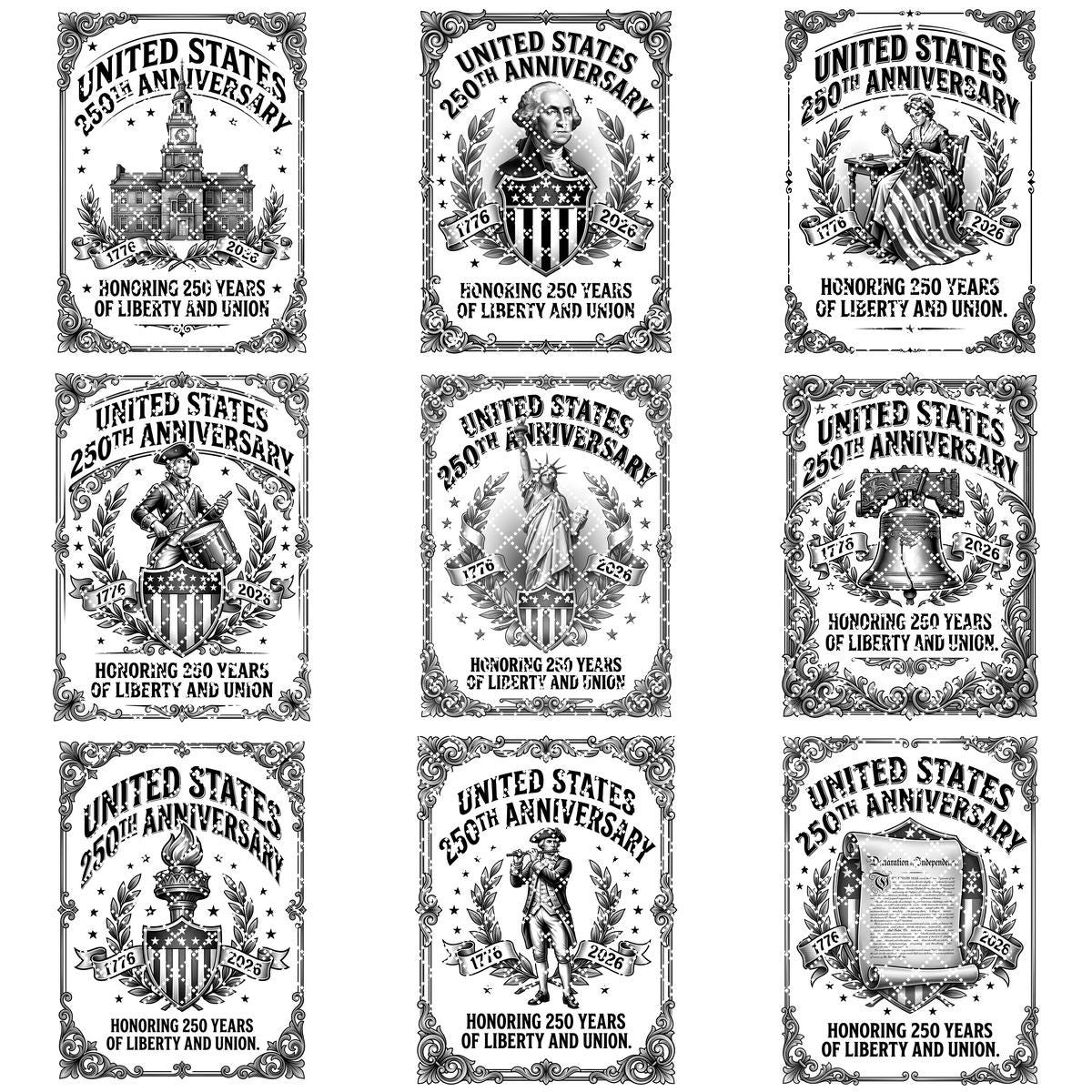
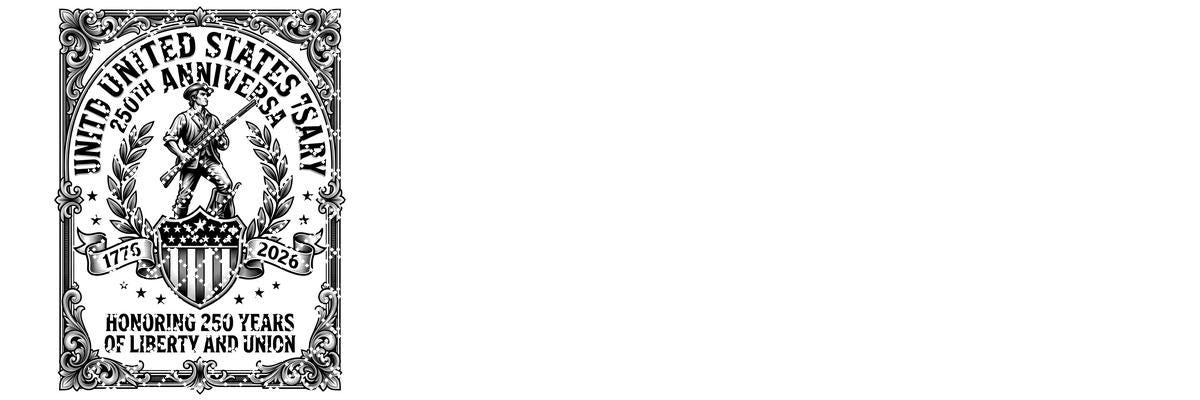
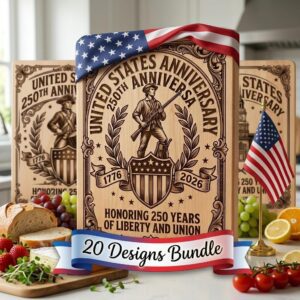
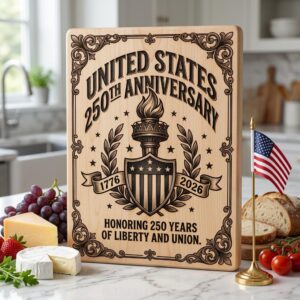
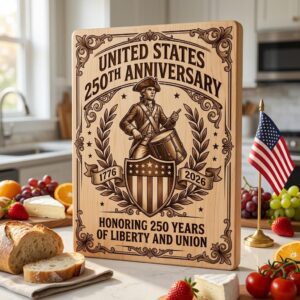
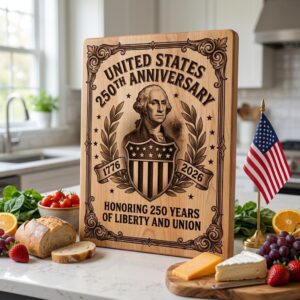
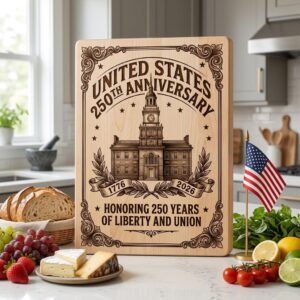
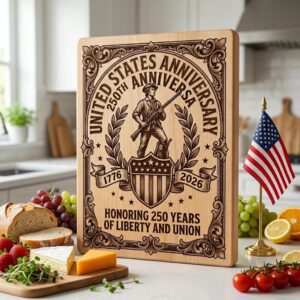
Celebrate America’s 250th Anniversary with a bold, ready-to-use design bundle made for makers who want standout patriotic results. Featuring colonial-inspired chopping board artwork and freedom-themed details, these layouts instantly elevate your product line and attract buyers who love timeless Americana.
Built for smooth use across popular laser engraving software, this collection helps you create crisp, high-contrast engravings with professional appeal. Ideal for workshops, small businesses, and craft sellers looking to save time, reduce trial and error, and deliver consistent quality.
Perfect for gifts, home décor, and limited-edition holiday drops, these anniversary designs turn everyday boards into keepsakes customers are proud to display. Add premium value to your listings, boost perceived craftsmanship, and launch your next patriotic collection with confidence.
*YOU WILL RECEIVE:
– High-Resolution Grayscale PNG (5200px or 4000px), optimized for laser engraving up to 17.3" x 11.5".
– Jarvis Dithered Images – ideal for laser machines without dynamic power control.
* IMPORTANT NOTES:
– Ensure you're familiar with setting the correct parameters for laser engraving.
– Adjust the speed and power settings to achieve optimal results.
– The final quality will depend on both the material used and the engraving parameters you configure.
– For laser machines with fixed engraving power (non-dynamic), it is recommended to use the Jarvis image or Jarvis mode in LightBurn for best results.
- Ensure you understand how to adjust laser engraving parameters.
- Experiment with speed and power settings to achieve optimal results.
- The final engraving quality depends on the material and the parameters you choose.
- For laser machines with fixed engraving power (non-dynamic), using the Jarvis image mode or Jarvis setting in LightBurn is recommended.
- Best wood types: Basswood, Birch, or other light-colored woods.
- Recommended settings: Power: 20-30% | Speed: 300-400 mm/s | DPI: 300-600.
- Always test on a small wood piece before engraving the final design.
- If the engraving appears too light, increase power or reduce speed slightly.
- If it's too dark or burns excessively, lower power or increase speed.
- Wood grain affects engraving quality—position the wood consistently for uniform results.
Reviews
There are no reviews yet.