
Description
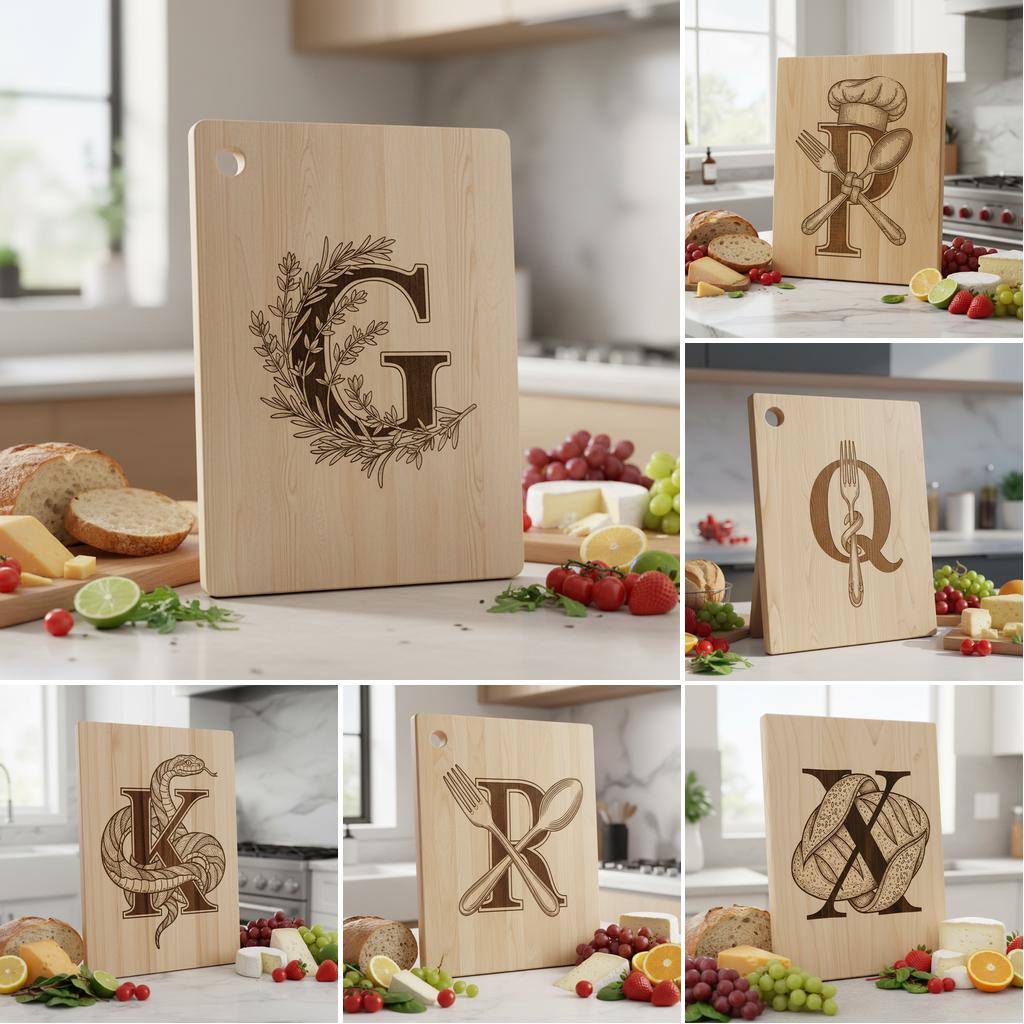
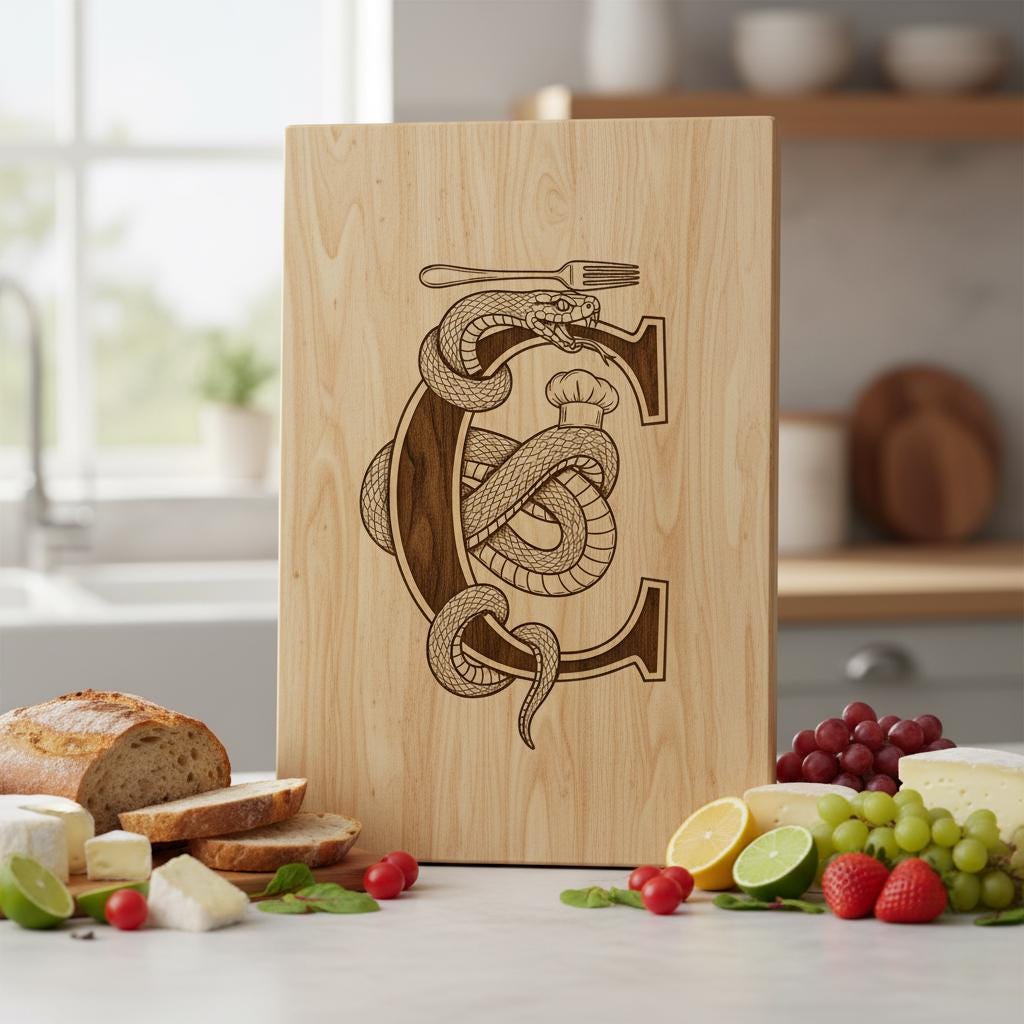
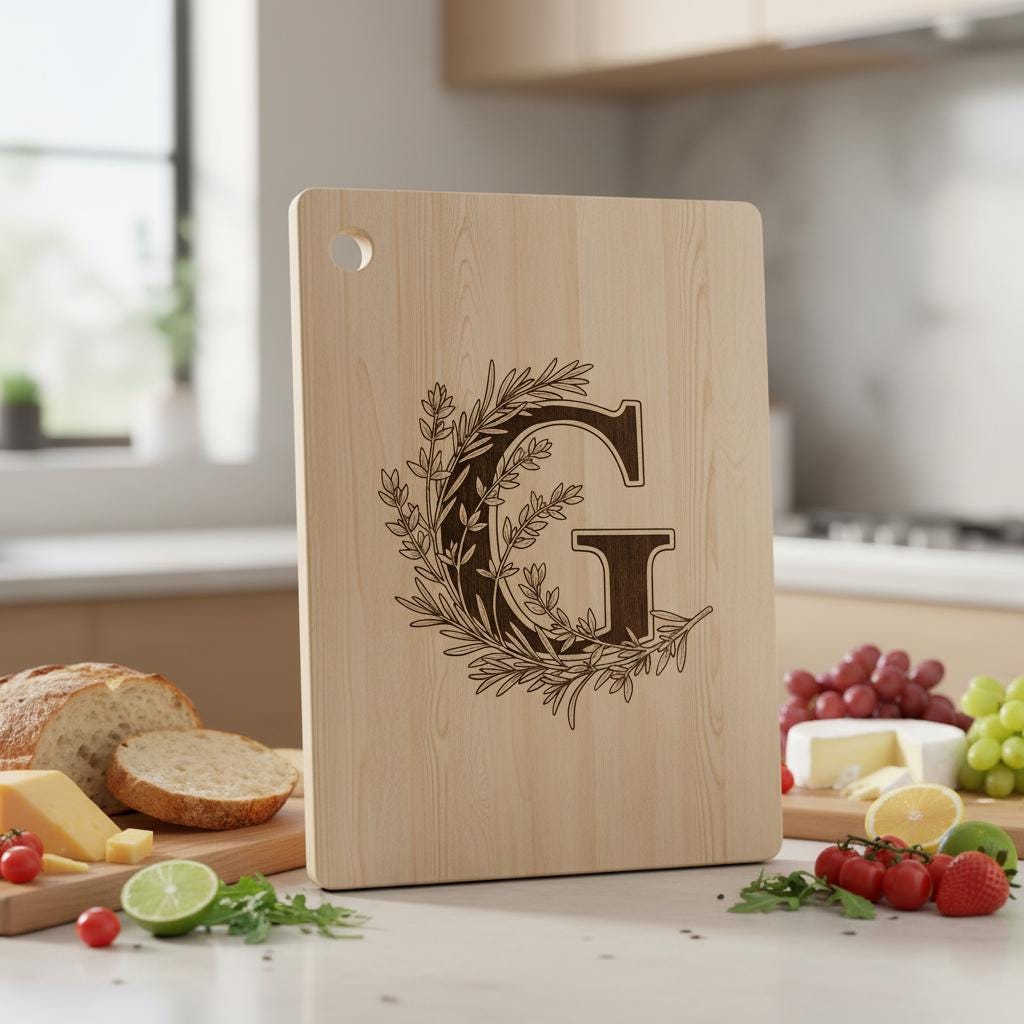
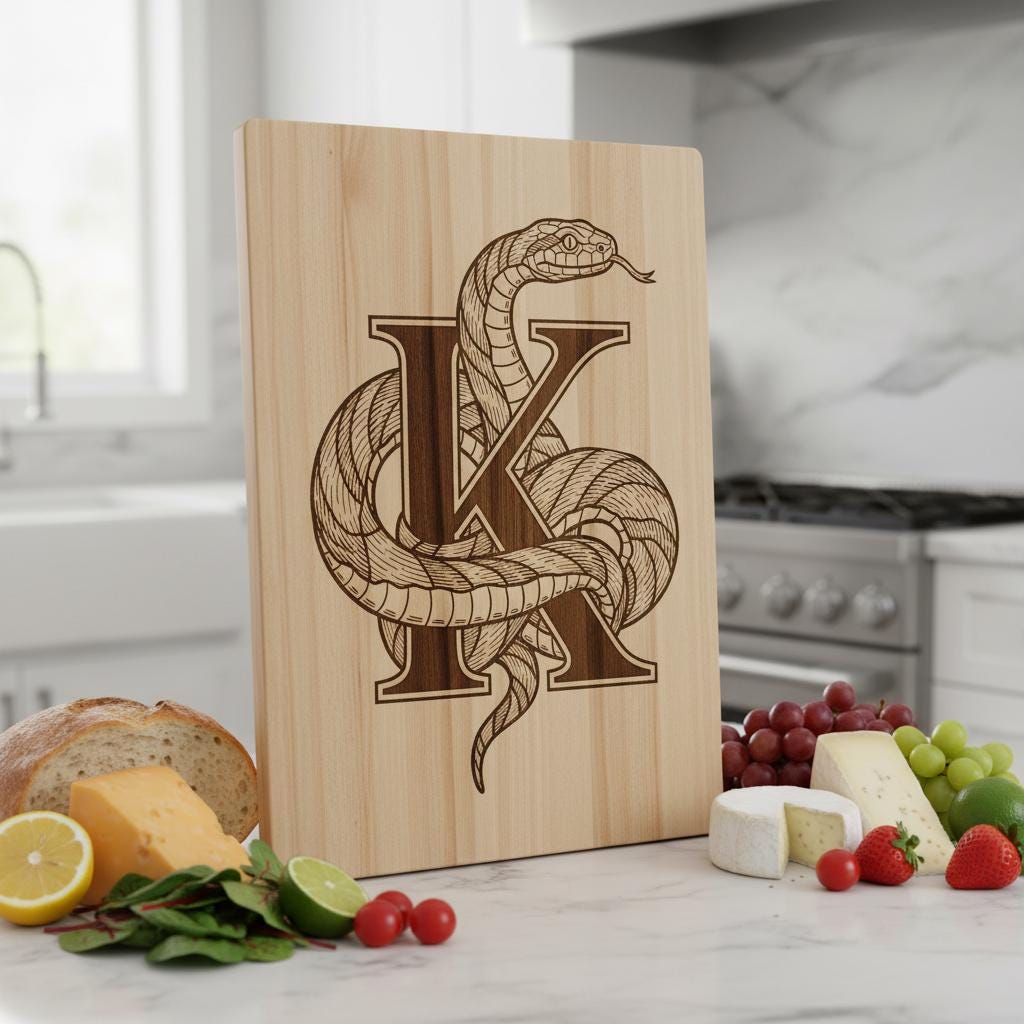
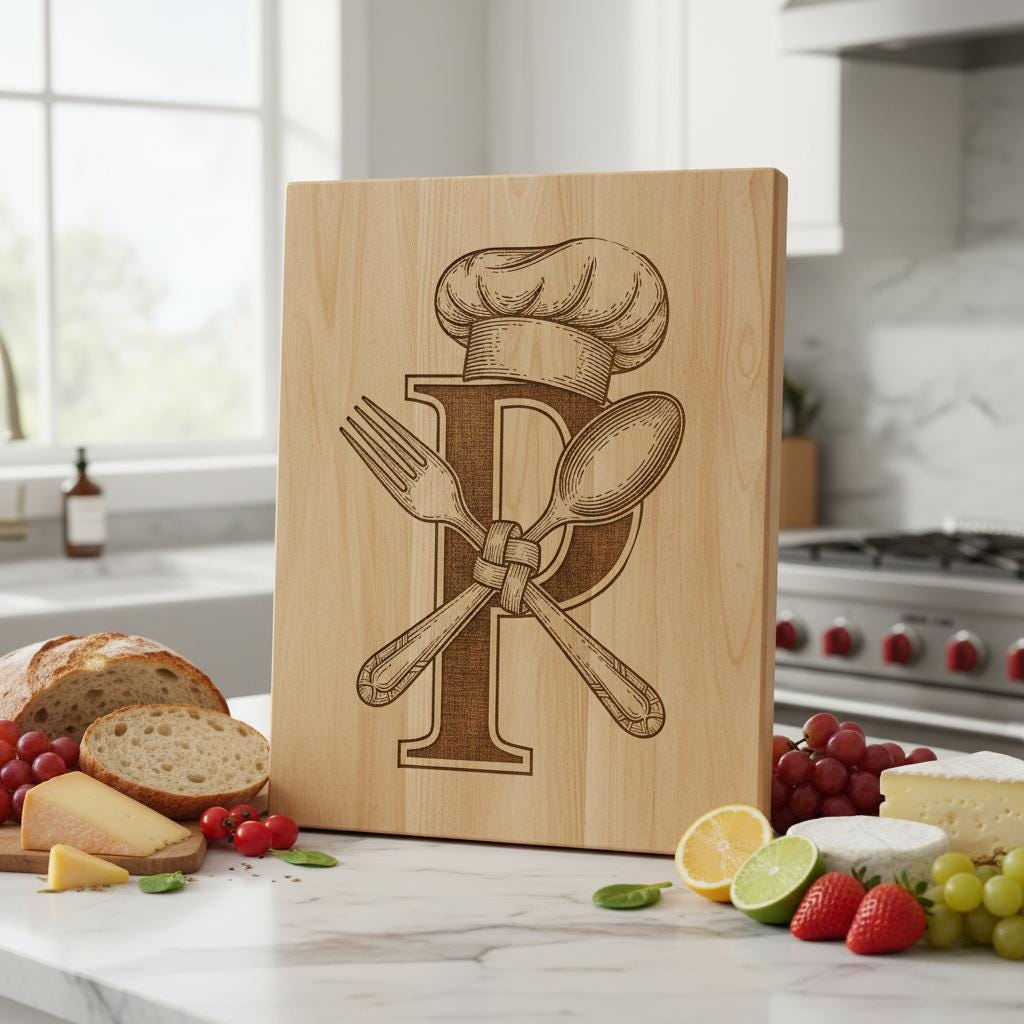
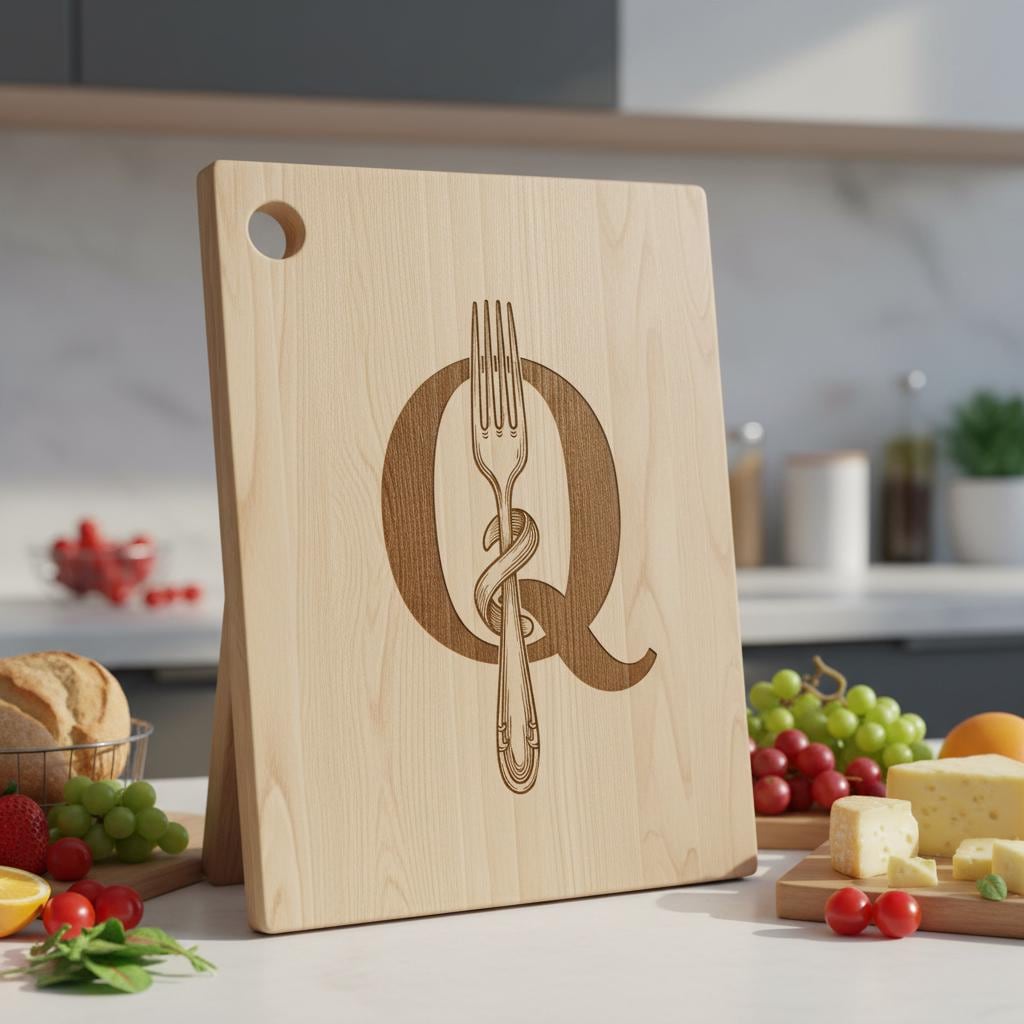
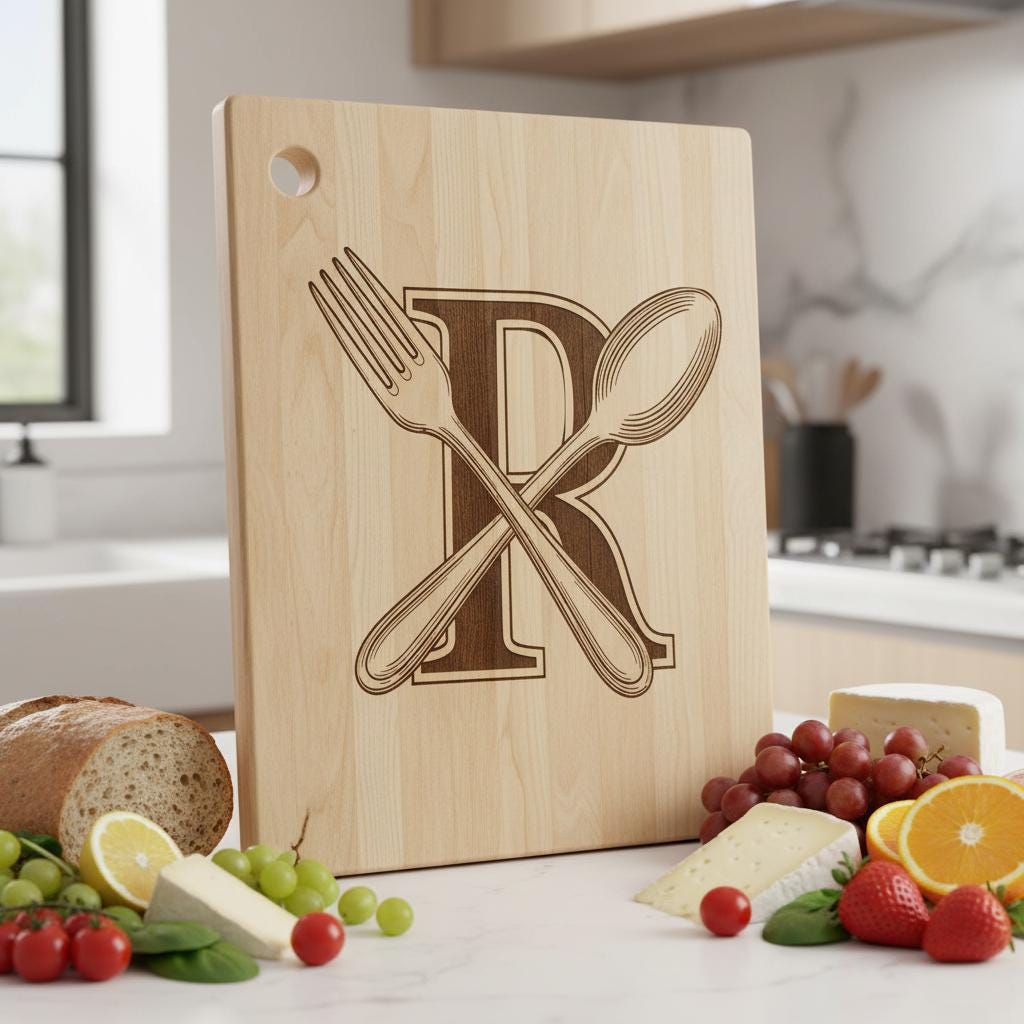
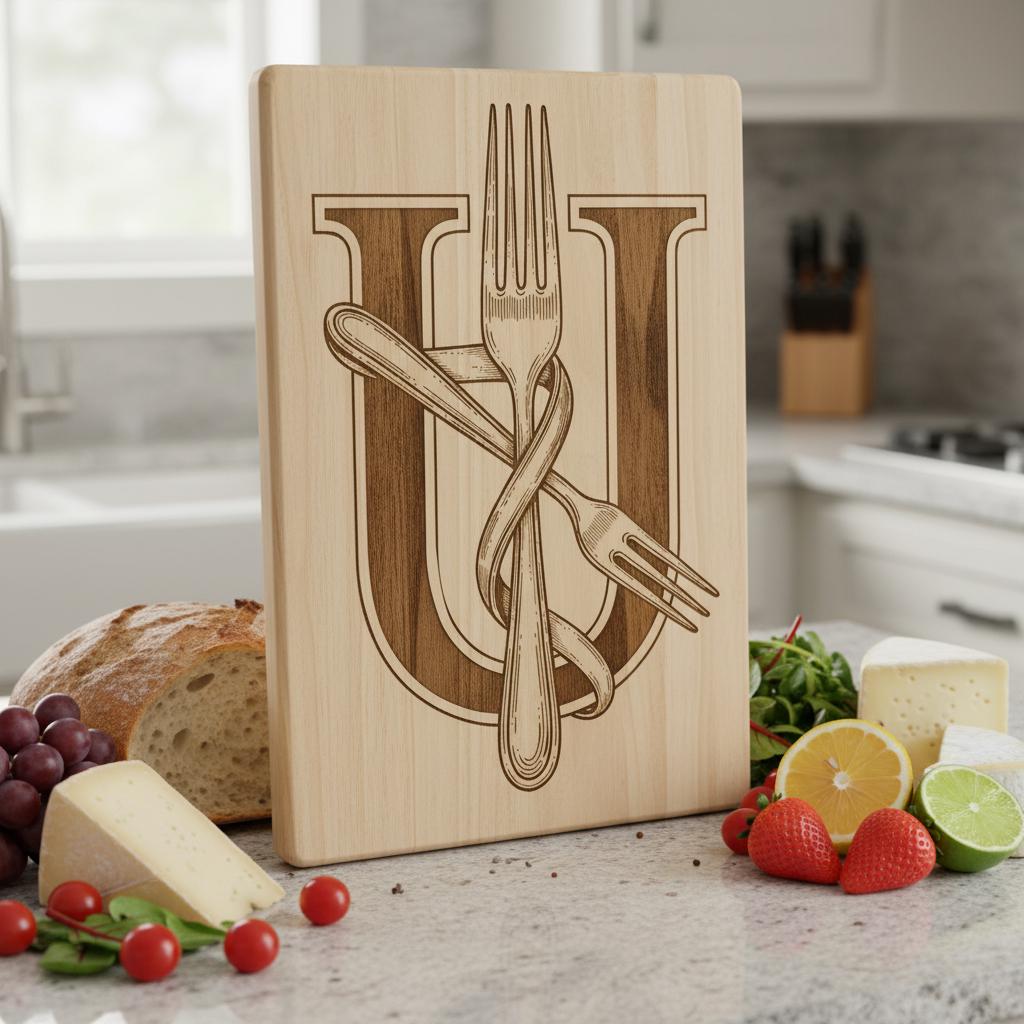
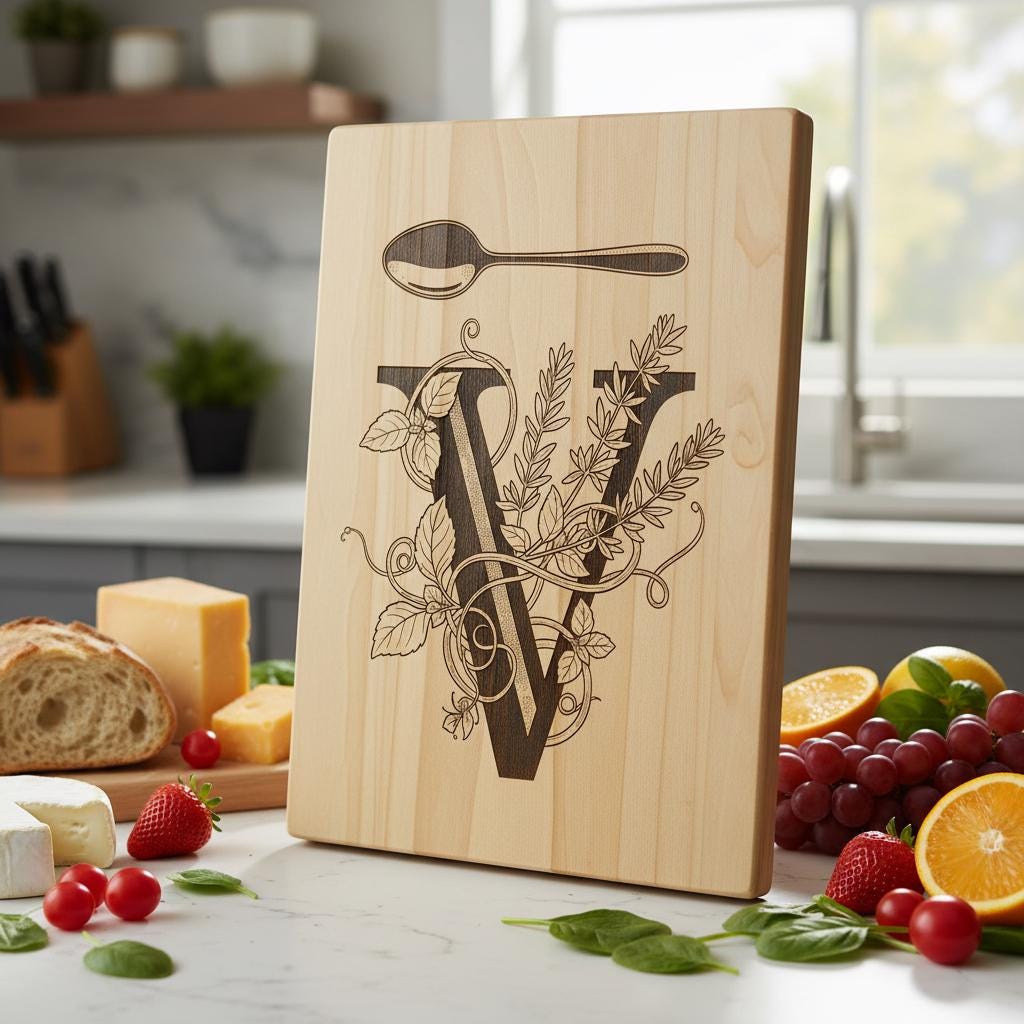
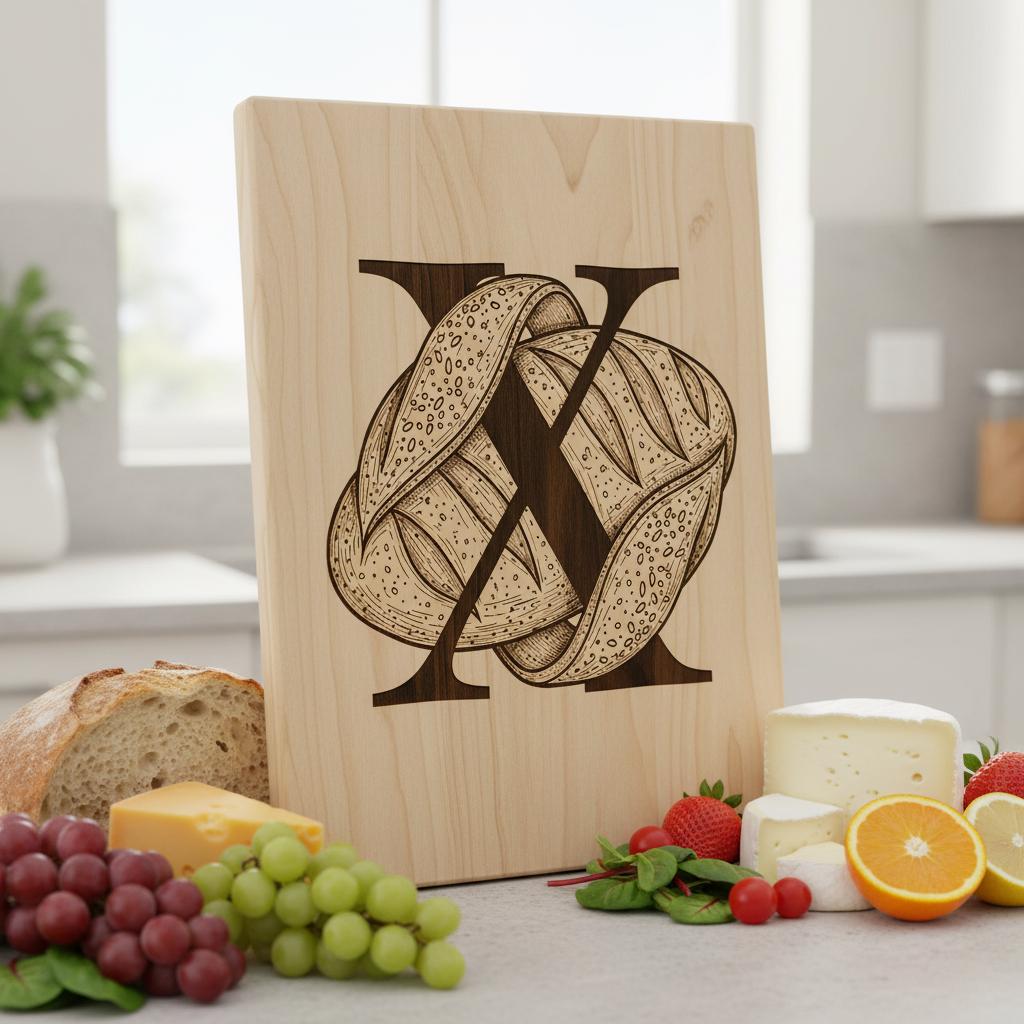
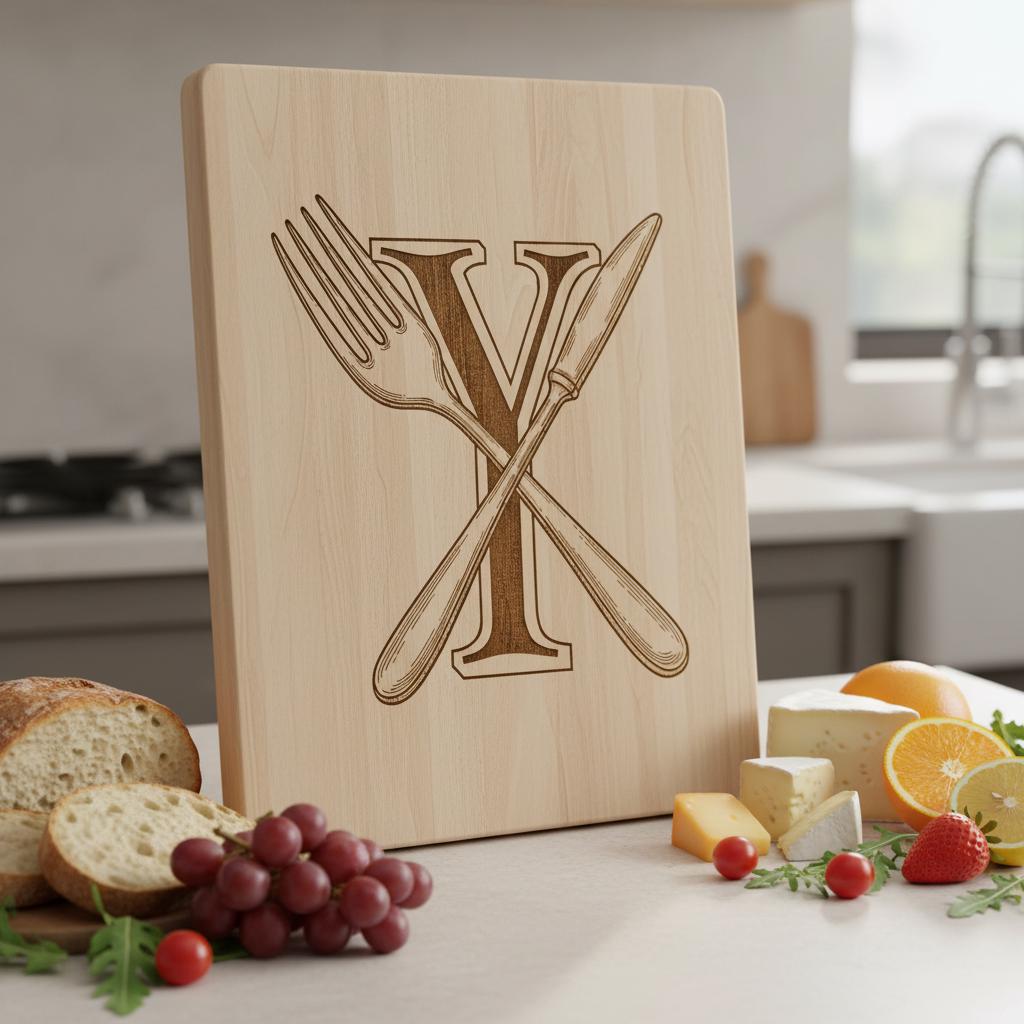
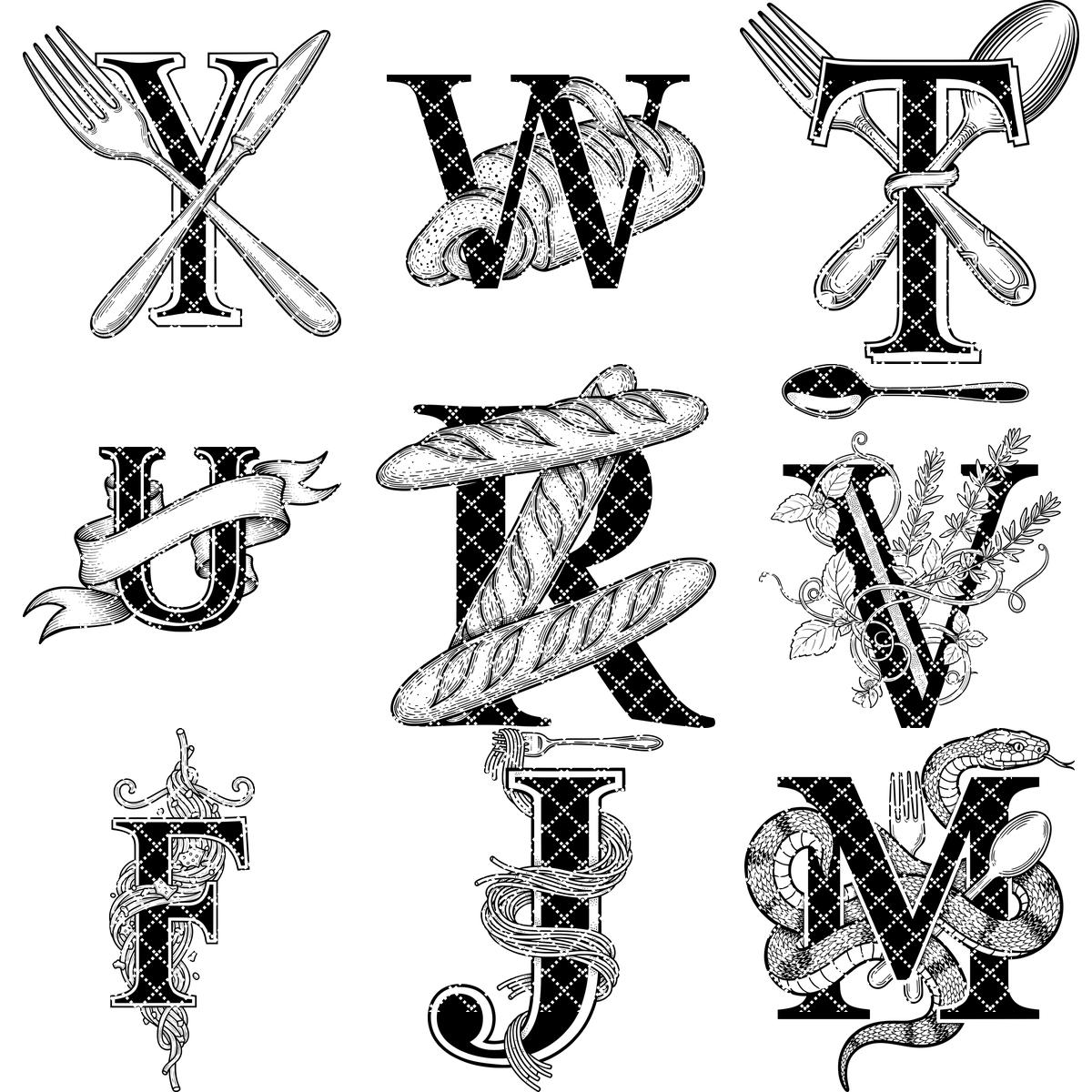
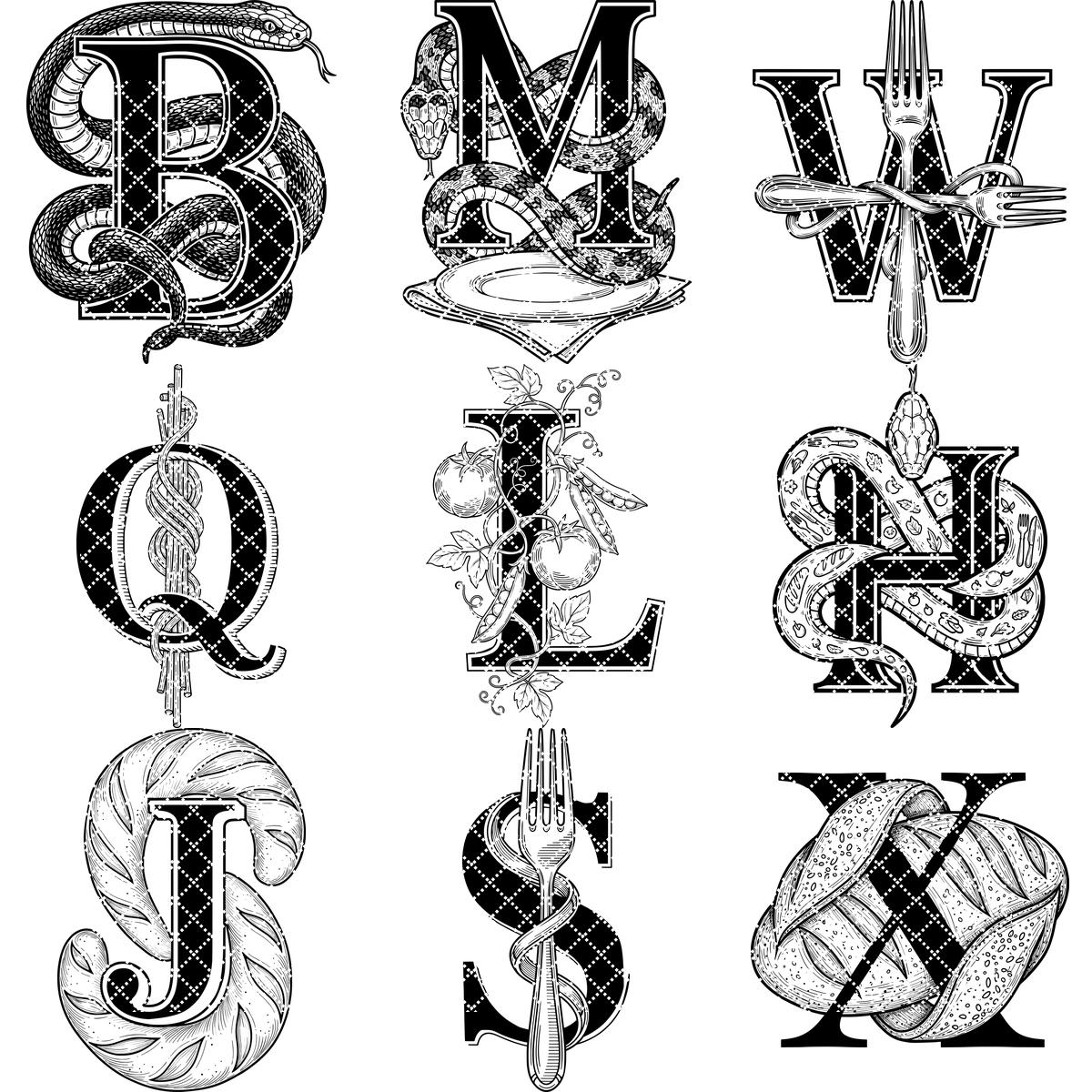
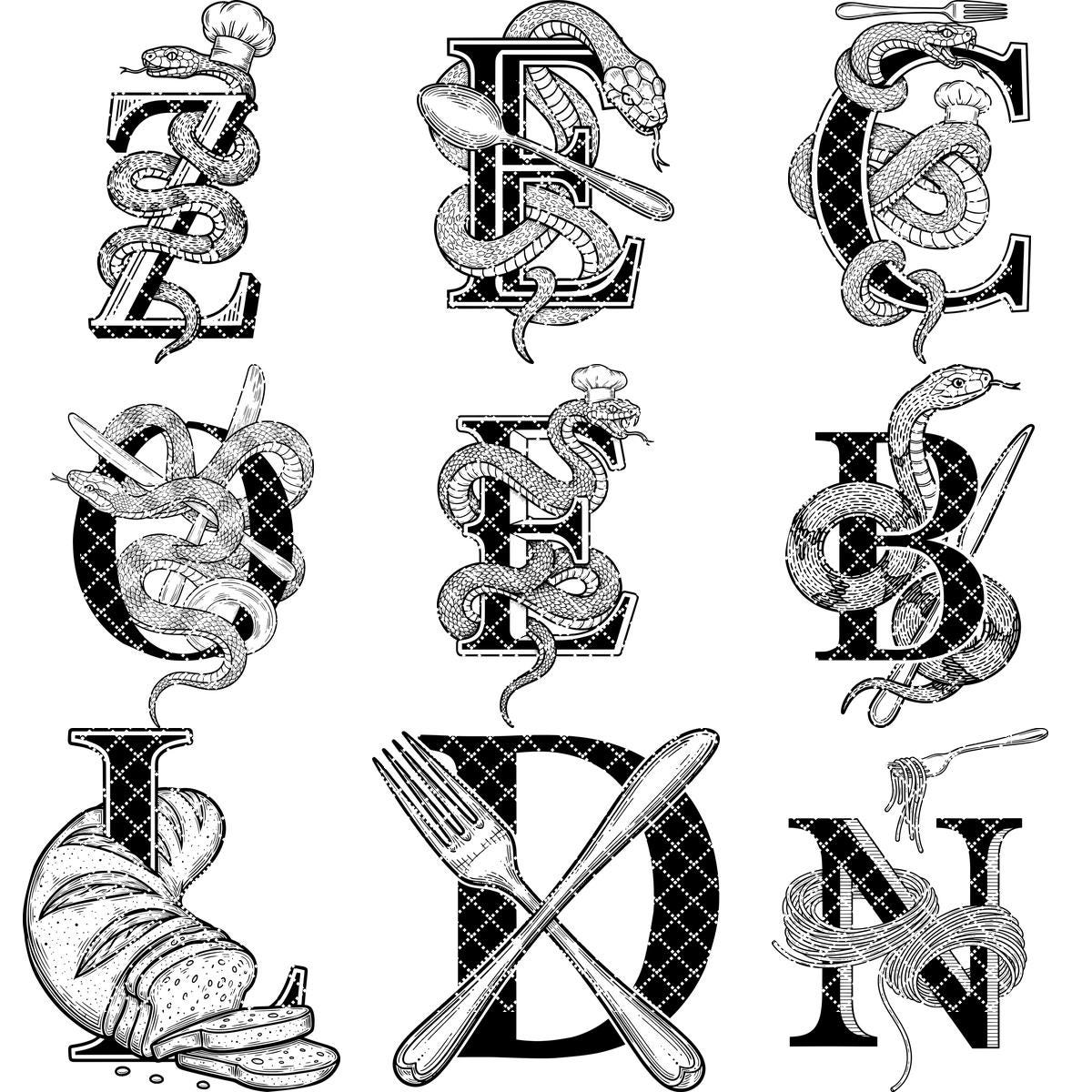
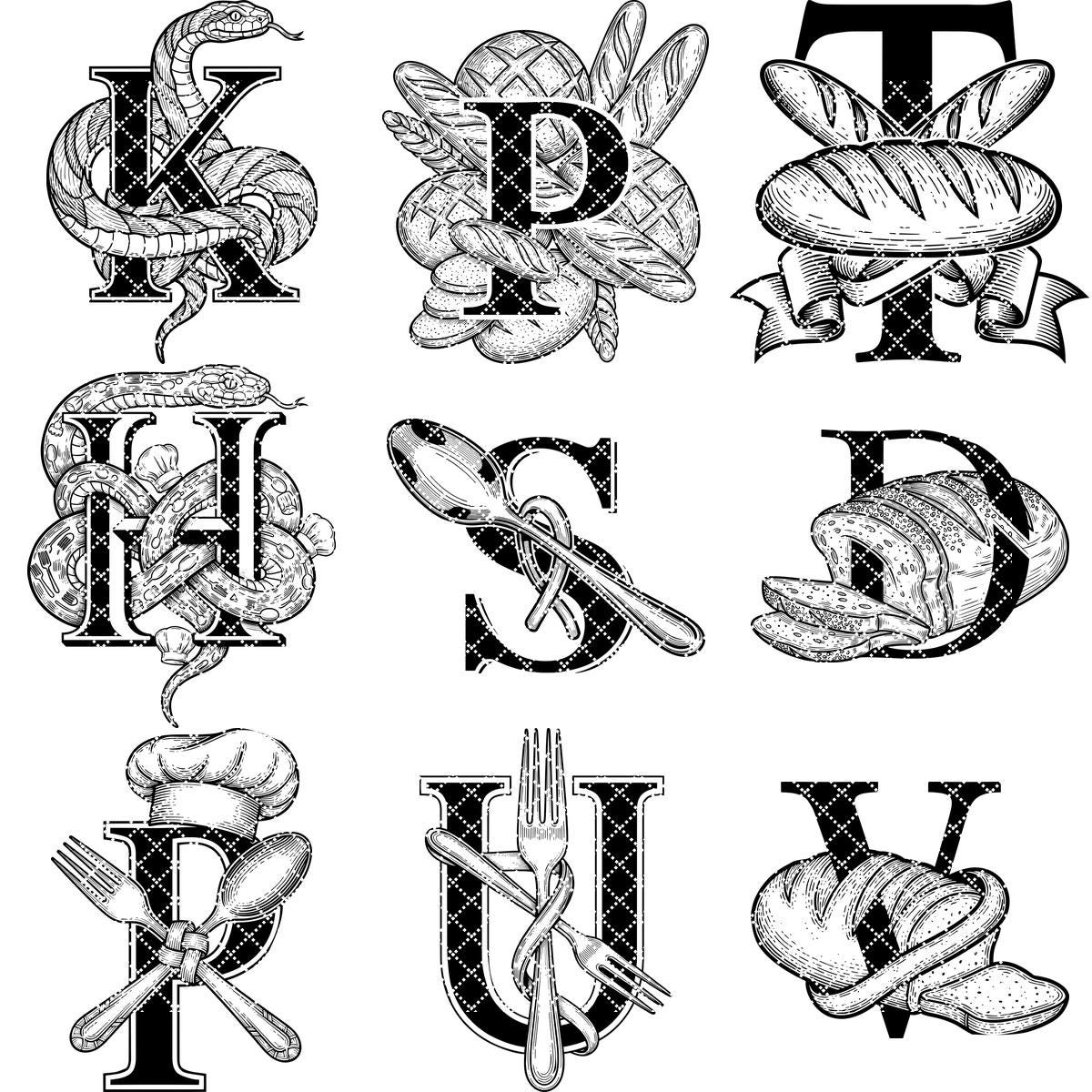
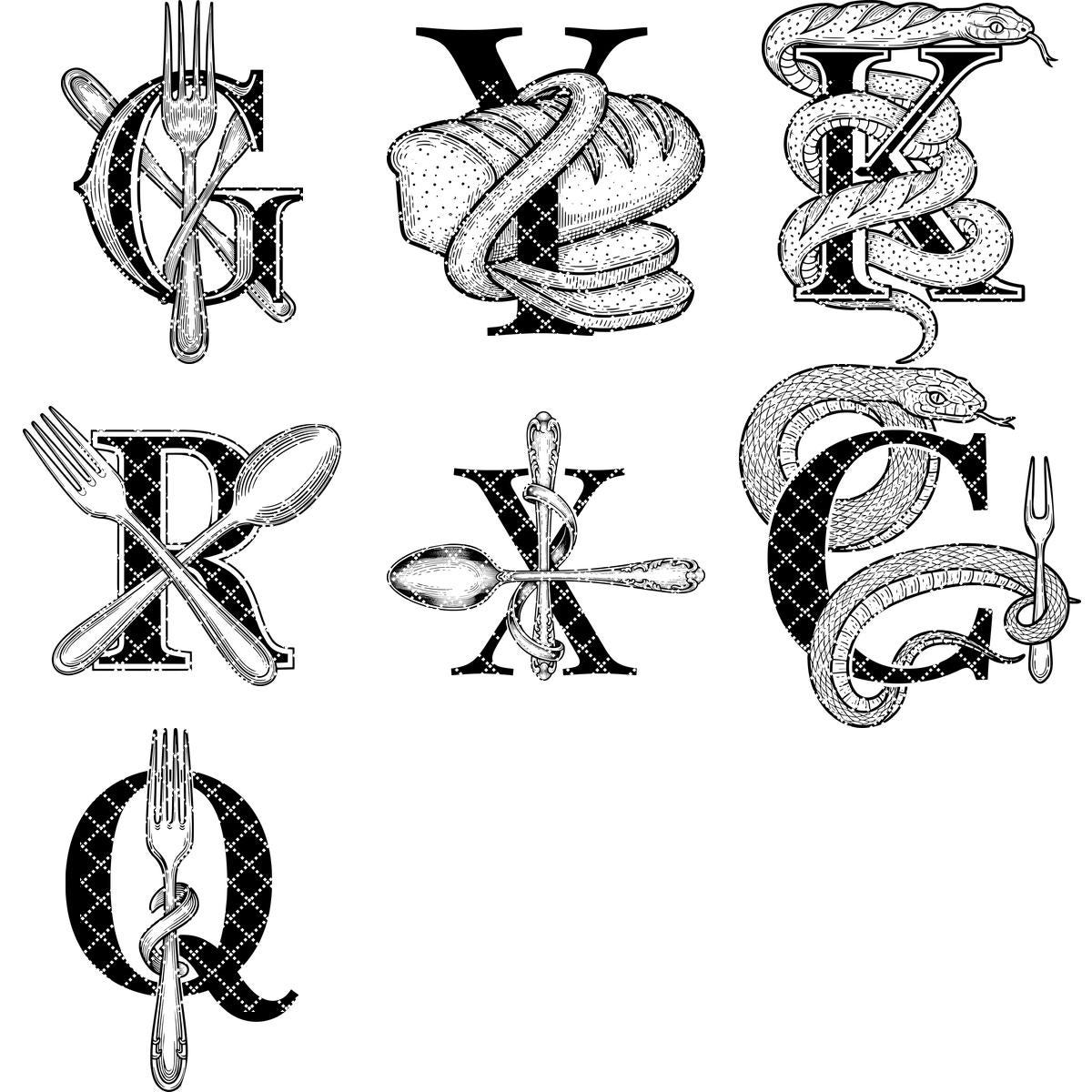
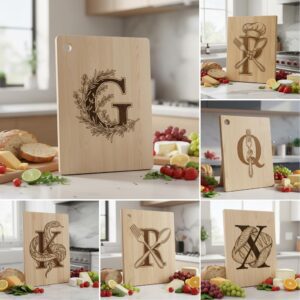
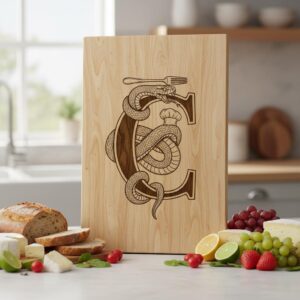
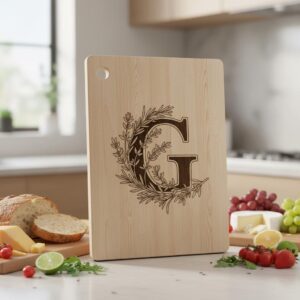
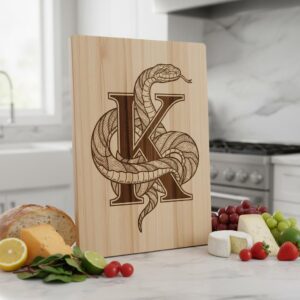
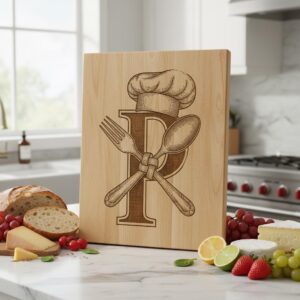
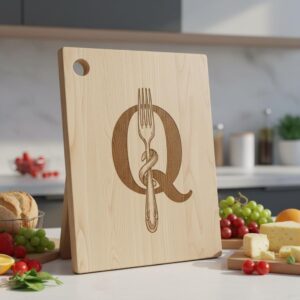
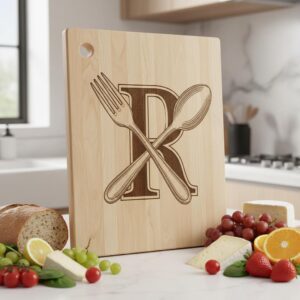
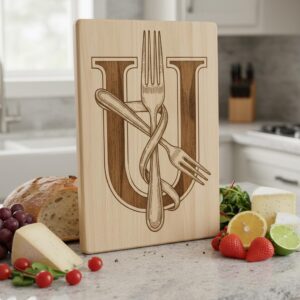
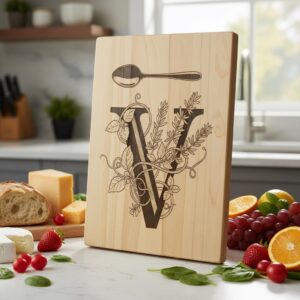
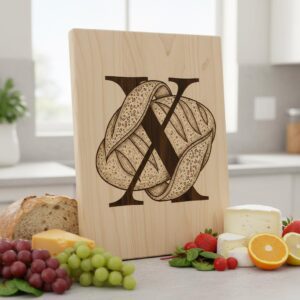
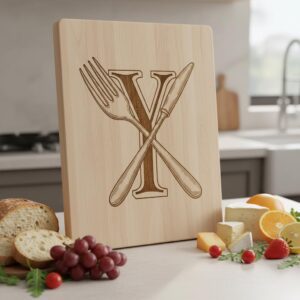
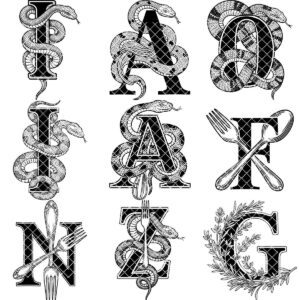
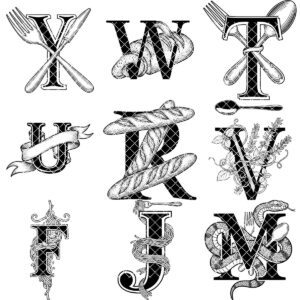
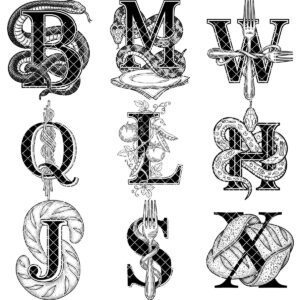
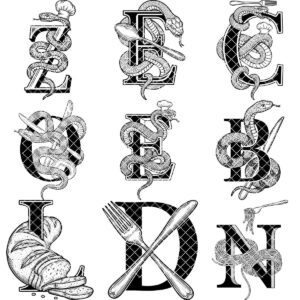
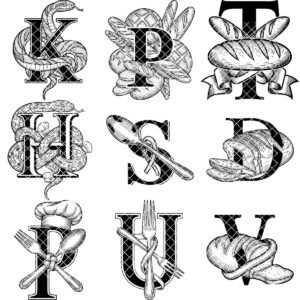
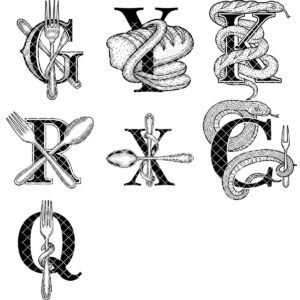
Elevate your culinary creations with our Monogram Engraving File, featuring 52 elegant alphabet designs perfect for personalizing charcuterie boards. Each design is crafted to add a sophisticated touch, making your gifts and kitchenware truly unique and memorable.
Compatible with all major laser engraving machines, including Lightburn and Glowforge, this versatile collection ensures effortless customization. Achieve precise, professional results every time, whether for personal projects or expanding your creative business offerings.
Unlock endless possibilities for beautifully engraved kitchen accessories that stand out. Whether for special events or everyday use, these designs bring charm and elegance to every piece, helping you craft standout items loved by friends, family, and customers alike.
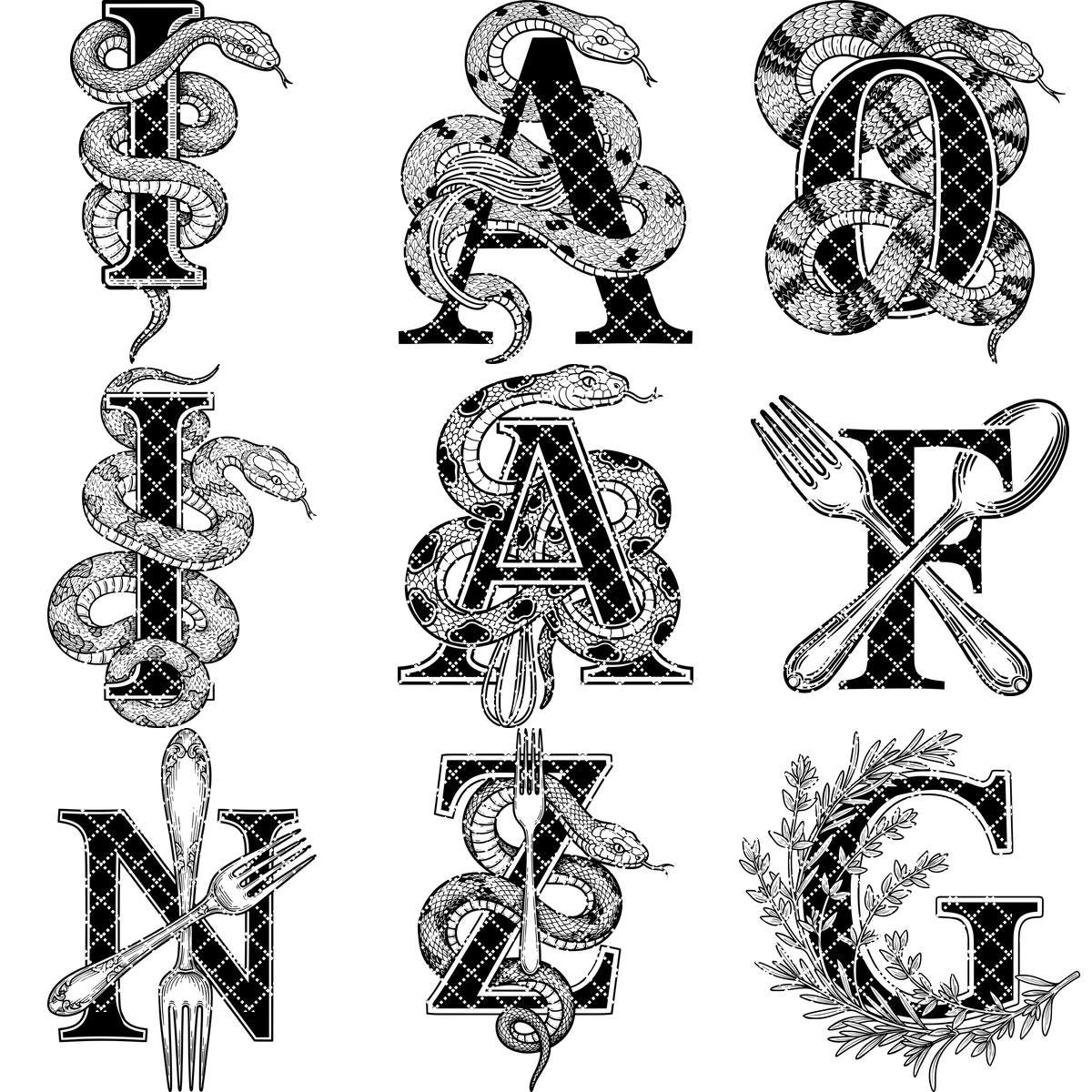
**NOTE:**This set contains all 26 alphabet letters, as displayed in the product photos. Fonts are not included. Feel free to delete the existing surnames and personalize the design with your own fonts.
Unlock endless possibilities with these svg engraving files, perfect for adding charm and character to your culinary collections. Each charming monogram silhouette invites creativity, making them perfect for engraving on various surfaces. Embrace the art of engraving with these timeless and exquisite designs, elevating your projects and delivering satisfaction to your customers.
*YOU WILL RECEIVE:
Digital file package that includes SVG, DXF and PDF formats.
- Ensure you understand how to adjust laser engraving parameters.
- Experiment with speed and power settings to achieve optimal results.
- The final engraving quality depends on the material and the parameters you choose.
- For laser machines with fixed engraving power (non-dynamic), using the Jarvis image mode or Jarvis setting in LightBurn is recommended.
- Best wood types: Basswood, Birch, or other light-colored woods.
- Recommended settings: Power: 20-30% | Speed: 300-400 mm/s | DPI: 300-600.
- Always test on a small wood piece before engraving the final design.
- If the engraving appears too light, increase power or reduce speed slightly.
- If it's too dark or burns excessively, lower power or increase speed.
- Wood grain affects engraving quality—position the wood consistently for uniform results.
Reviews
There are no reviews yet.