


Description
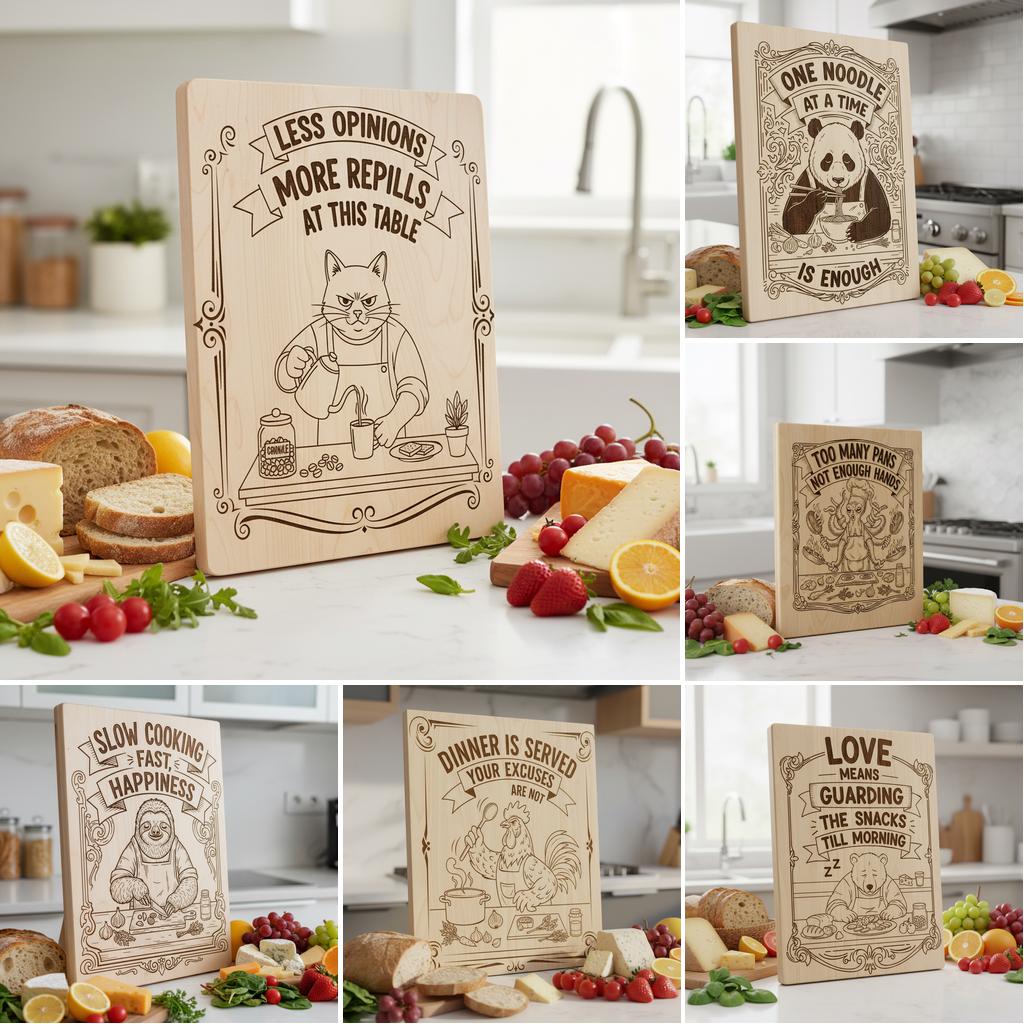
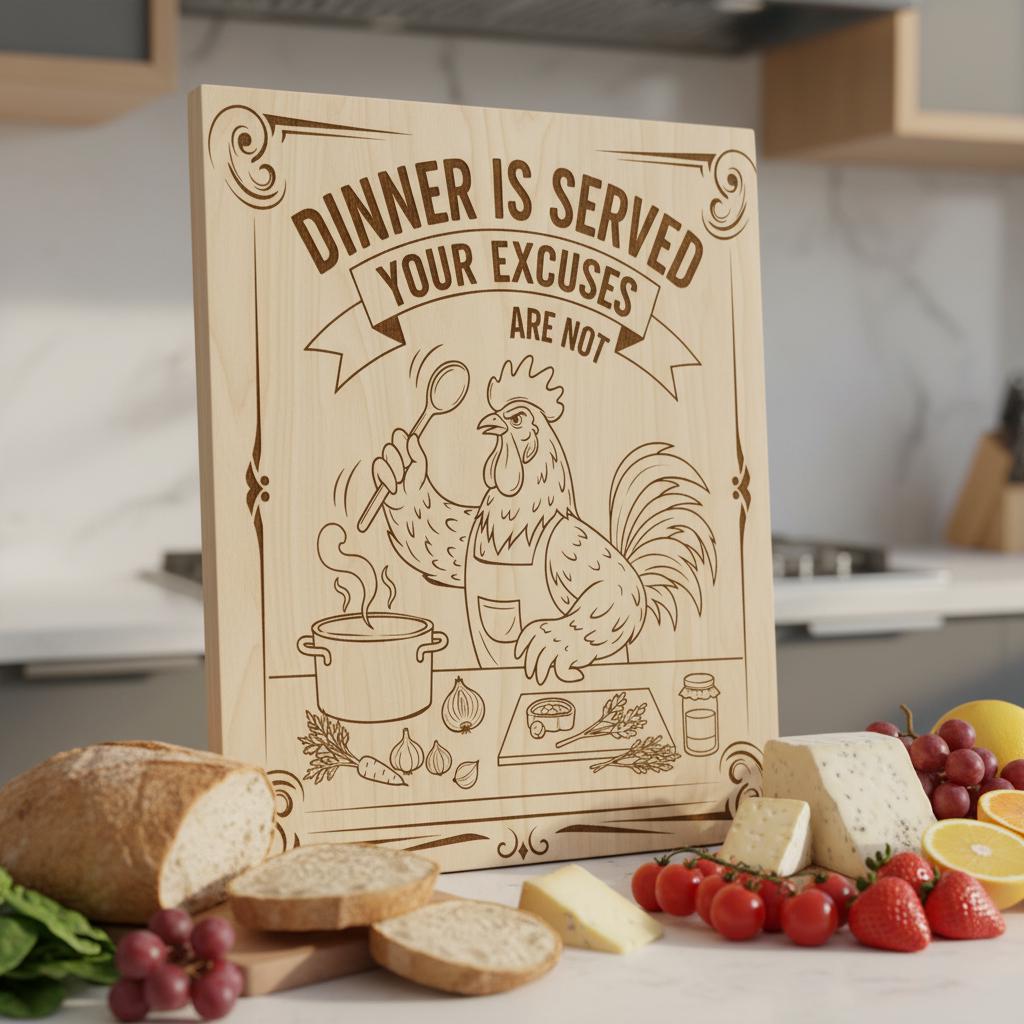
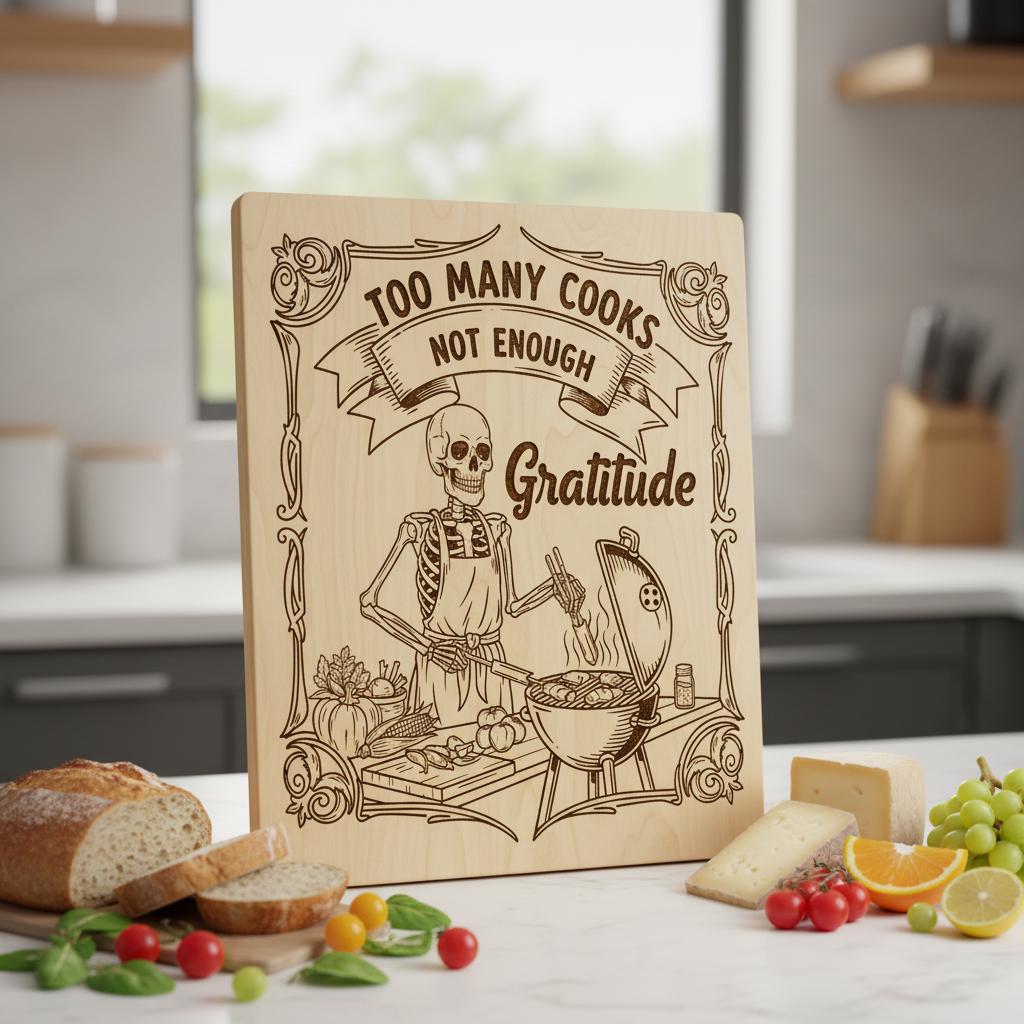
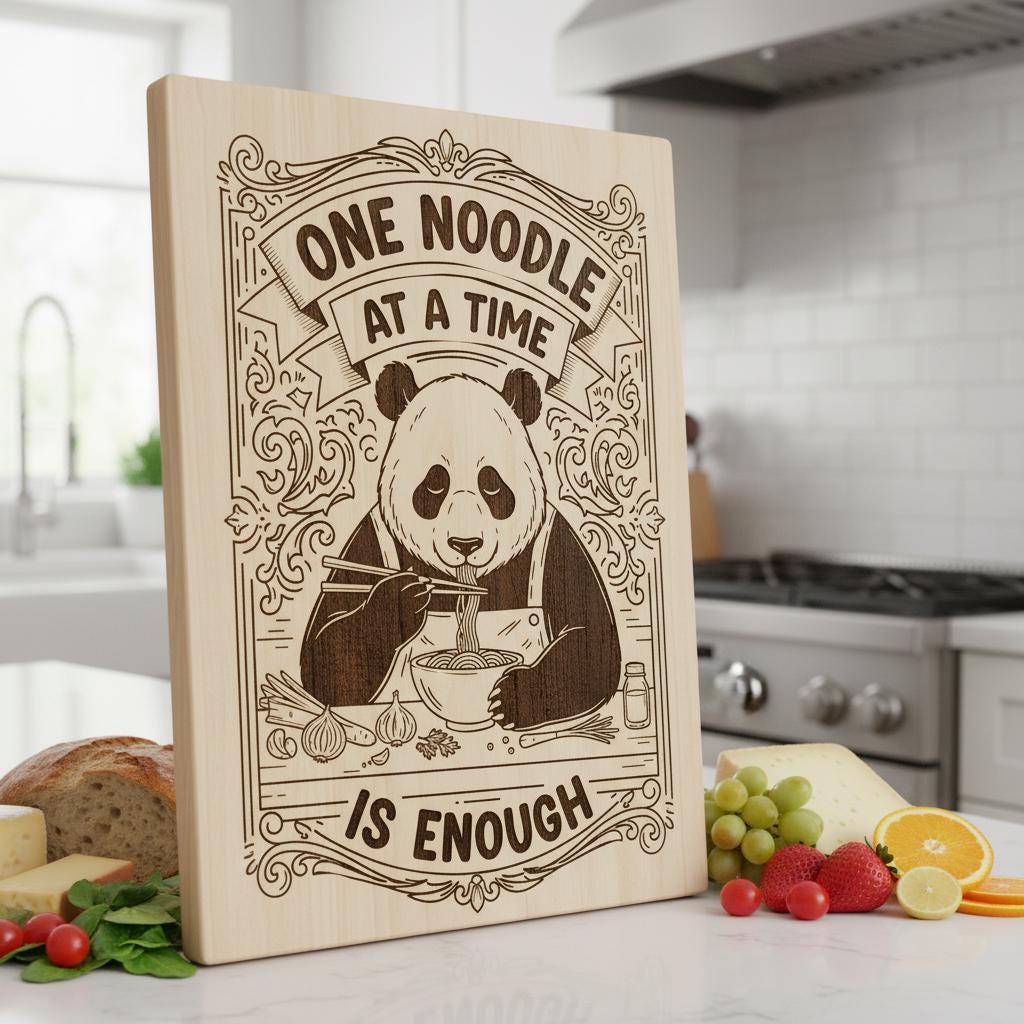
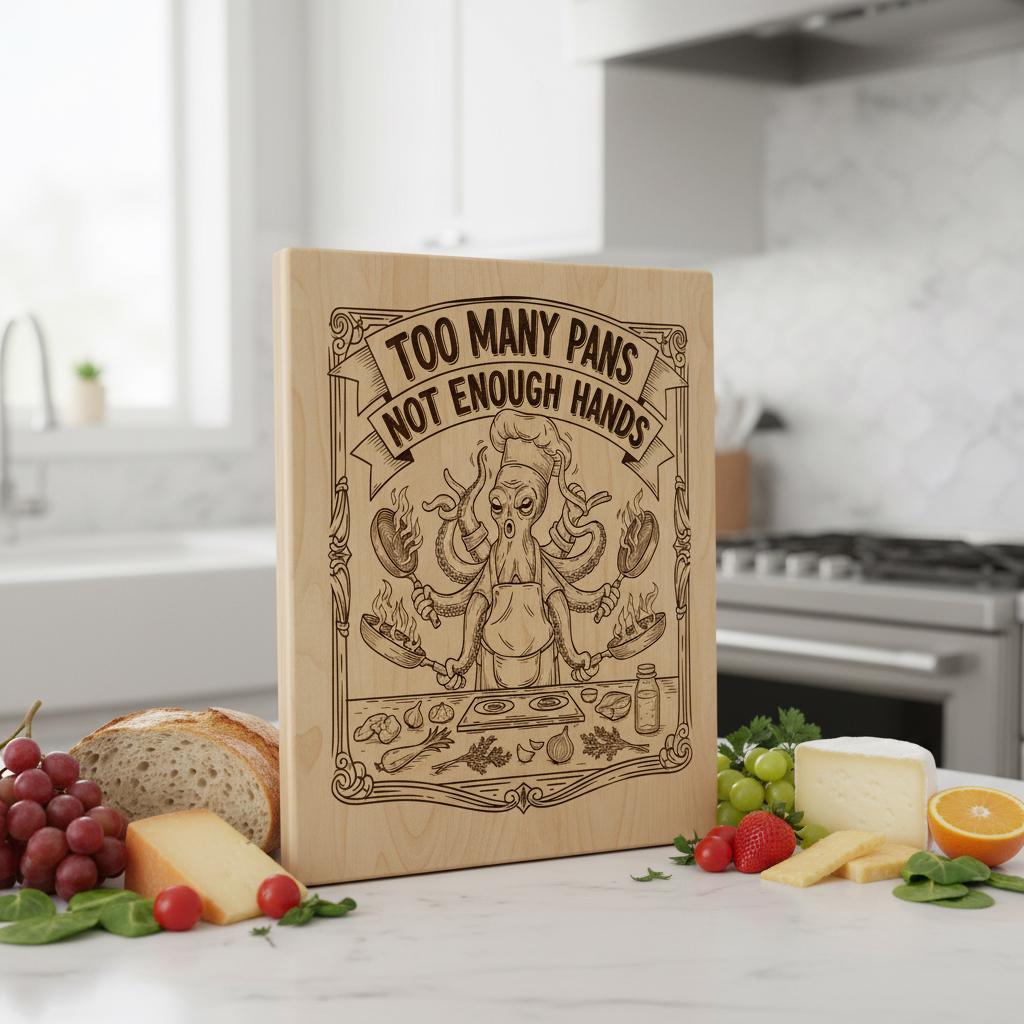
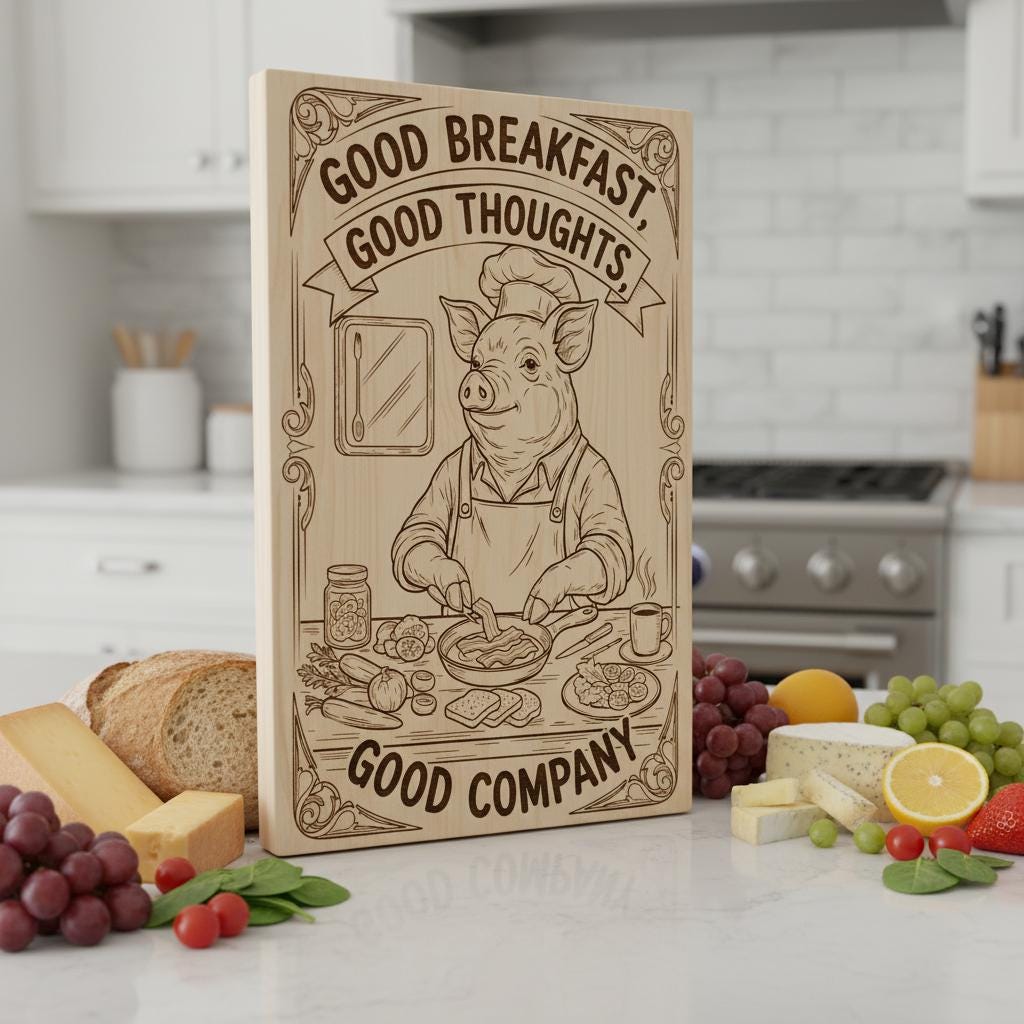
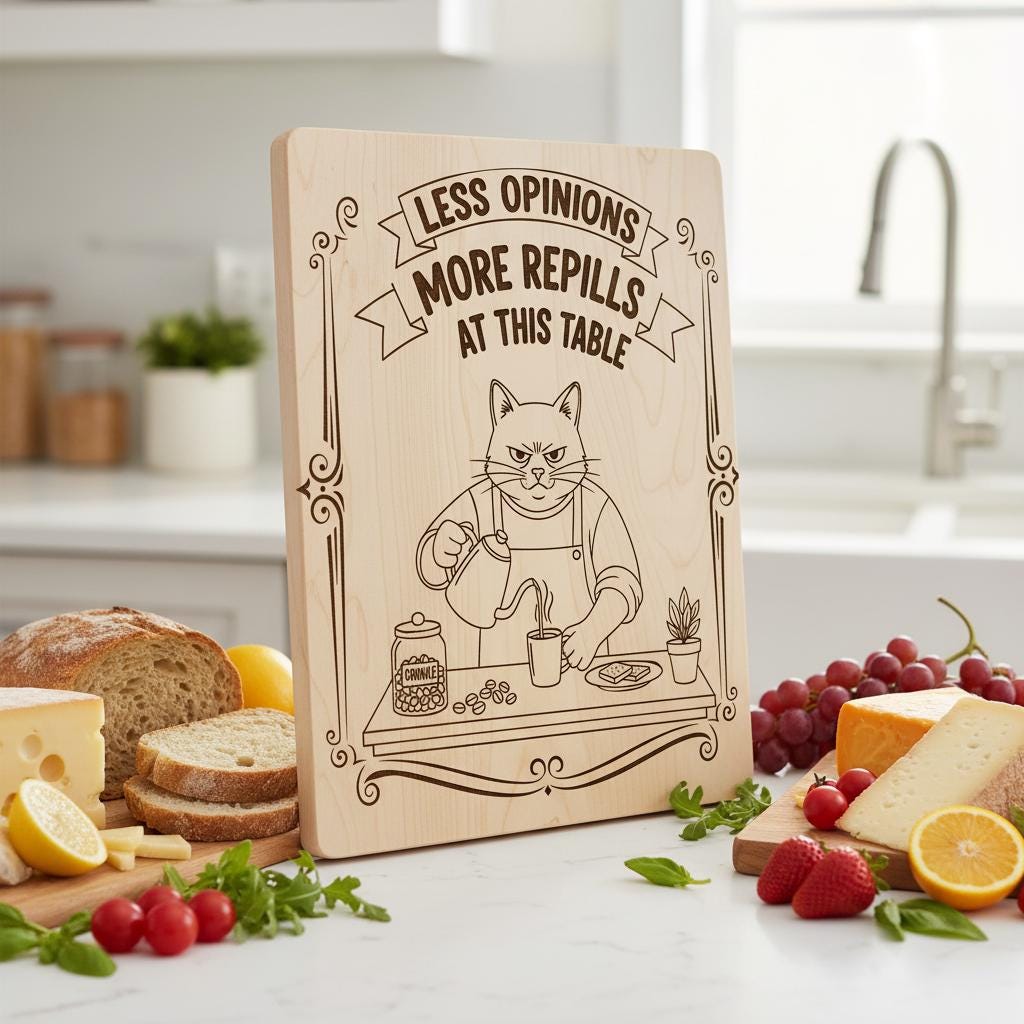
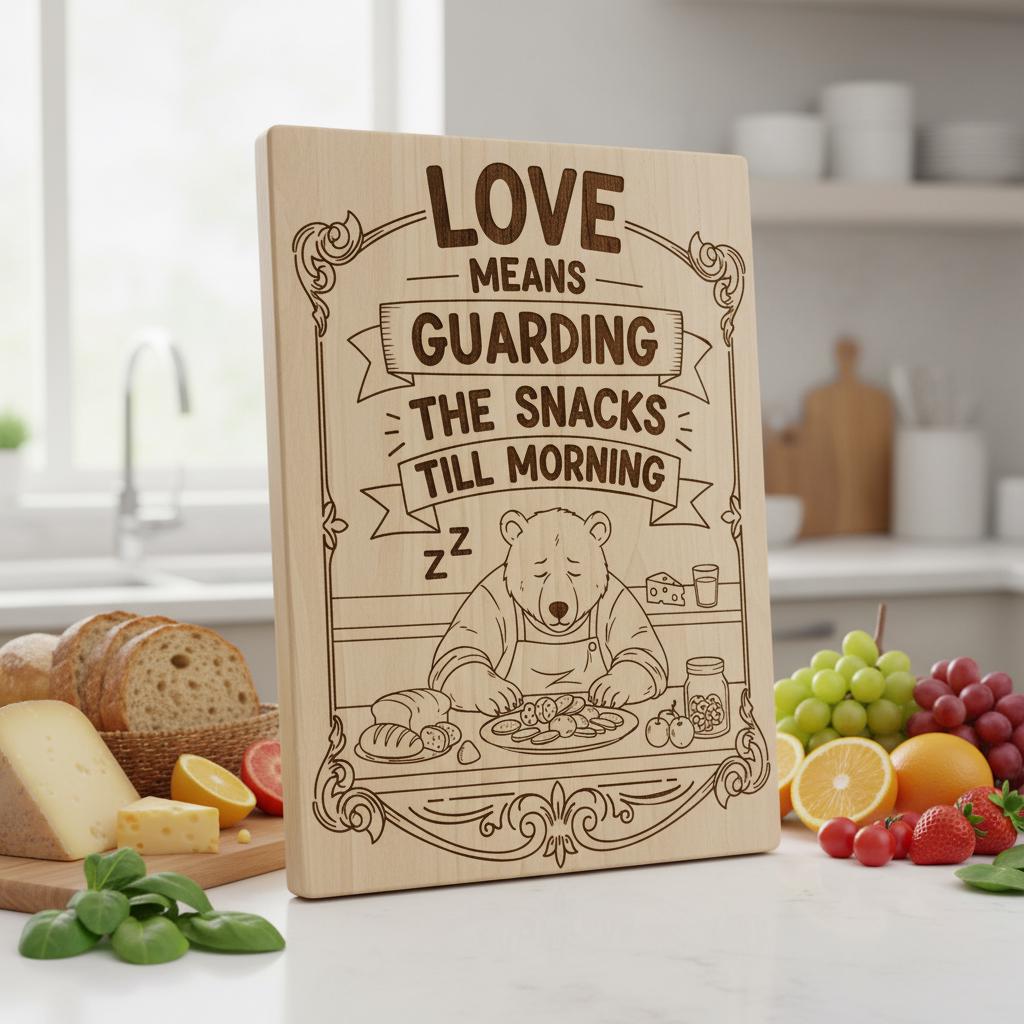
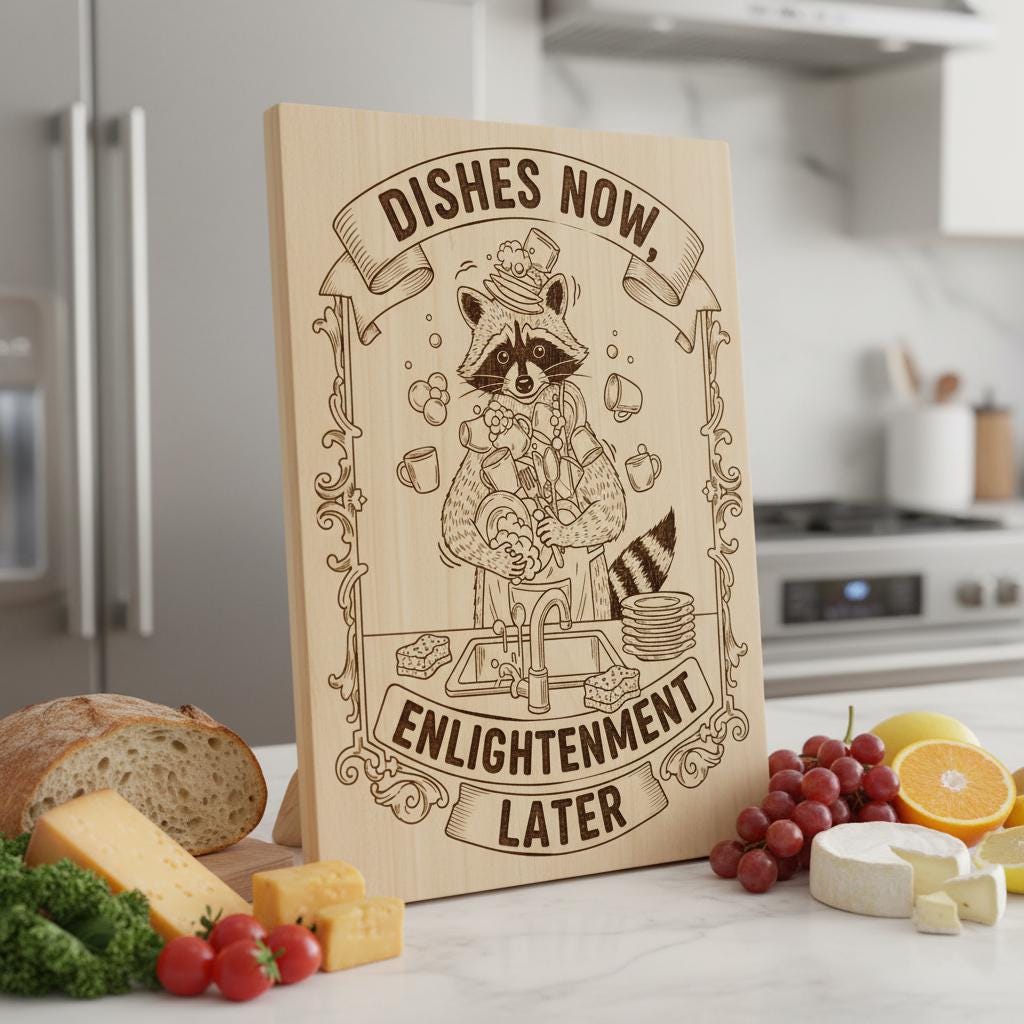
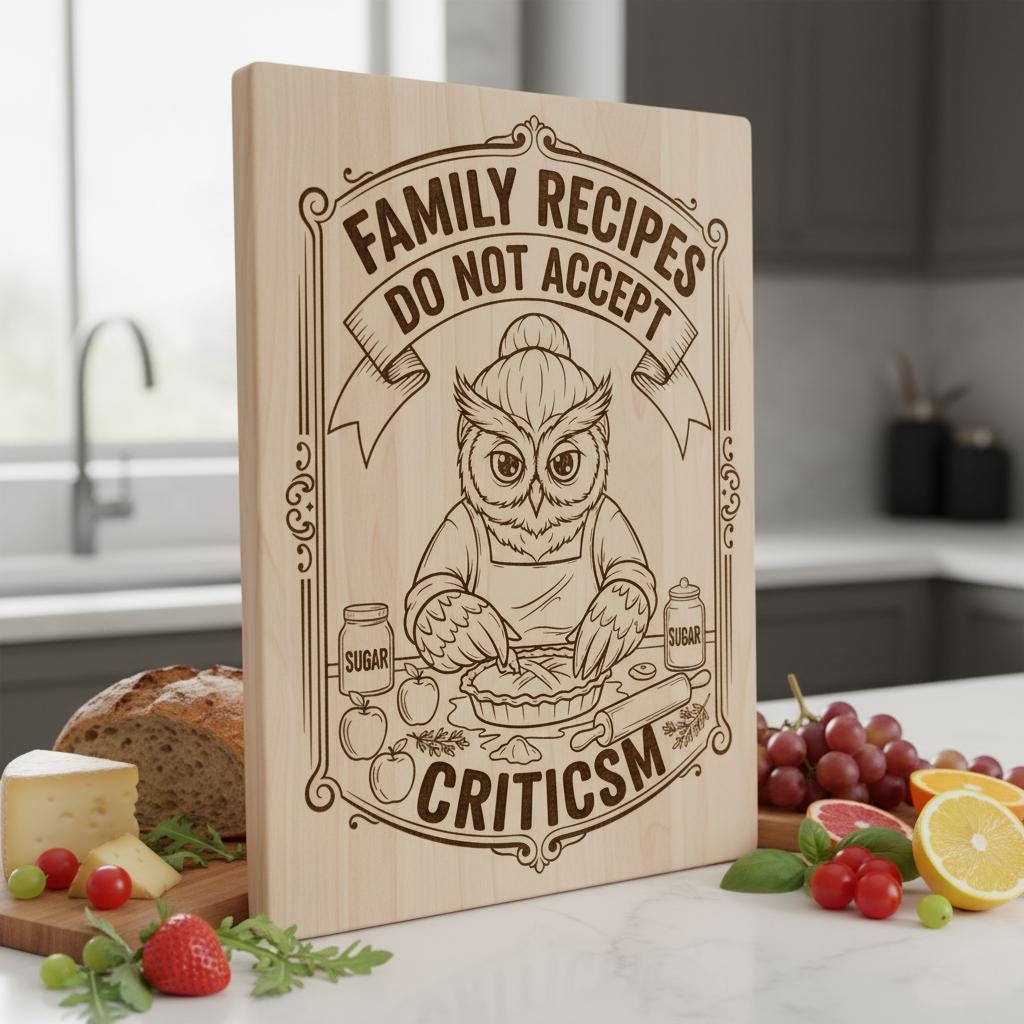
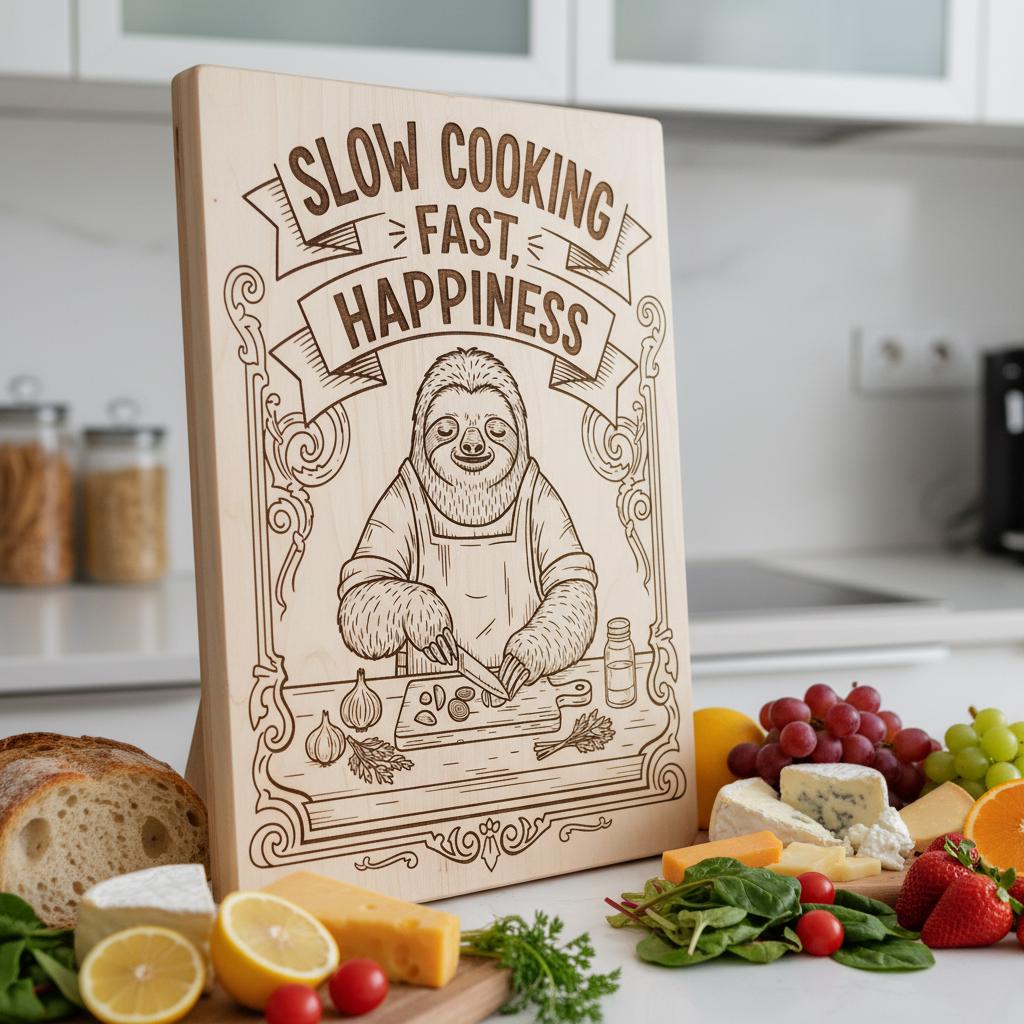
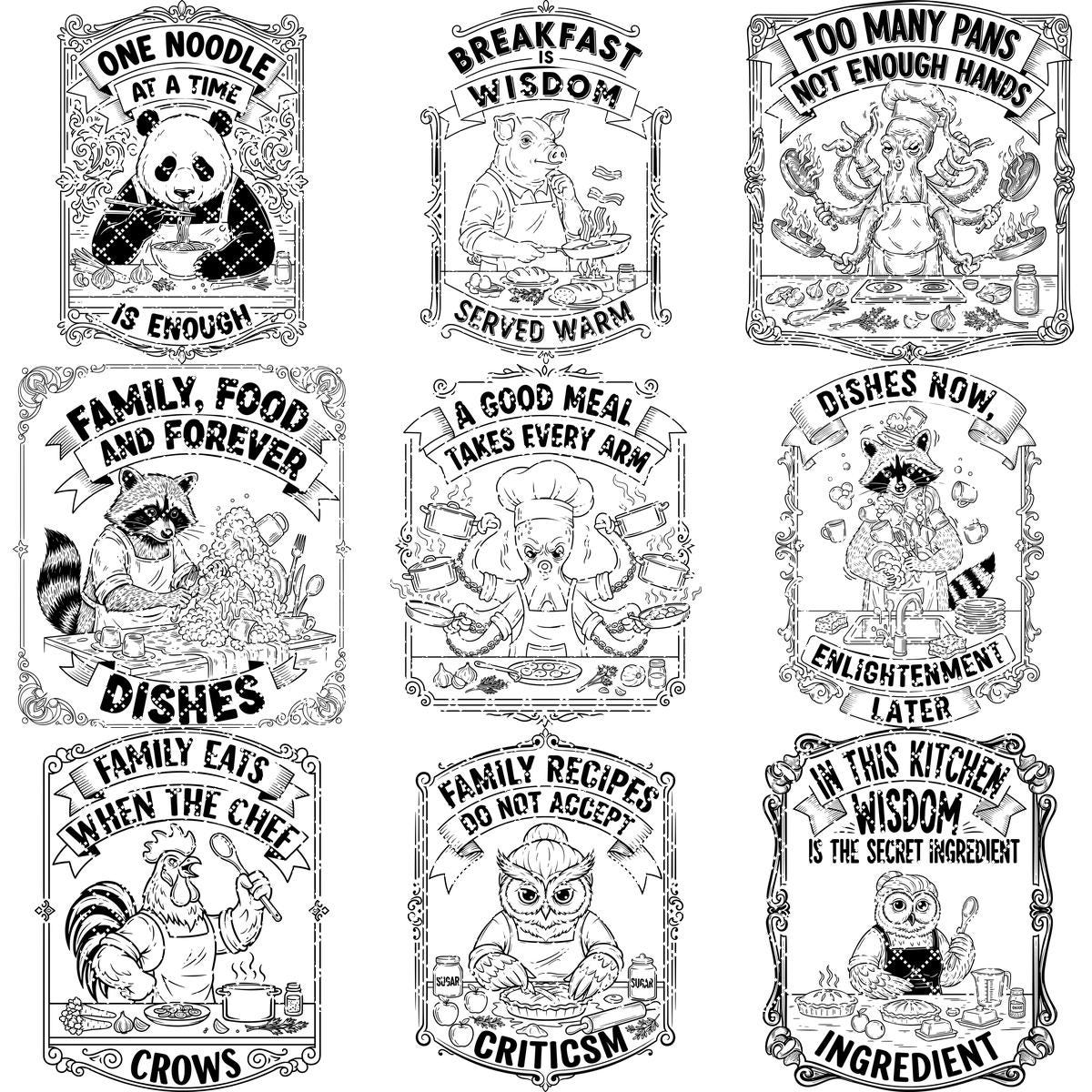
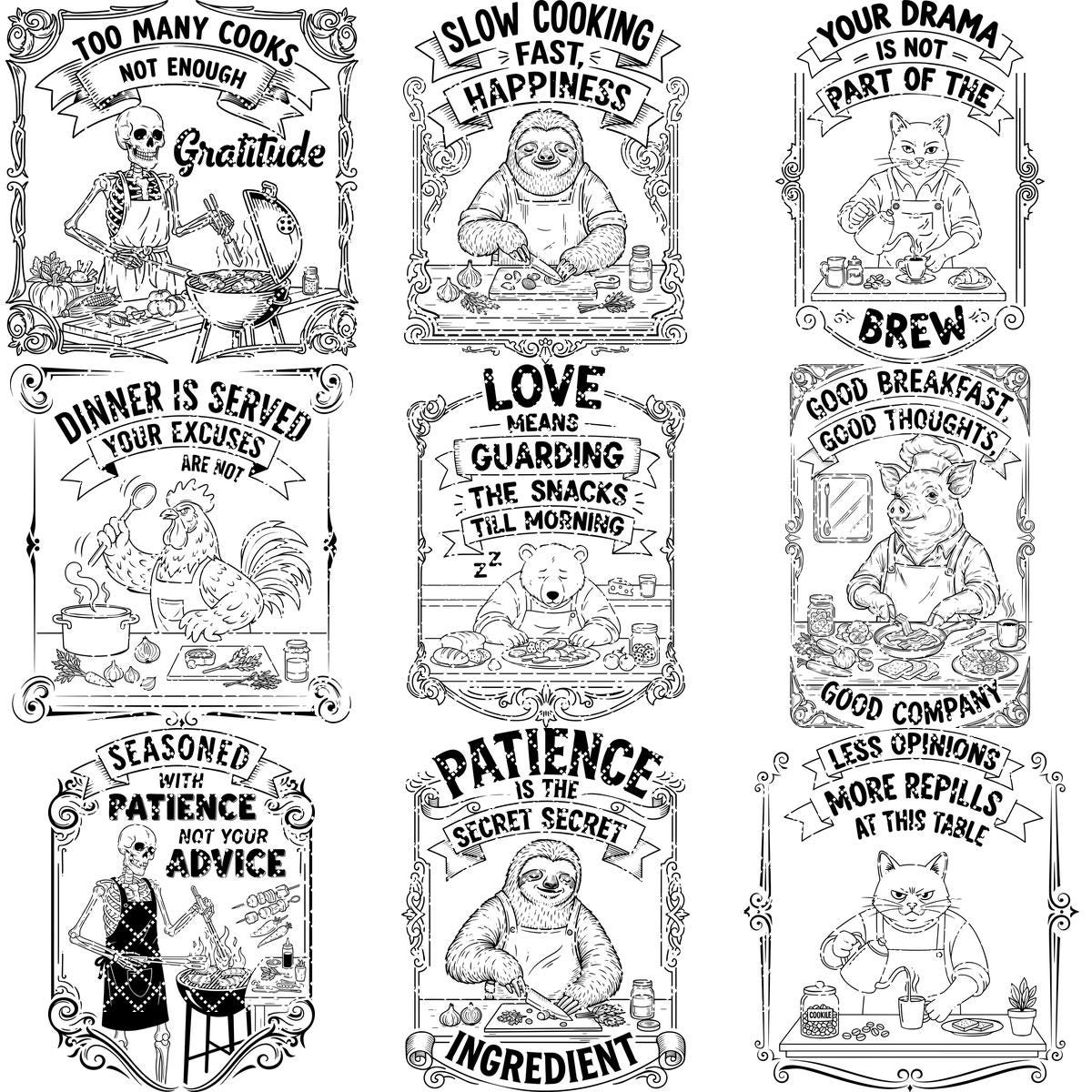
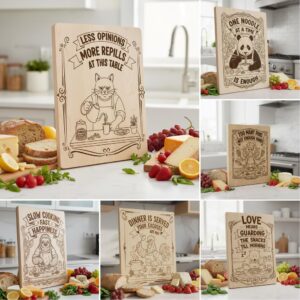
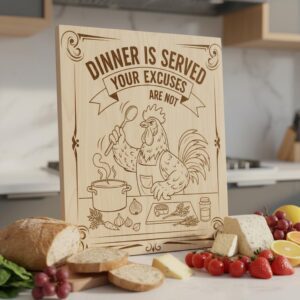
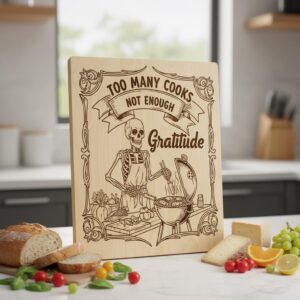
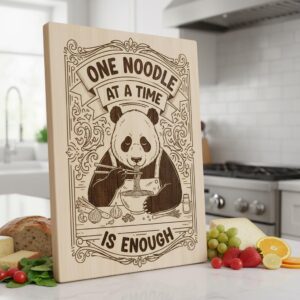
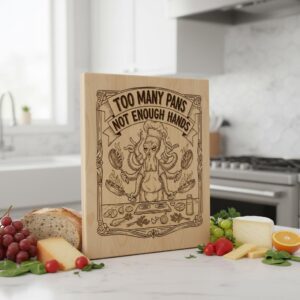
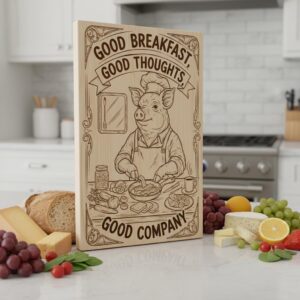
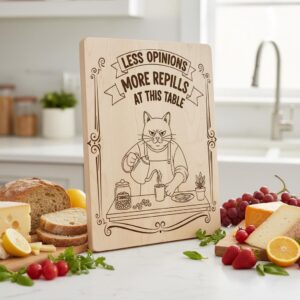
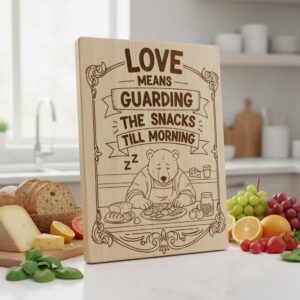
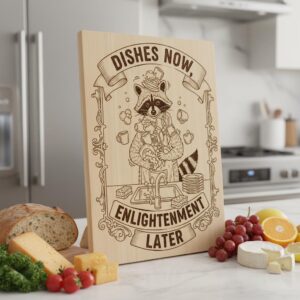
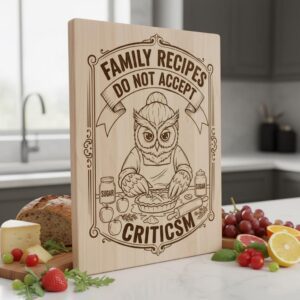
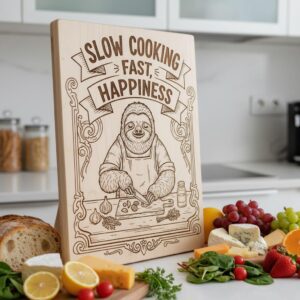
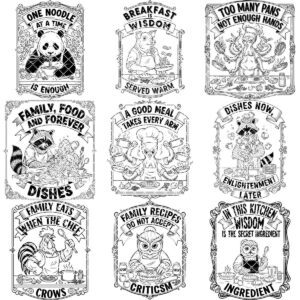
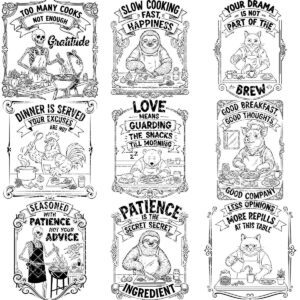
Add a splash of humor and charm to your kitchen creations with this delightful bundle featuring quirky animal noodle designs. Perfect for adding a vintage touch, these files bring personality and fun to your boards, making every meal prep a smile-worthy experience.
Crafted for all laser engraving machines like Lightburn and Glowforge, this collection ensures crisp, detailed results with ease. Whether for personal use or gifts, these designs transform ordinary kitchen tools into conversation starters that everyone will love.
Elevate your engraving projects with a unique blend of wit and style. This bundle is ideal for anyone looking to add a playful, nostalgic vibe to their craftsmanship, making each piece stand out with creative flair and timeless appeal.
Infuse joy and laughter into your kitchen with these delightful animal noodle motifs. Each creation within this bundle effortlessly blends practicality with personality, making them the perfect addition for any culinary enthusiast or vintage style lover. Don't miss the chance to elevate your kitchen decor and bring smiles to your household with this unique engraving file set.
*YOU WILL RECEIVE:
Digital file package that includes SVG, DXF and PDF formats.
* IMPORTANT NOTES:
– Ensure you're familiar with setting the correct parameters for laser engraving.
– Adjust the speed and power settings to achieve optimal results.
– The final quality will depend on both the material used and the engraving parameters you configure.
- Ensure you understand how to adjust laser engraving parameters.
- Experiment with speed and power settings to achieve optimal results.
- The final engraving quality depends on the material and the parameters you choose.
- For laser machines with fixed engraving power (non-dynamic), using the Jarvis image mode or Jarvis setting in LightBurn is recommended.
- Best wood types: Basswood, Birch, or other light-colored woods.
- Recommended settings: Power: 20-30% | Speed: 300-400 mm/s | DPI: 300-600.
- Always test on a small wood piece before engraving the final design.
- If the engraving appears too light, increase power or reduce speed slightly.
- If it's too dark or burns excessively, lower power or increase speed.
- Wood grain affects engraving quality—position the wood consistently for uniform results.
Reviews
There are no reviews yet.