
Description
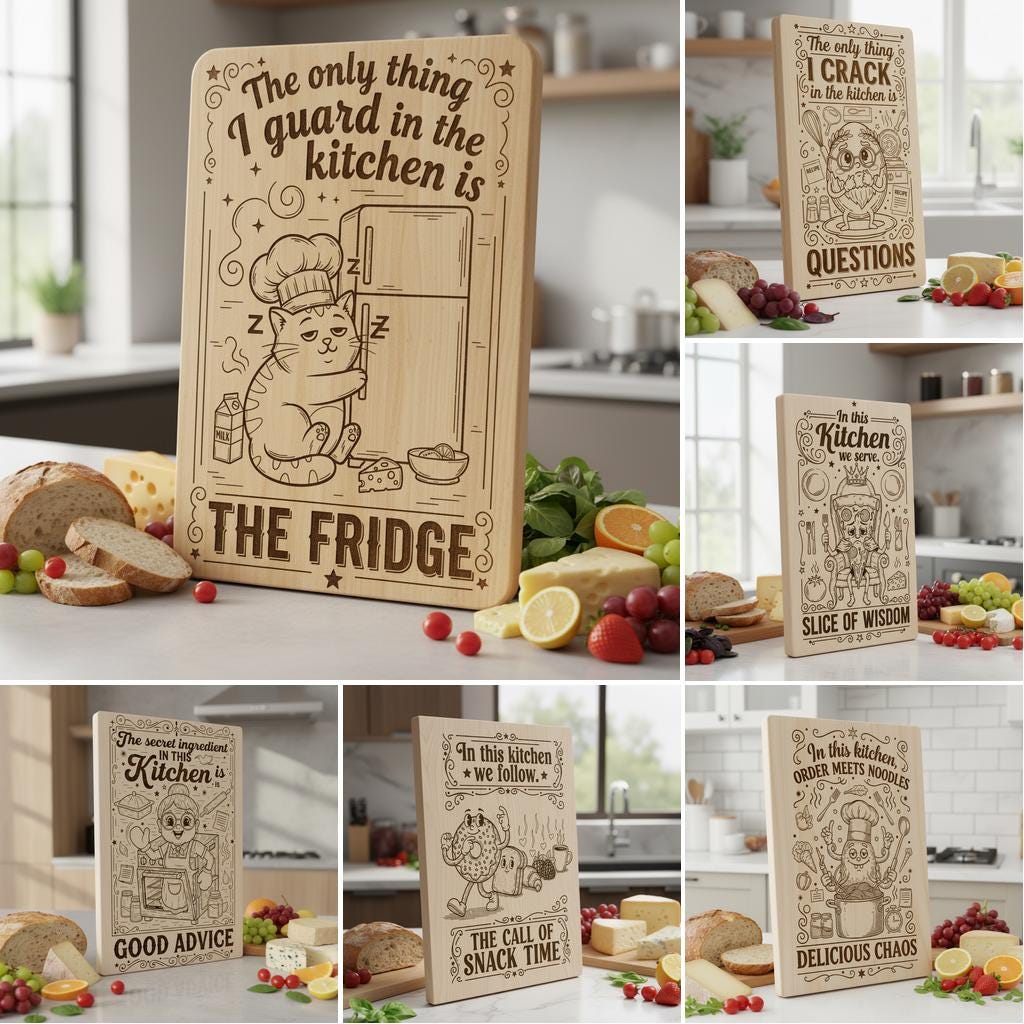
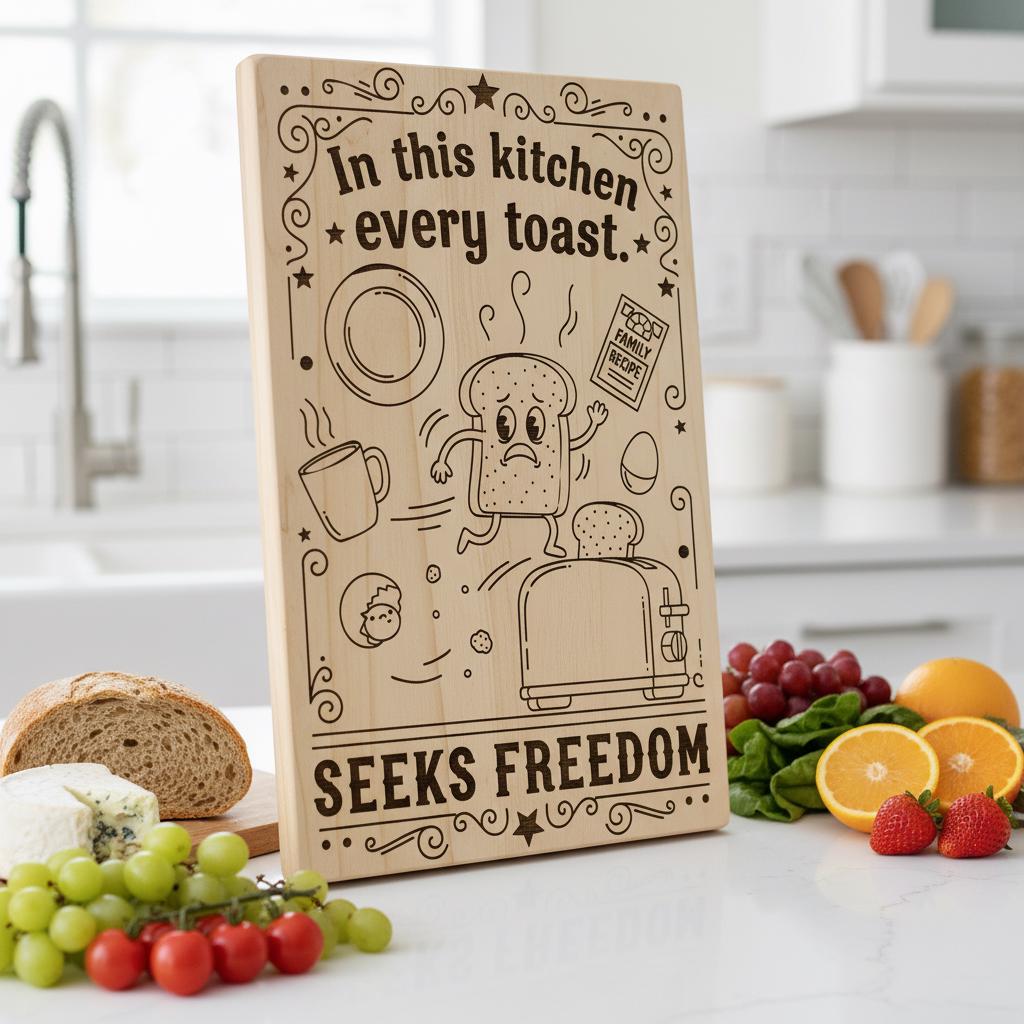
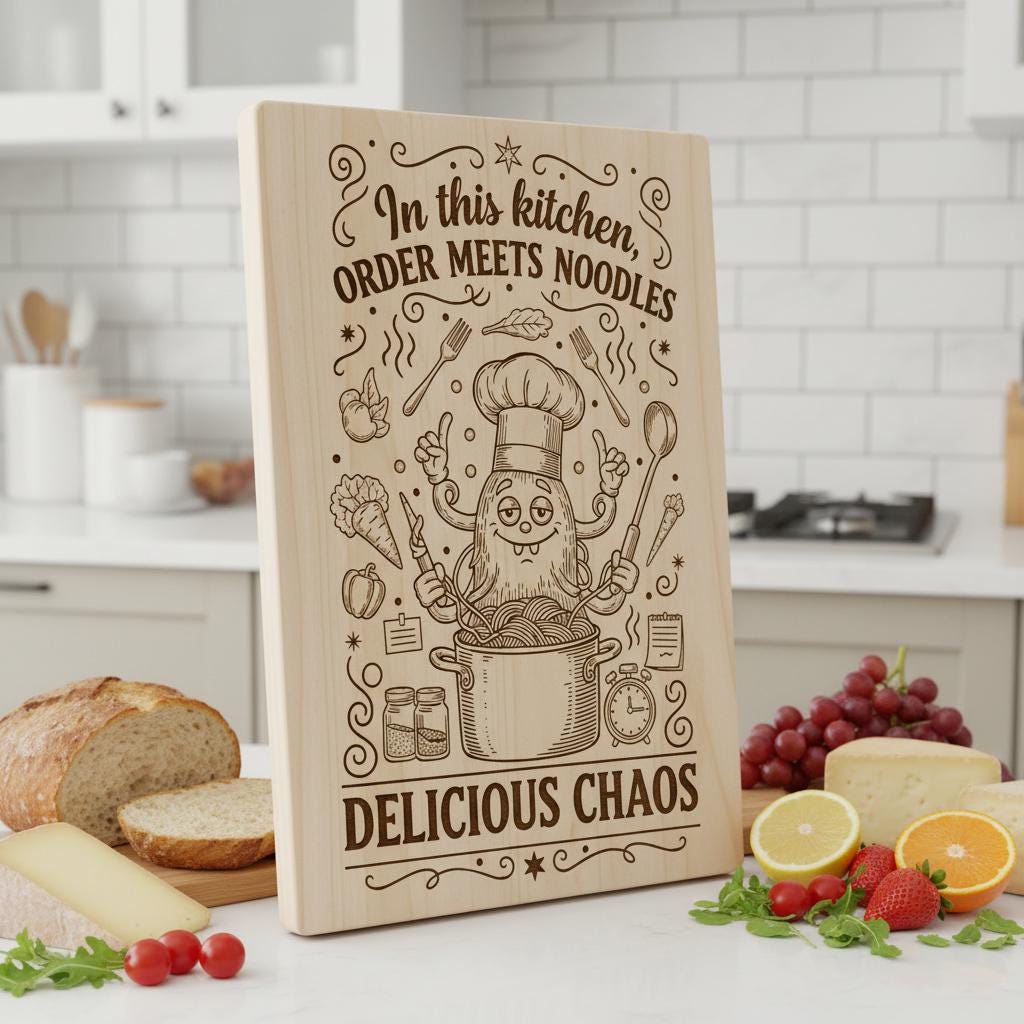
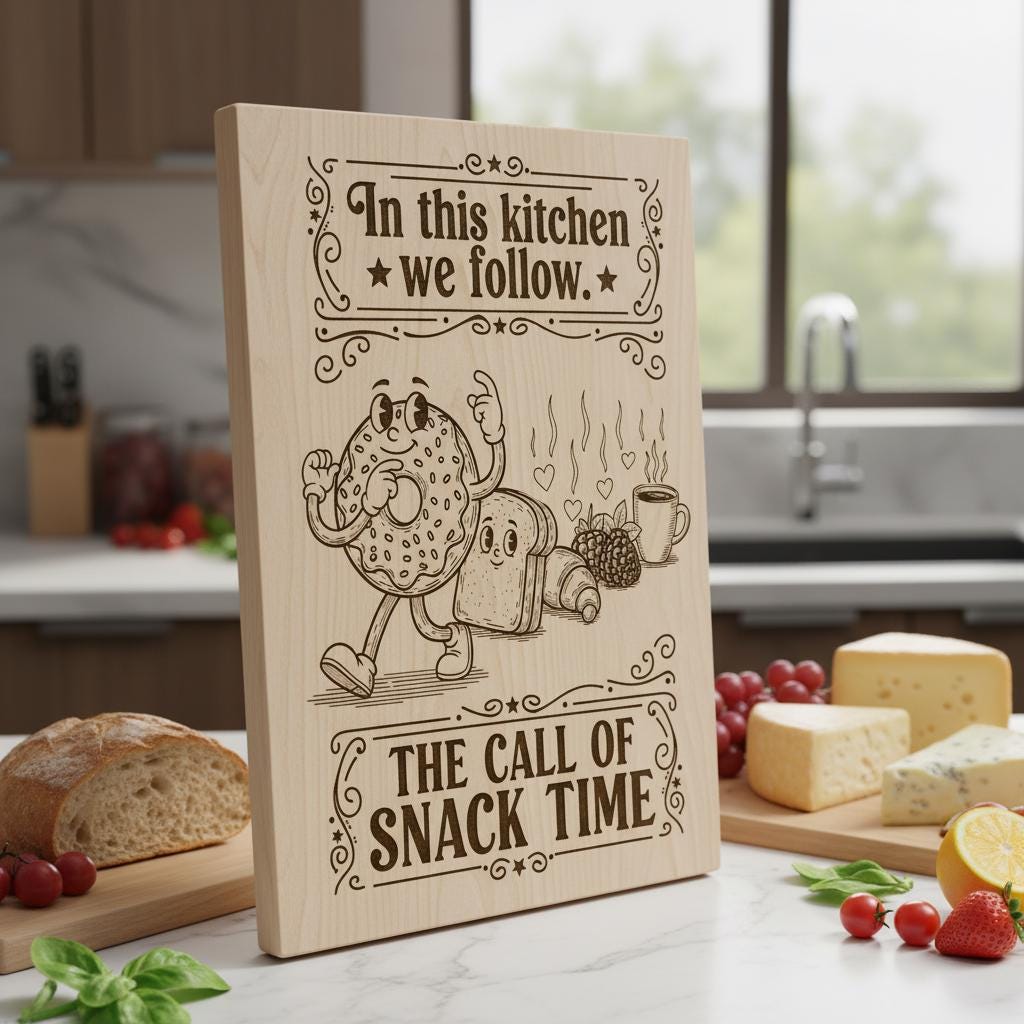
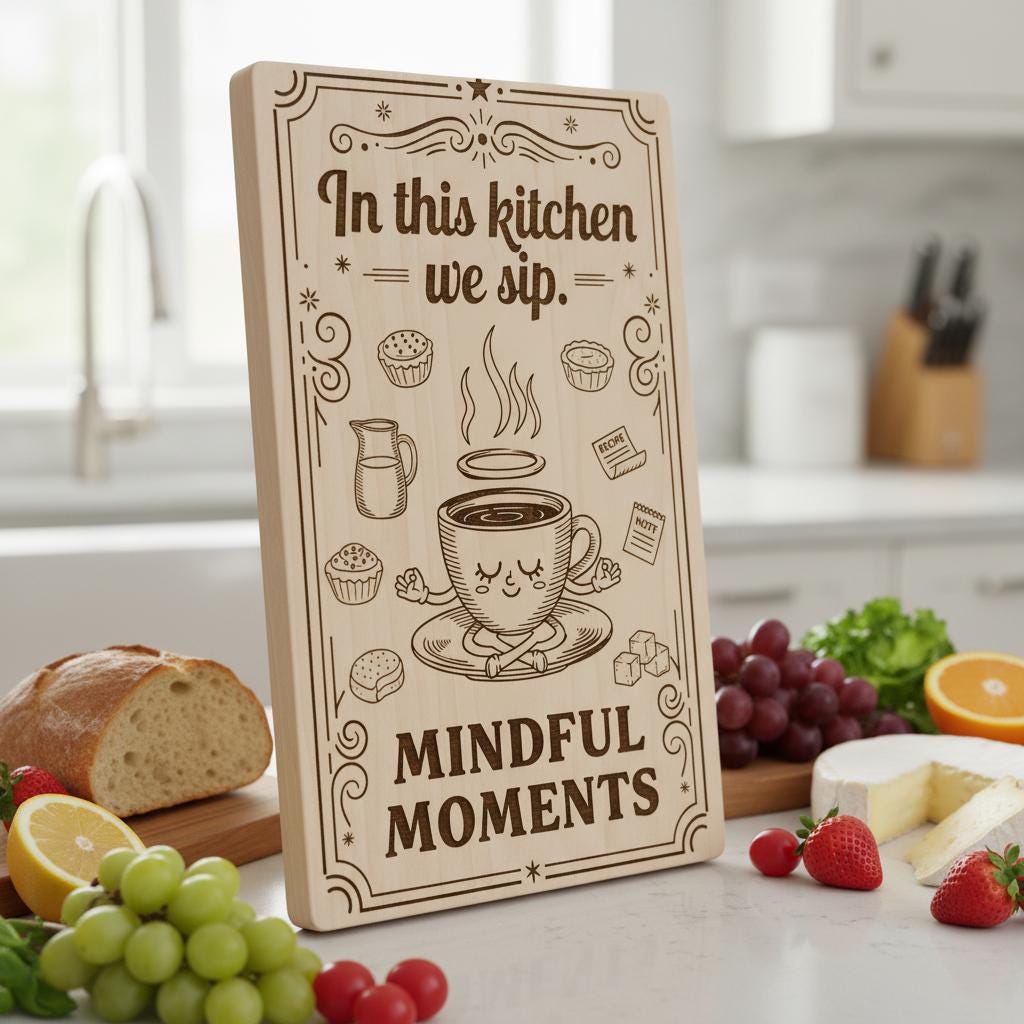
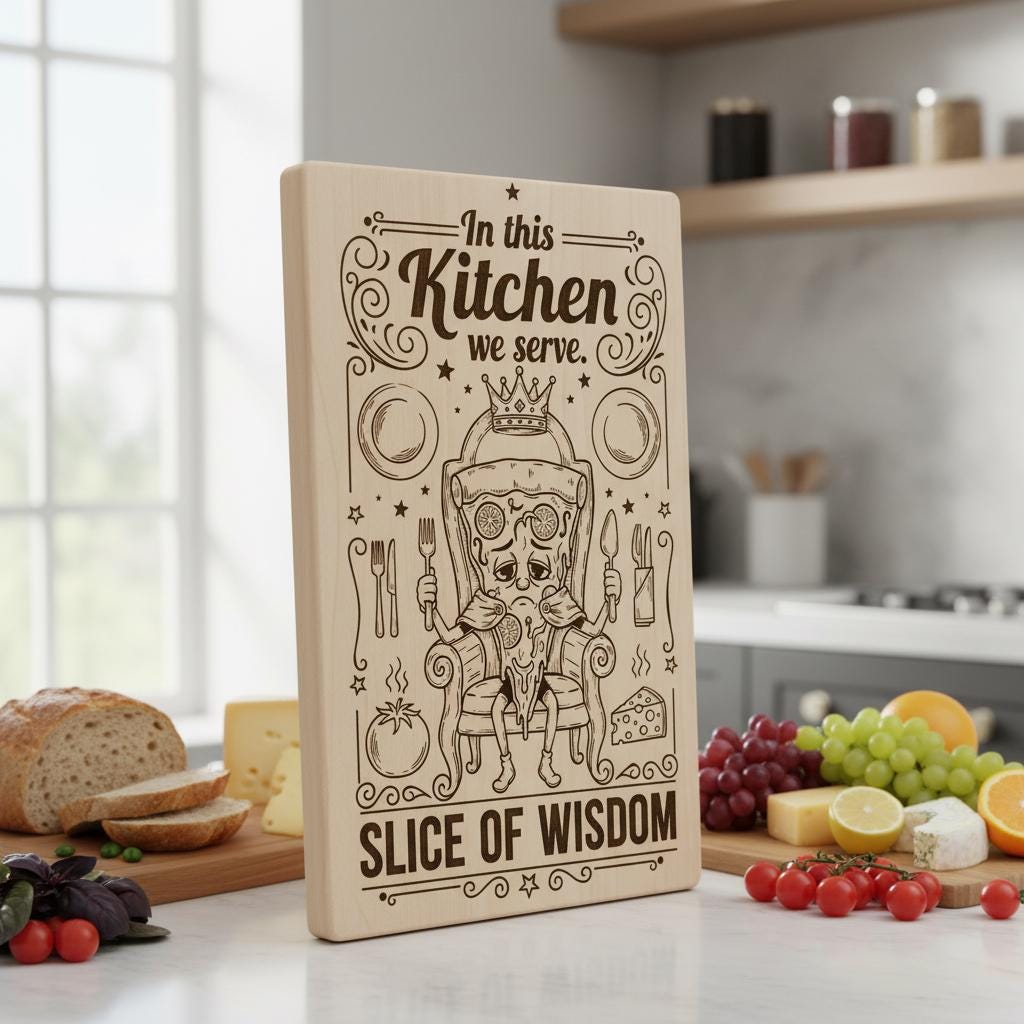
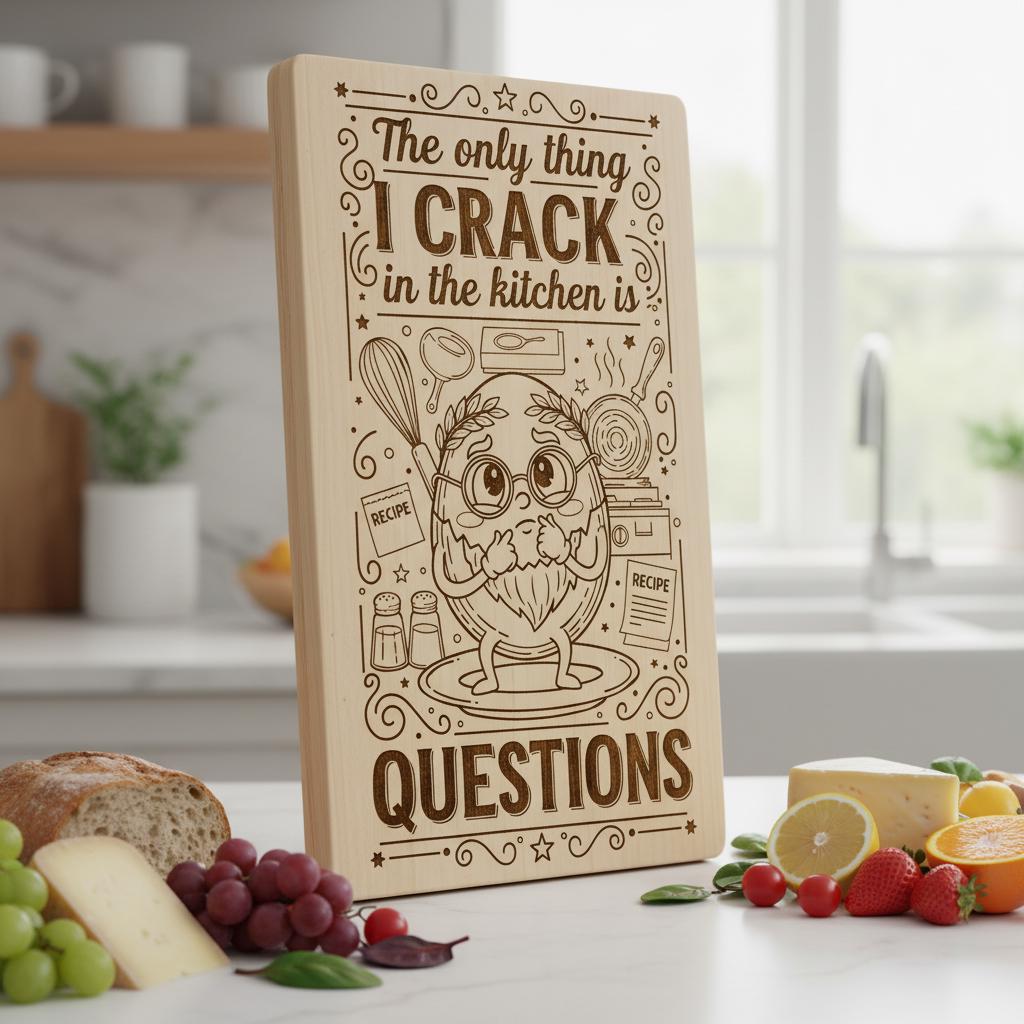
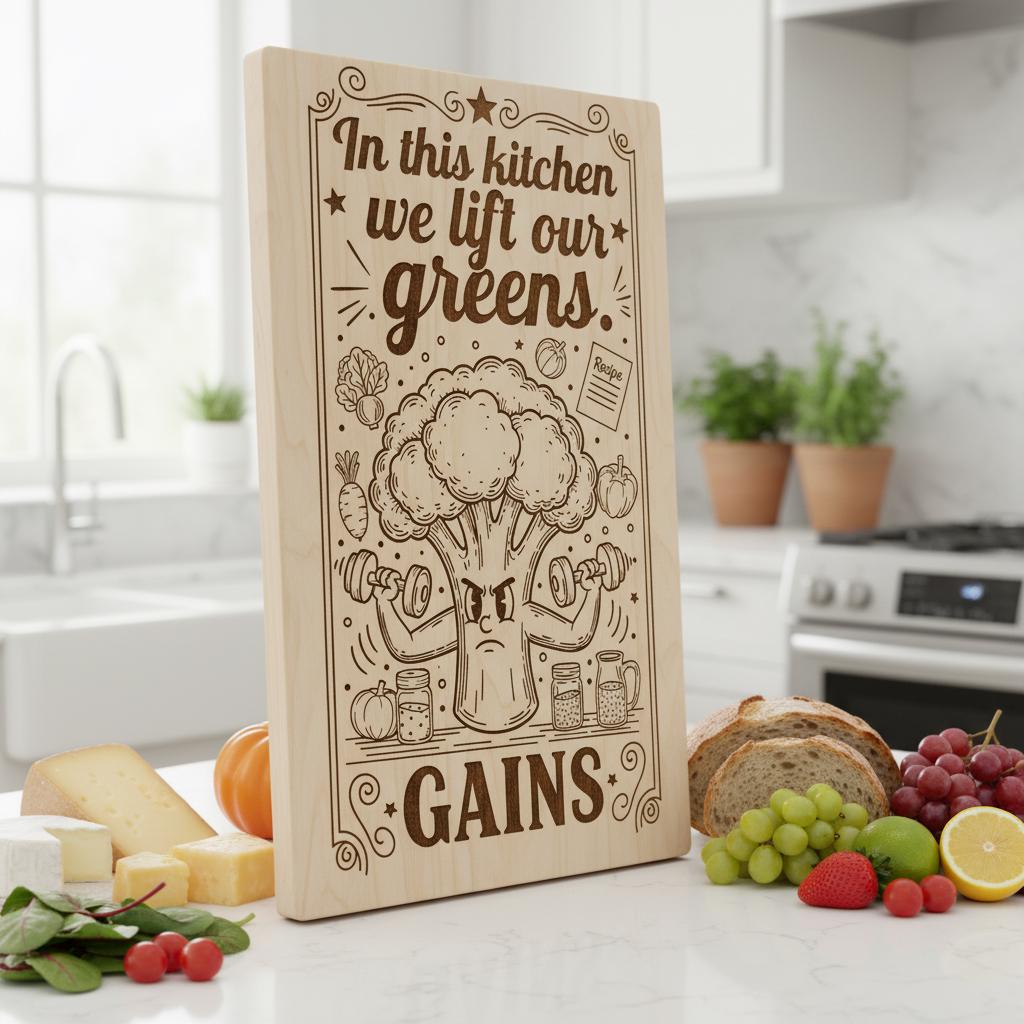
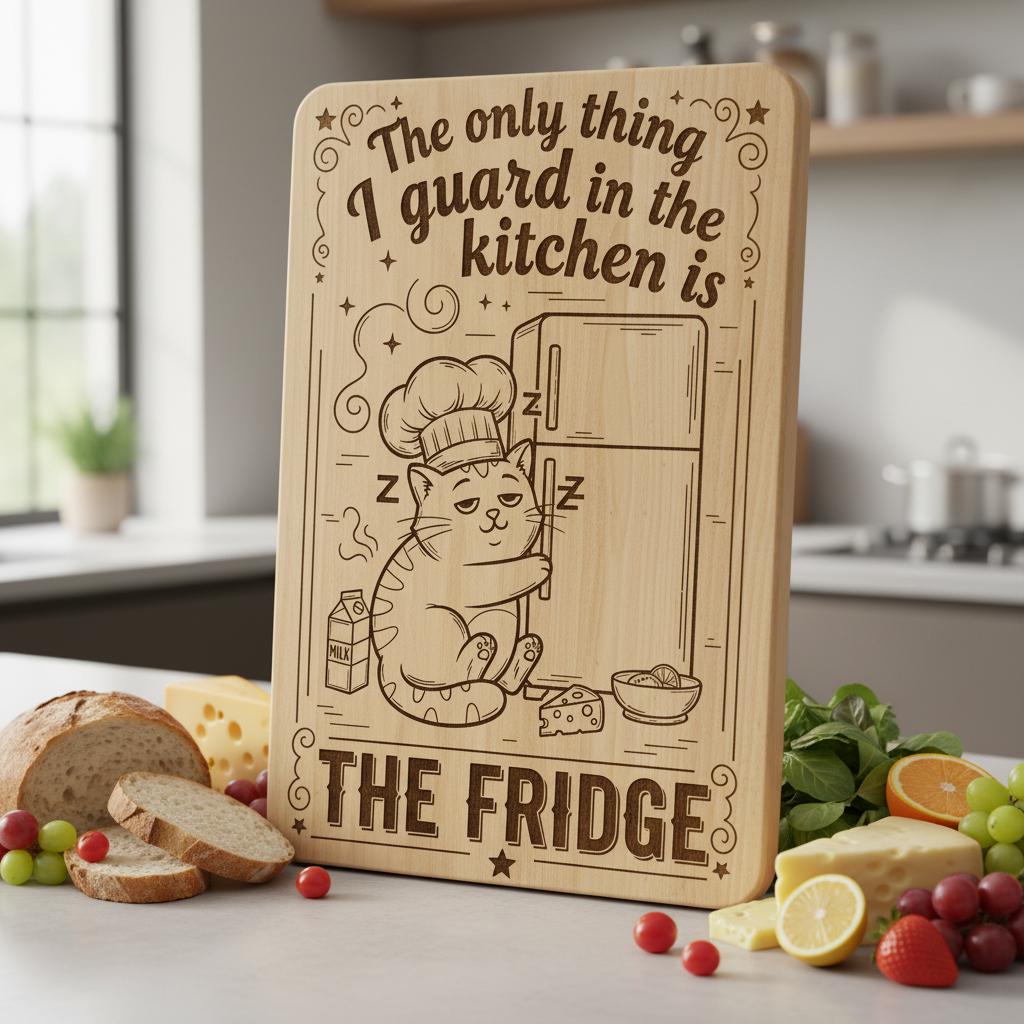
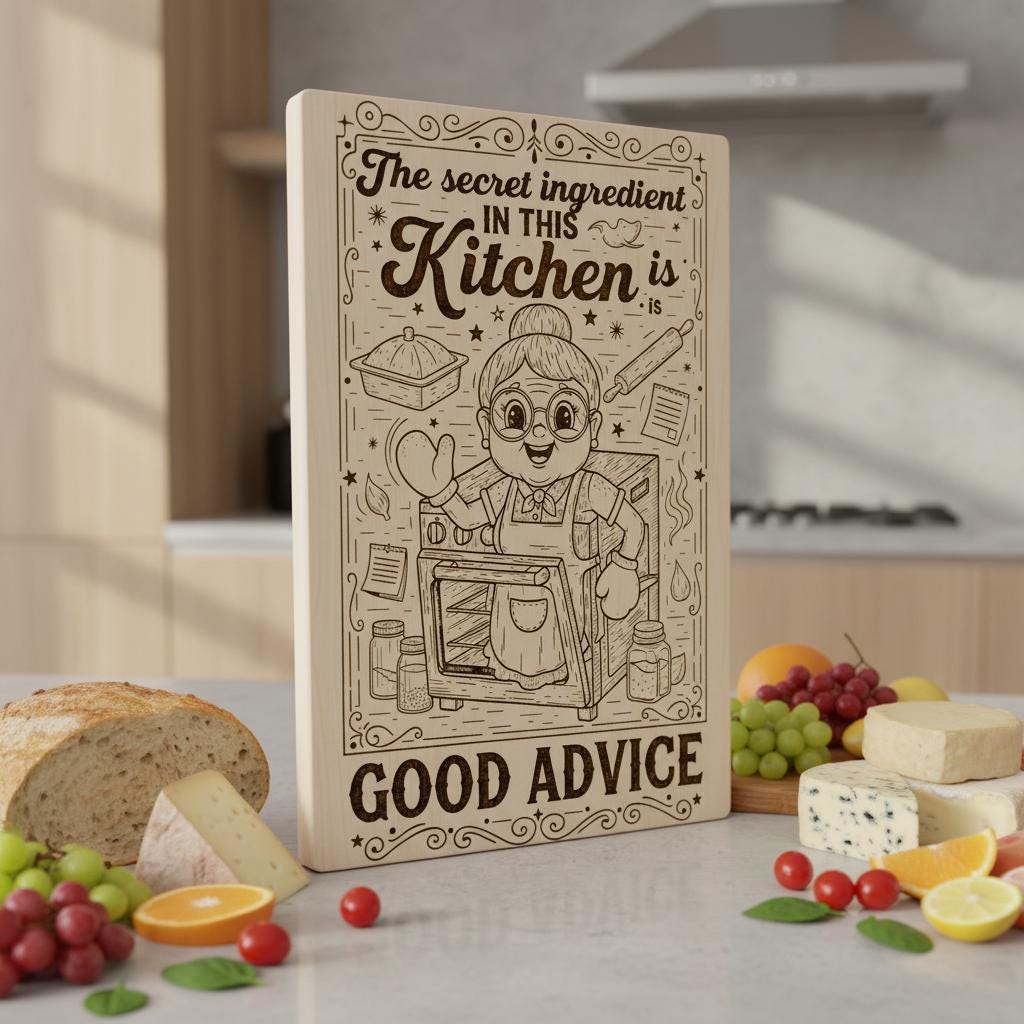
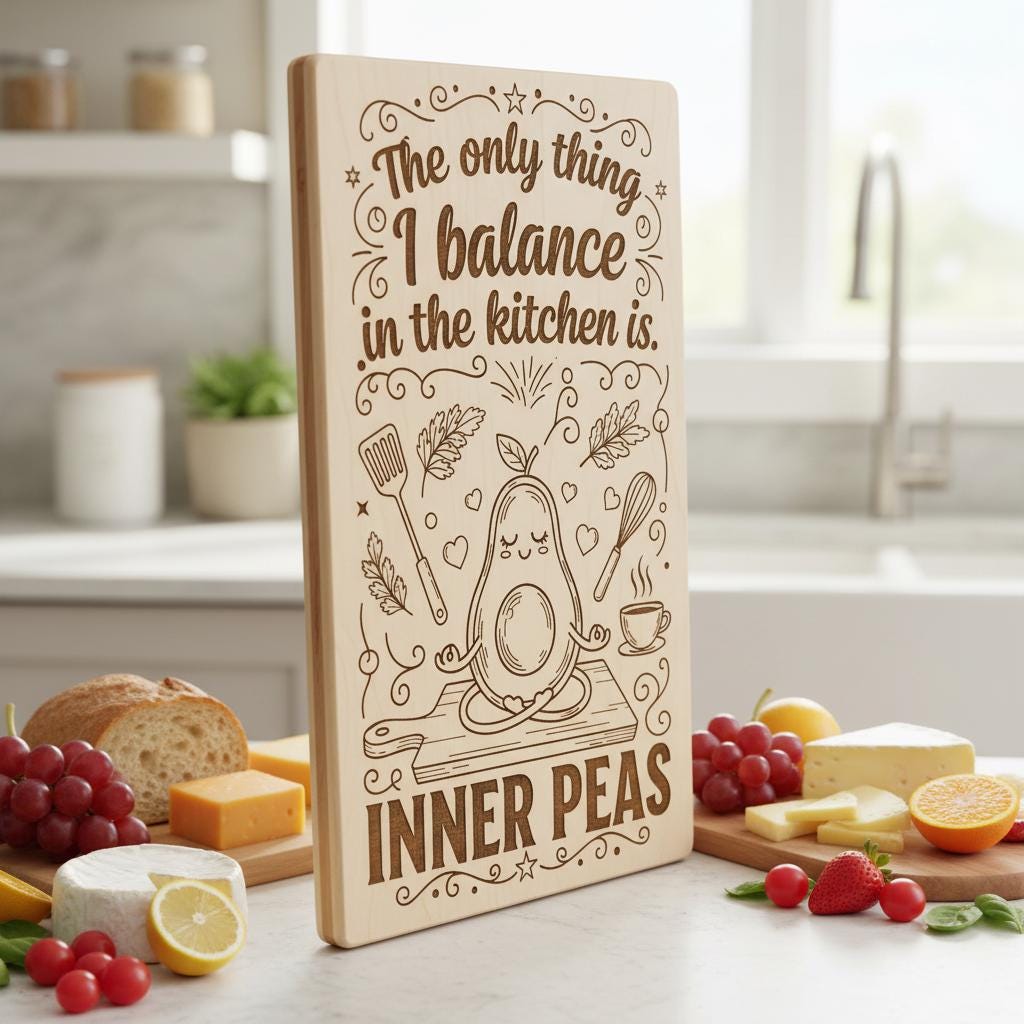
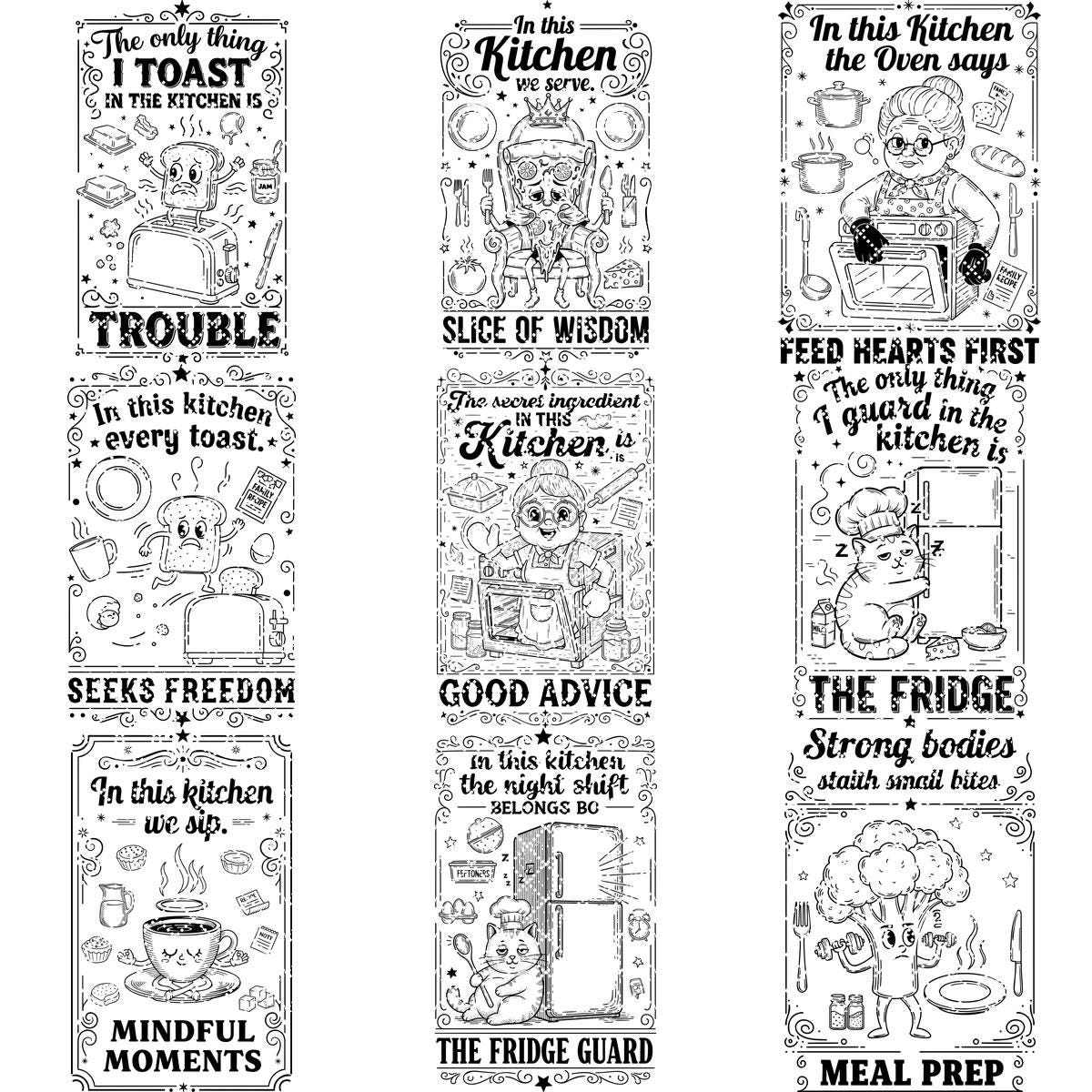
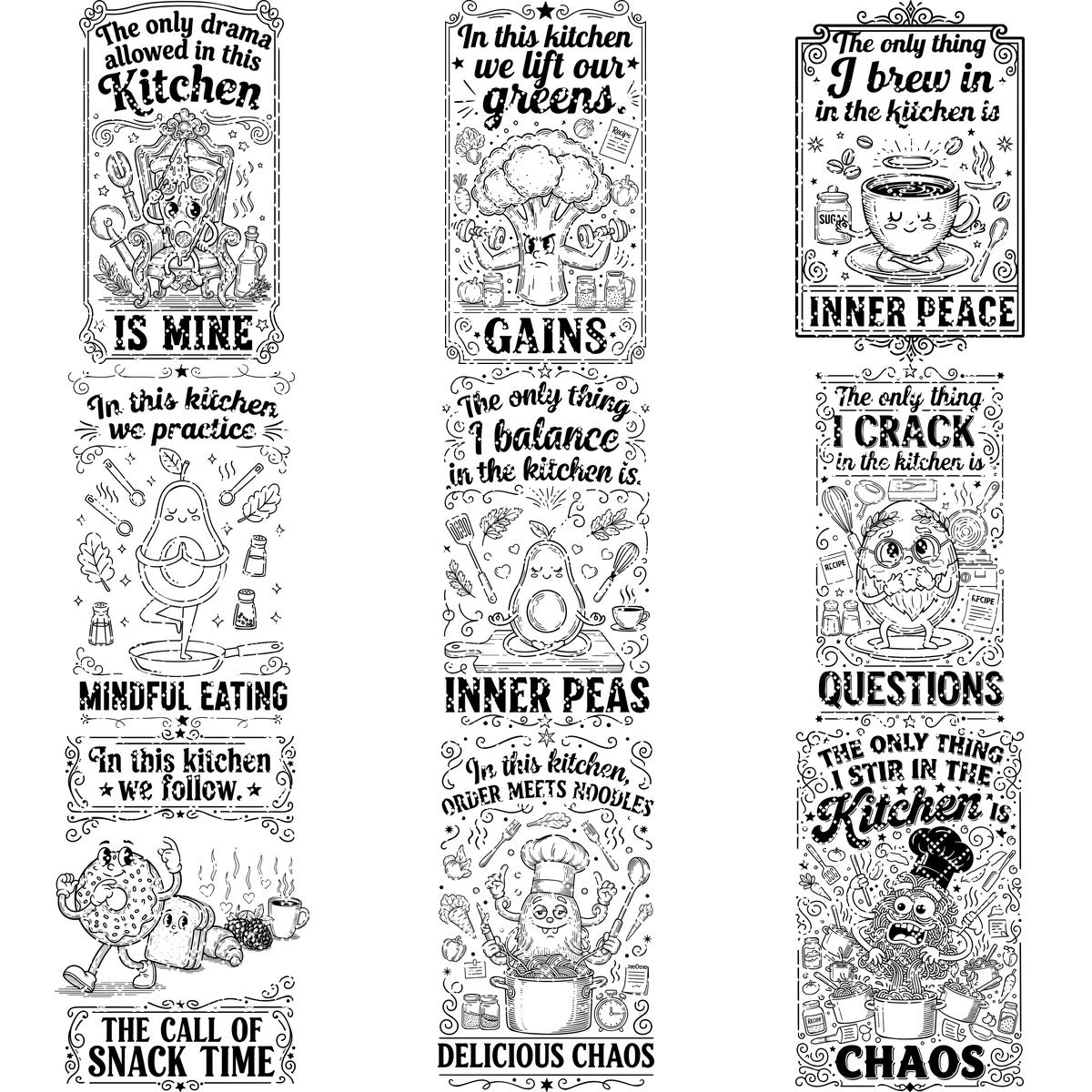
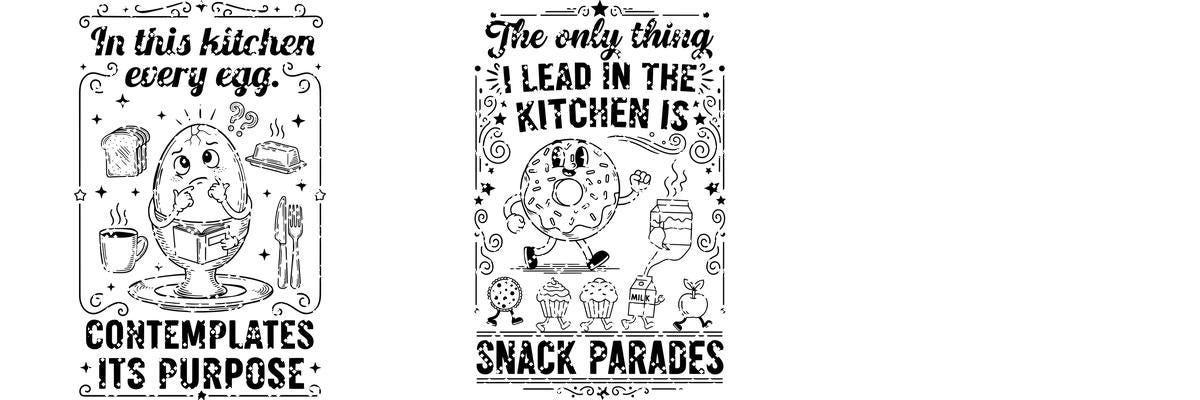
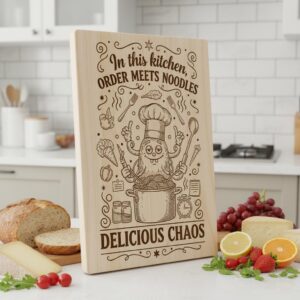
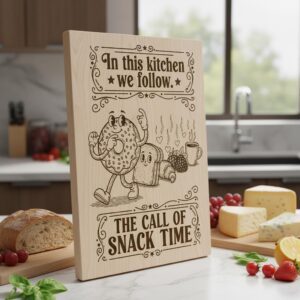
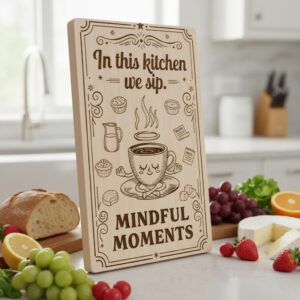
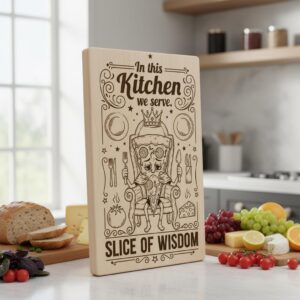
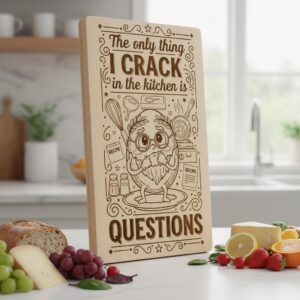
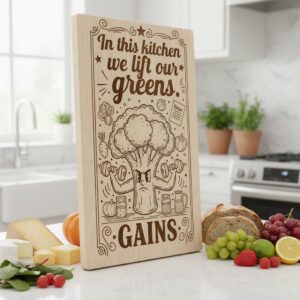
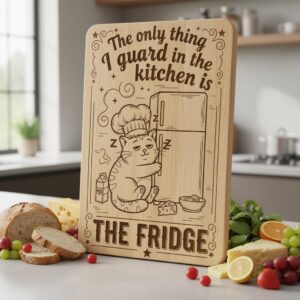
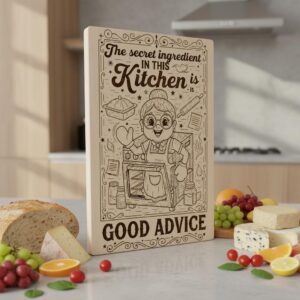
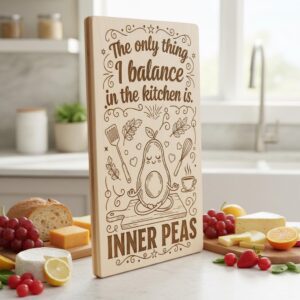
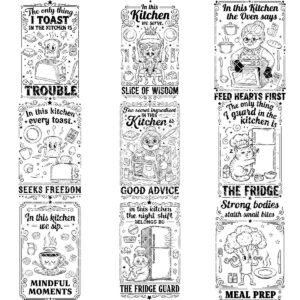
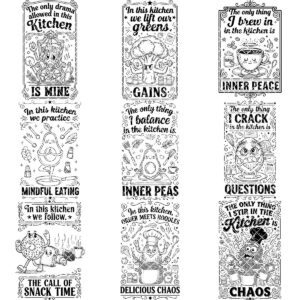
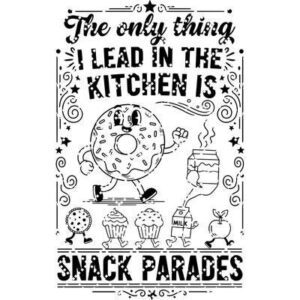
Elevate your kitchen projects with this vibrant engraving file bundle featuring retro-inspired, whimsical snack designs perfect for charcuterie boards. Each design brings a fun, animated touch that adds personality and charm to your creations, making them stand out with ease.
Crafted to deliver precision and style, these files are optimized for top laser engraving machines like Lightburn and Glowforge. Whether you’re creating personalized gifts or unique kitchen accessories, these designs ensure sharp, detailed results every time.
Unlock endless creative possibilities with this versatile collection. Ideal for artisans and hobbyists alike, it transforms everyday items into eye-catching masterpieces, boosting your craftsmanship and delighting your customers with every project.
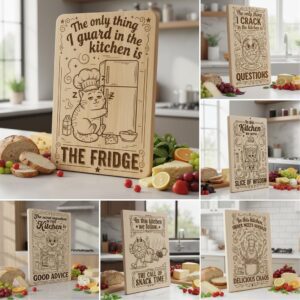
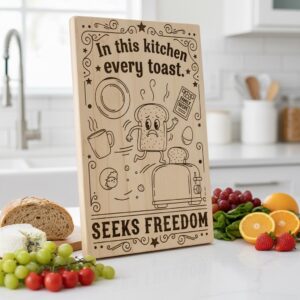
The playful and distinctive character of animated snack svg designs will captivate your imagination. Transform ordinary chopping boards into eye-catching masterpieces, while playful kitchen sayings add a joyful spark to any cooking space. Elevate your creations with our snack svg bundle and make your culinary art truly unforgettable.
*YOU WILL RECEIVE:
Digital file package that includes SVG, DXF and PDF formats.
* IMPORTANT NOTES:
– Ensure you're familiar with setting the correct parameters for laser engraving.
– Adjust the speed and power settings to achieve optimal results.
– The final quality will depend on both the material used and the engraving parameters you configure.
- Ensure you understand how to adjust laser engraving parameters.
- Experiment with speed and power settings to achieve optimal results.
- The final engraving quality depends on the material and the parameters you choose.
- For laser machines with fixed engraving power (non-dynamic), using the Jarvis image mode or Jarvis setting in LightBurn is recommended.
- Best wood types: Basswood, Birch, or other light-colored woods.
- Recommended settings: Power: 20-30% | Speed: 300-400 mm/s | DPI: 300-600.
- Always test on a small wood piece before engraving the final design.
- If the engraving appears too light, increase power or reduce speed slightly.
- If it's too dark or burns excessively, lower power or increase speed.
- Wood grain affects engraving quality—position the wood consistently for uniform results.
Reviews
There are no reviews yet.