

Description
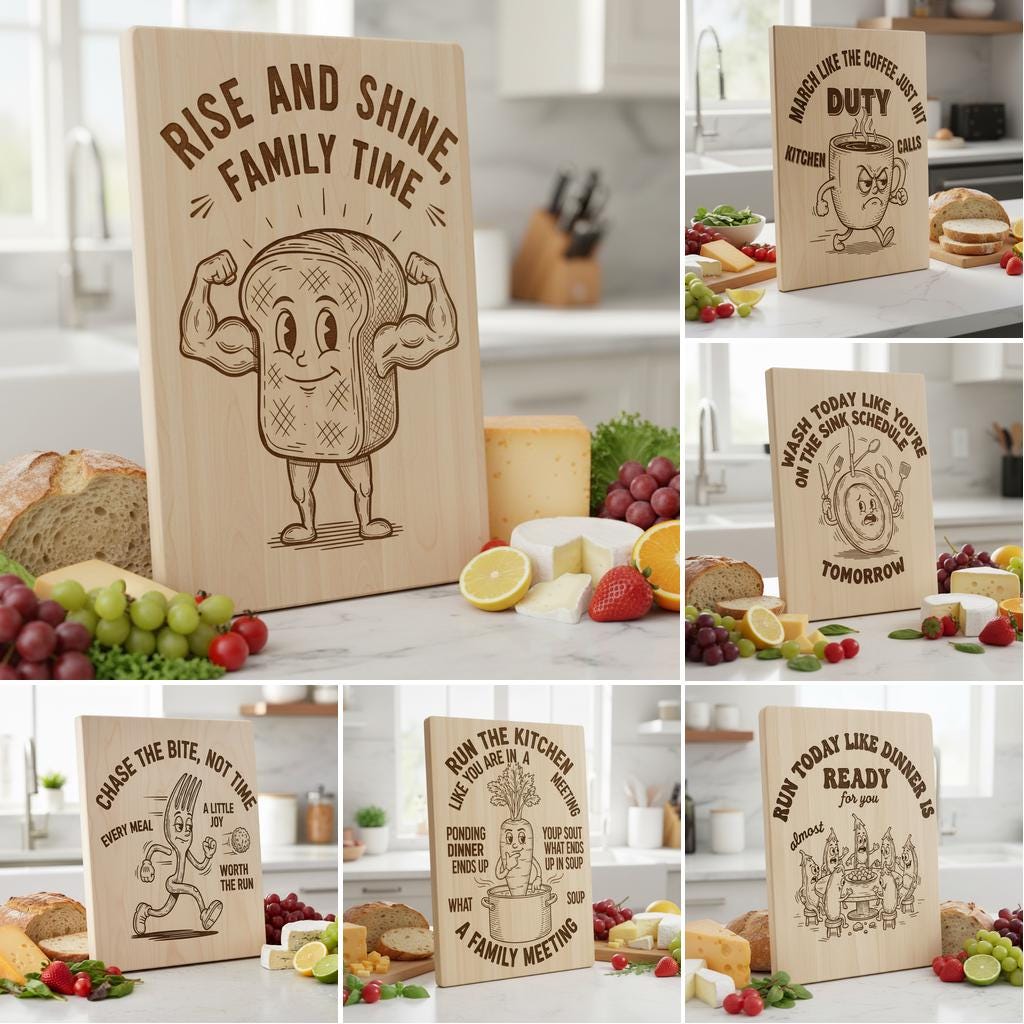
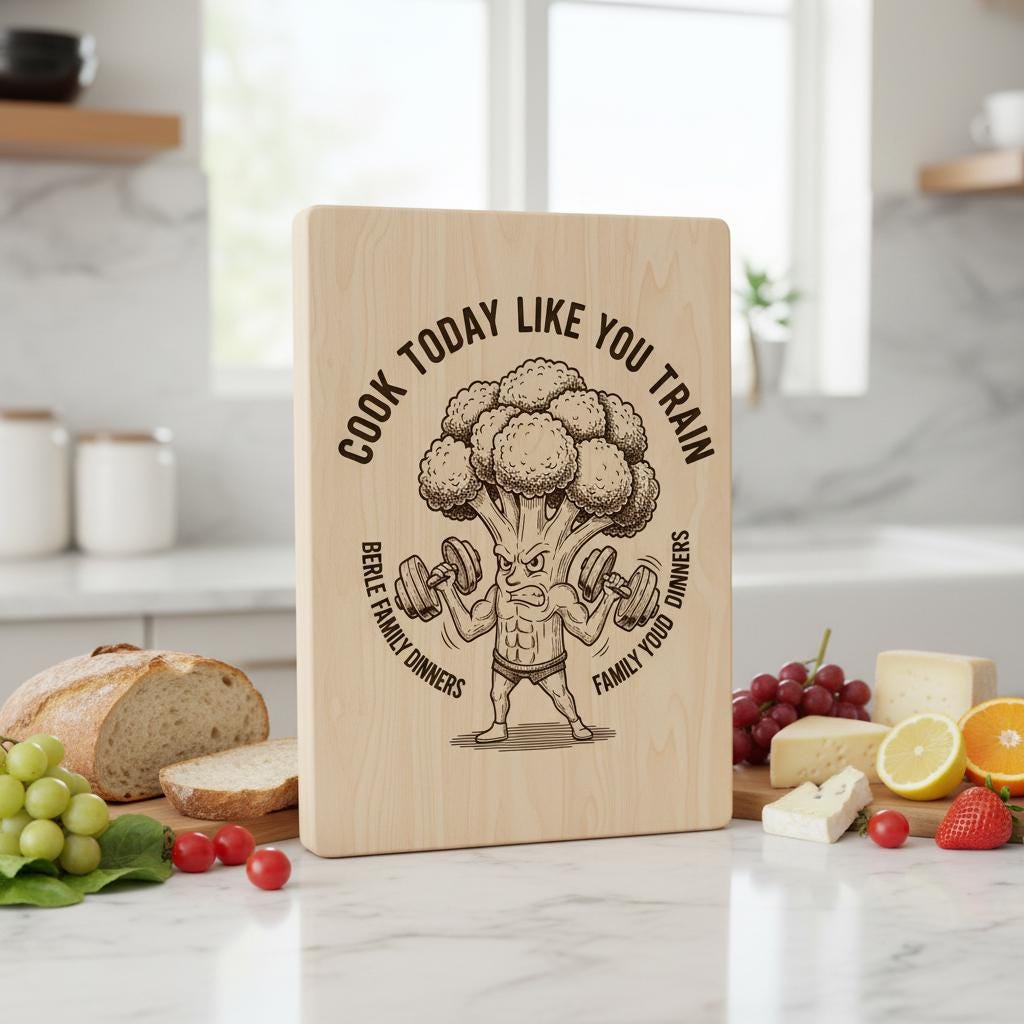
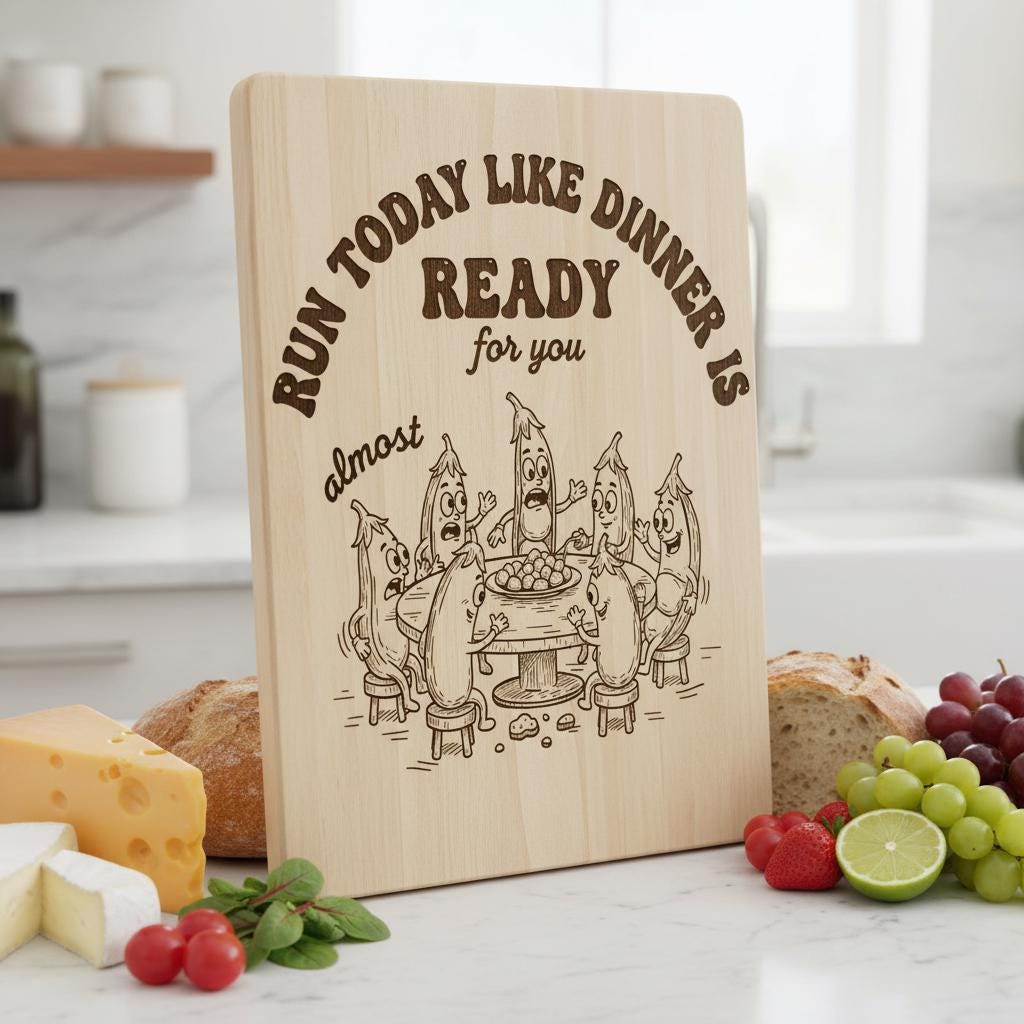
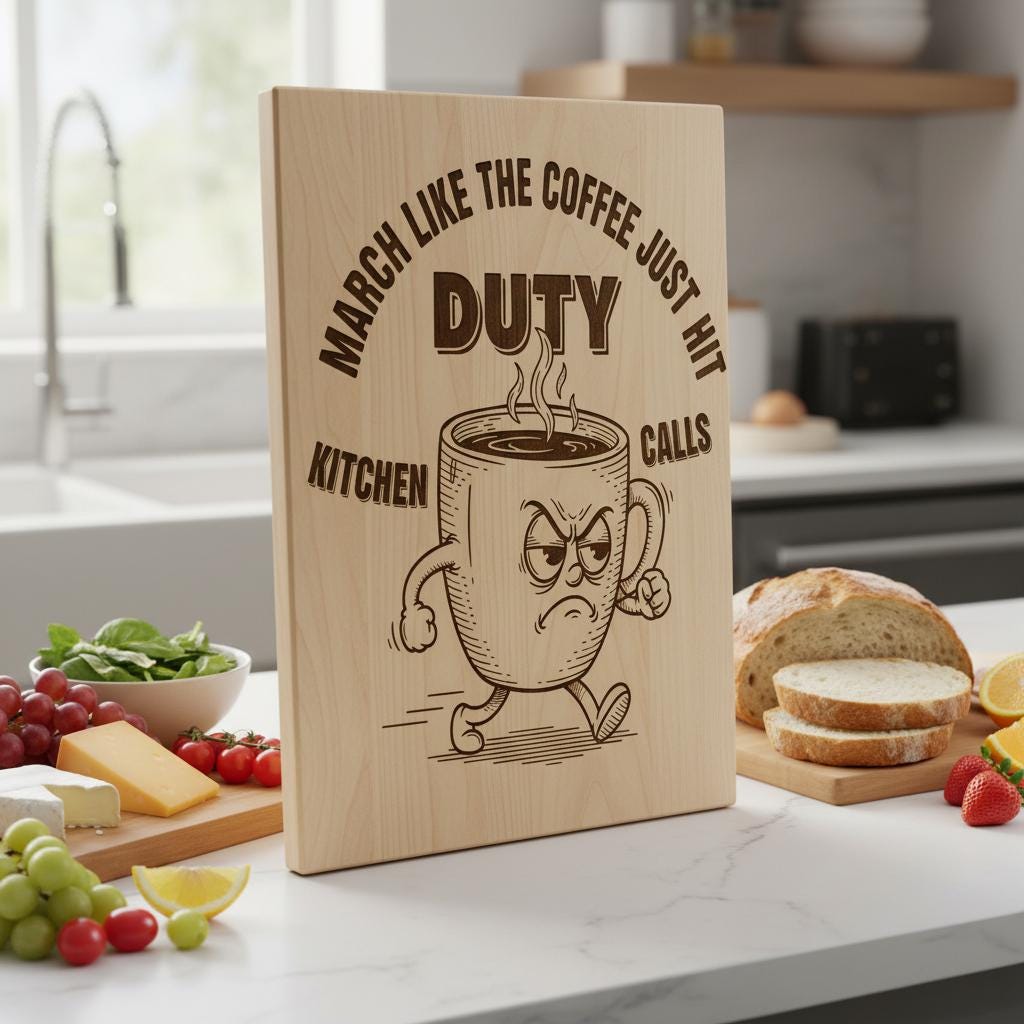
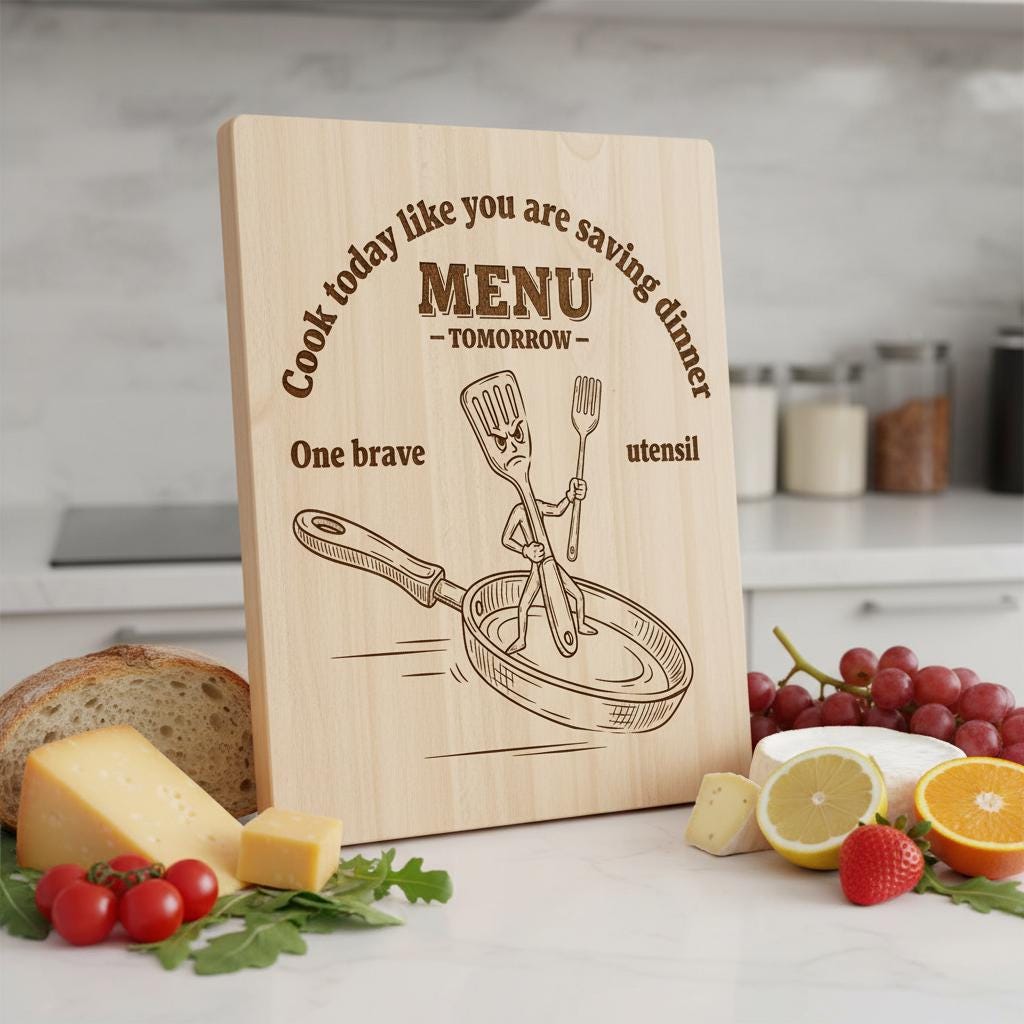
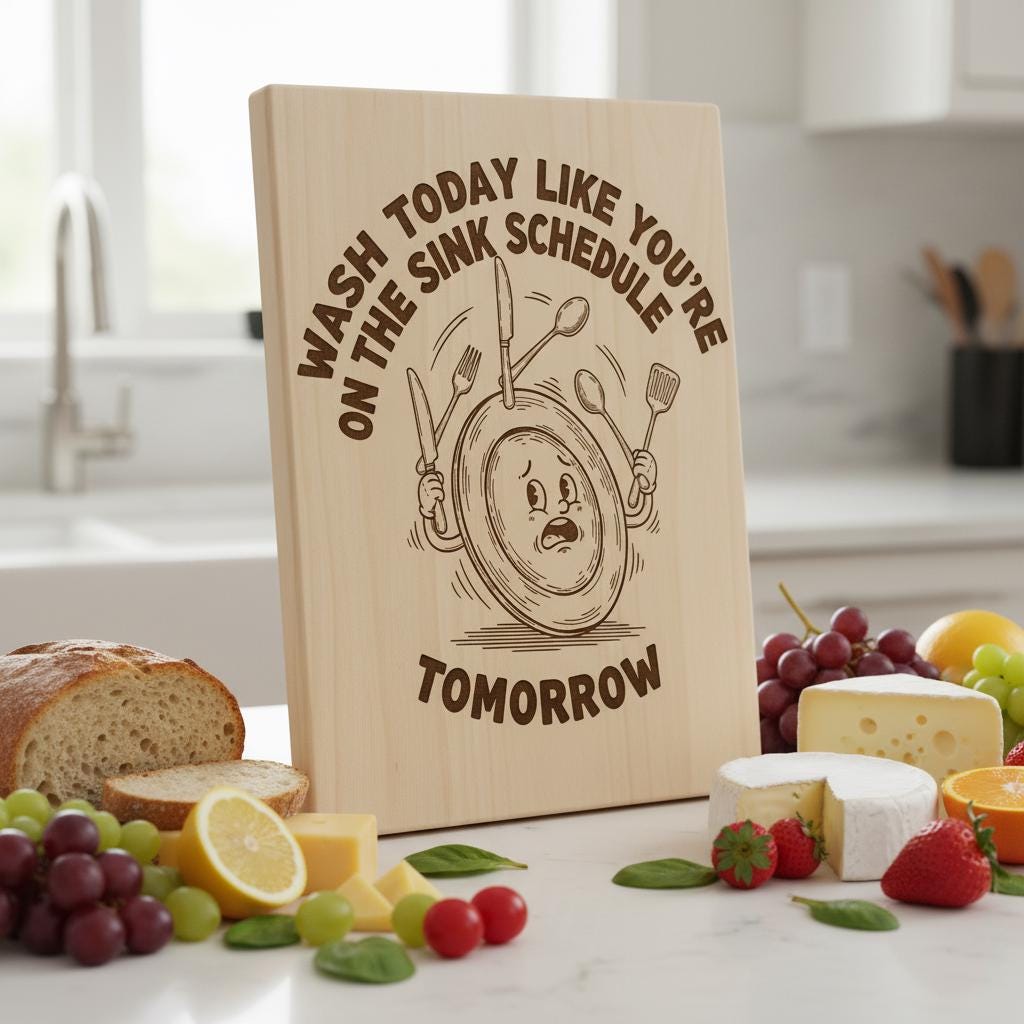
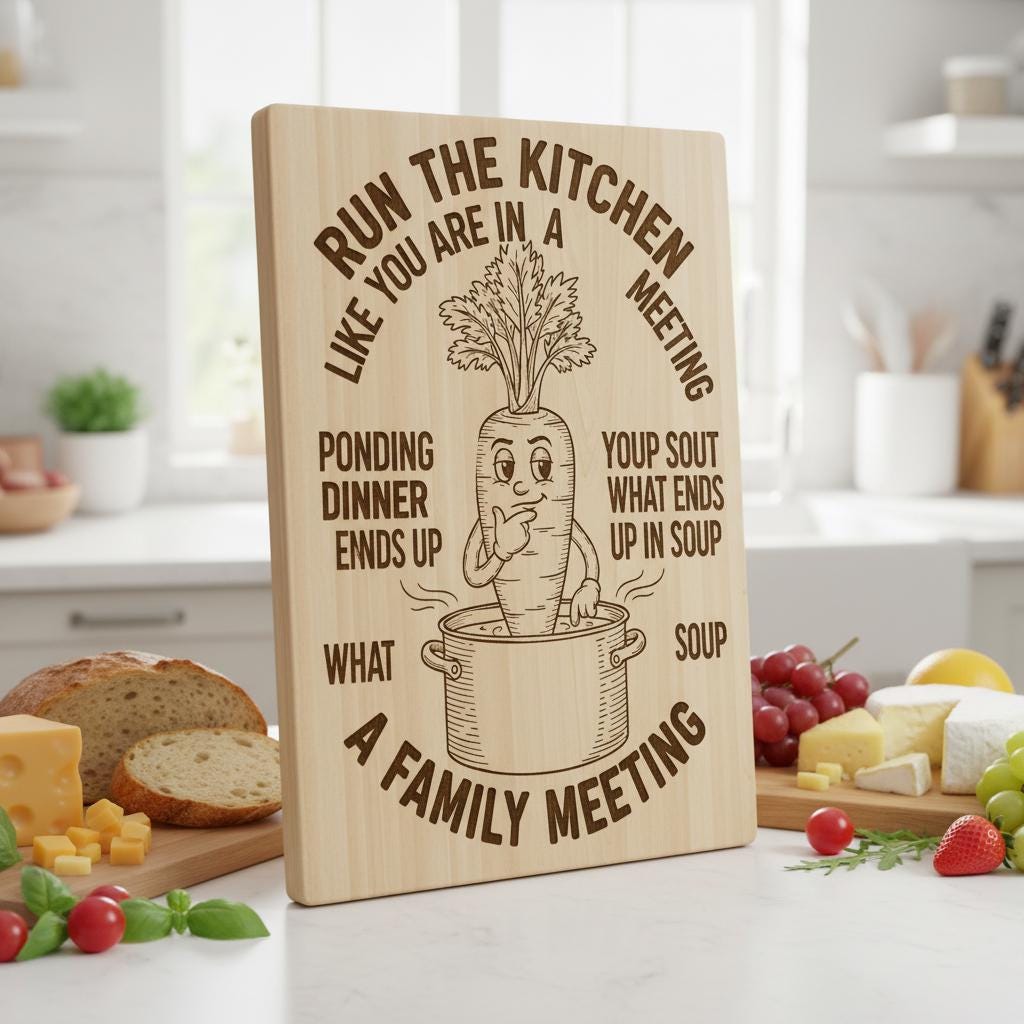
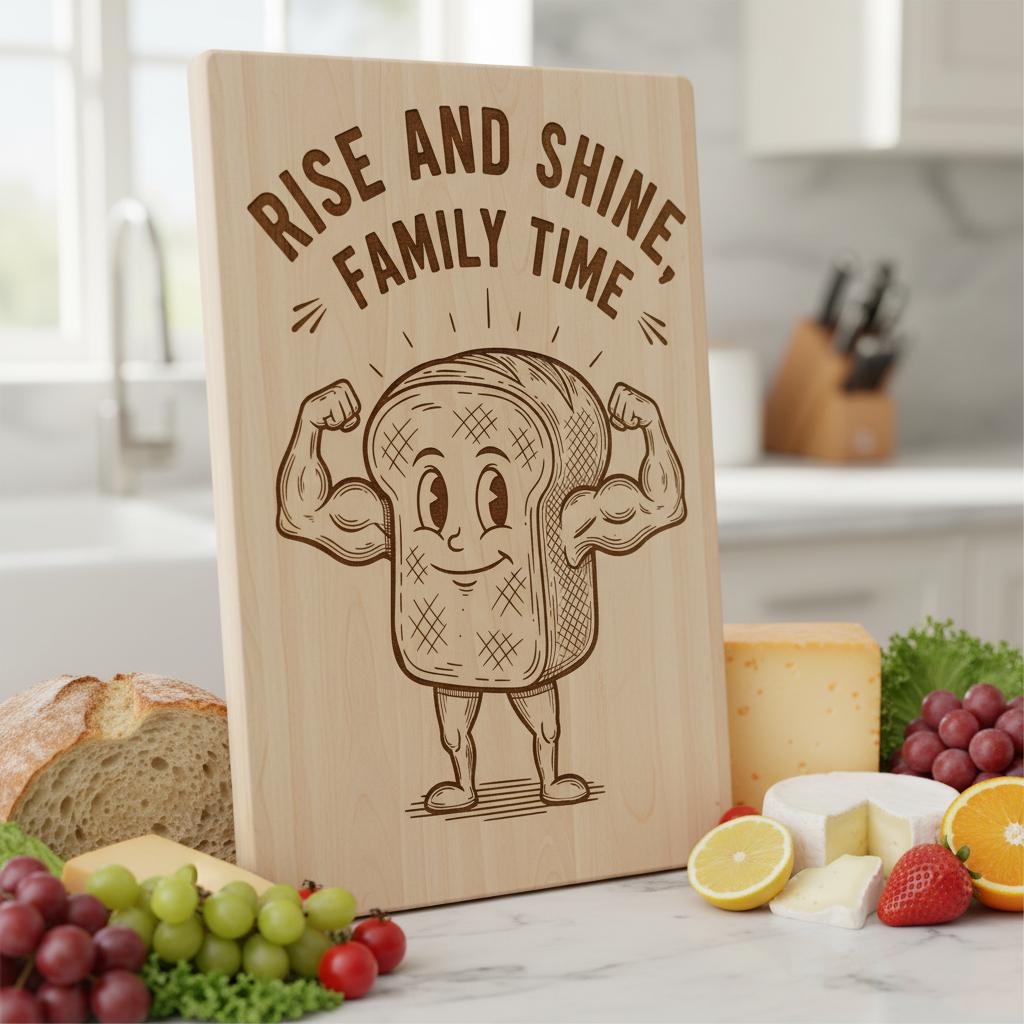
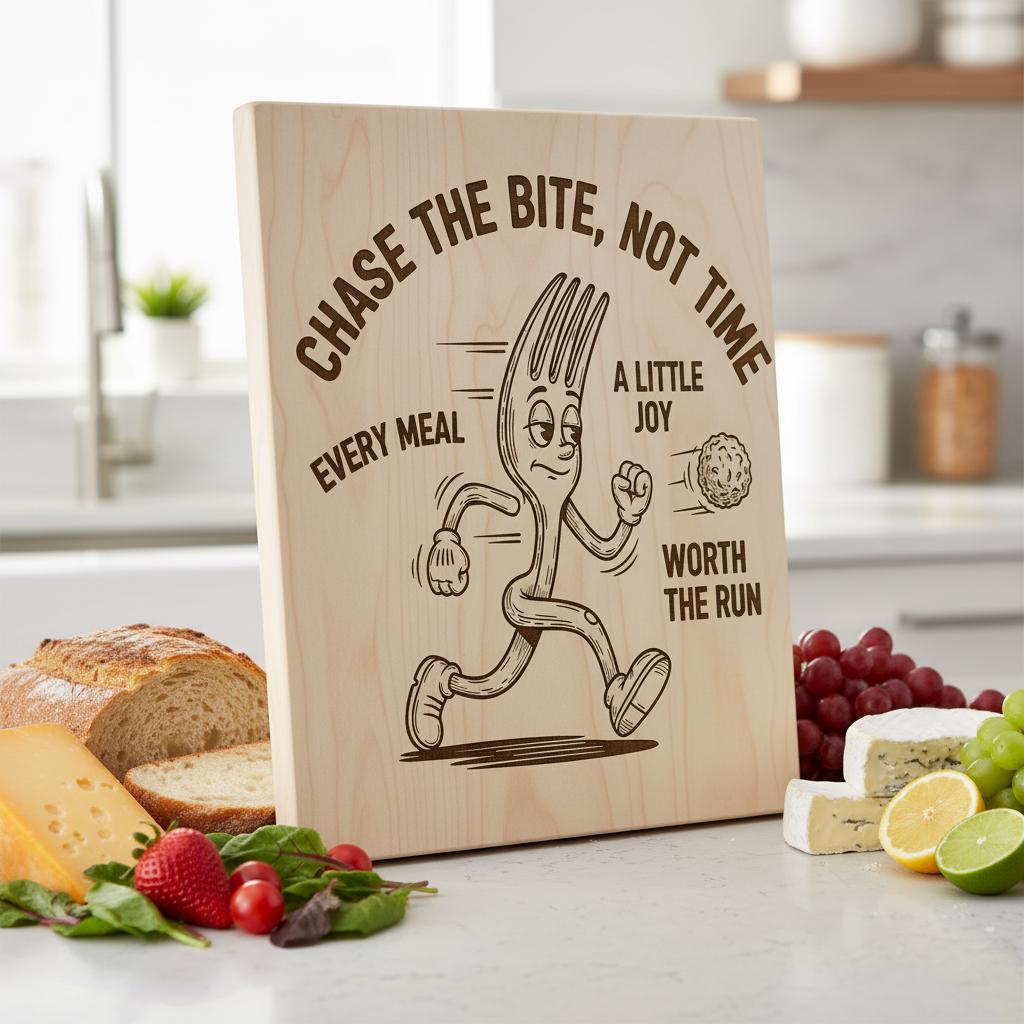
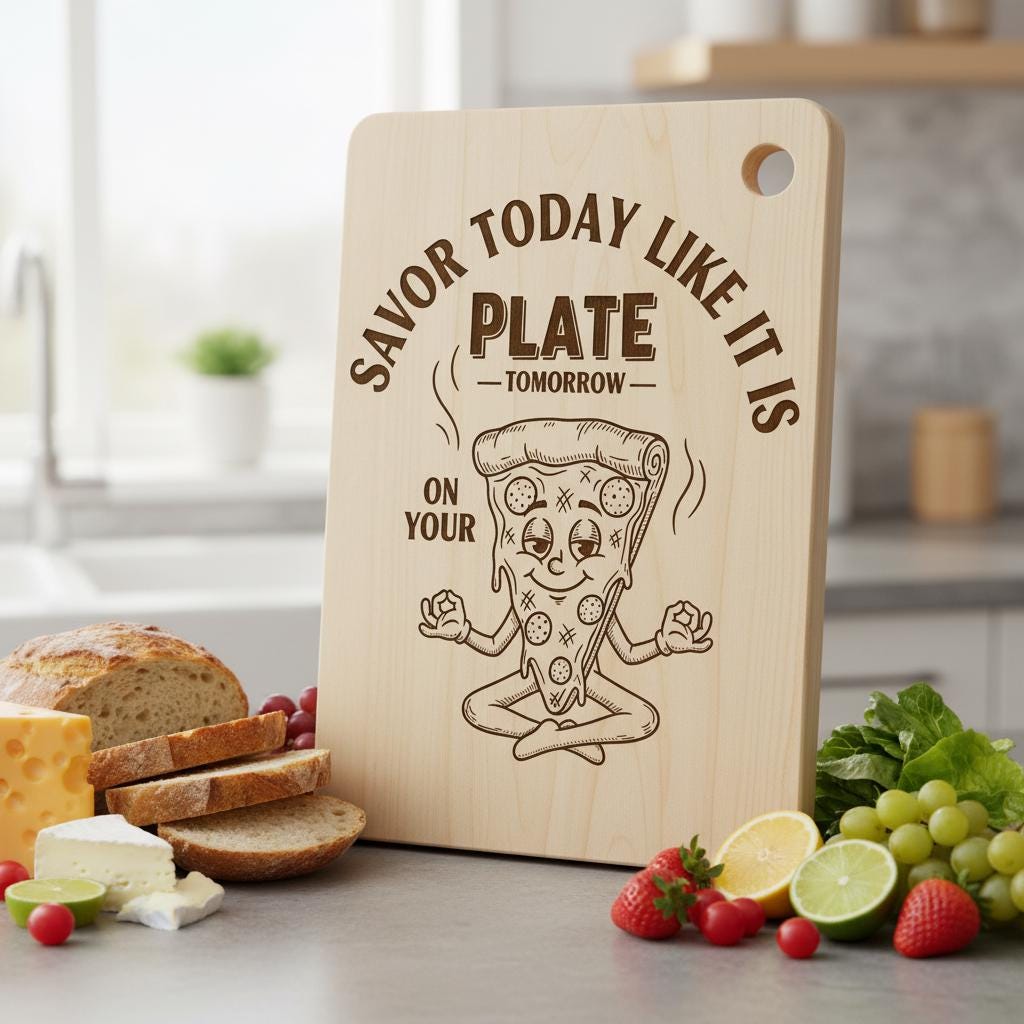
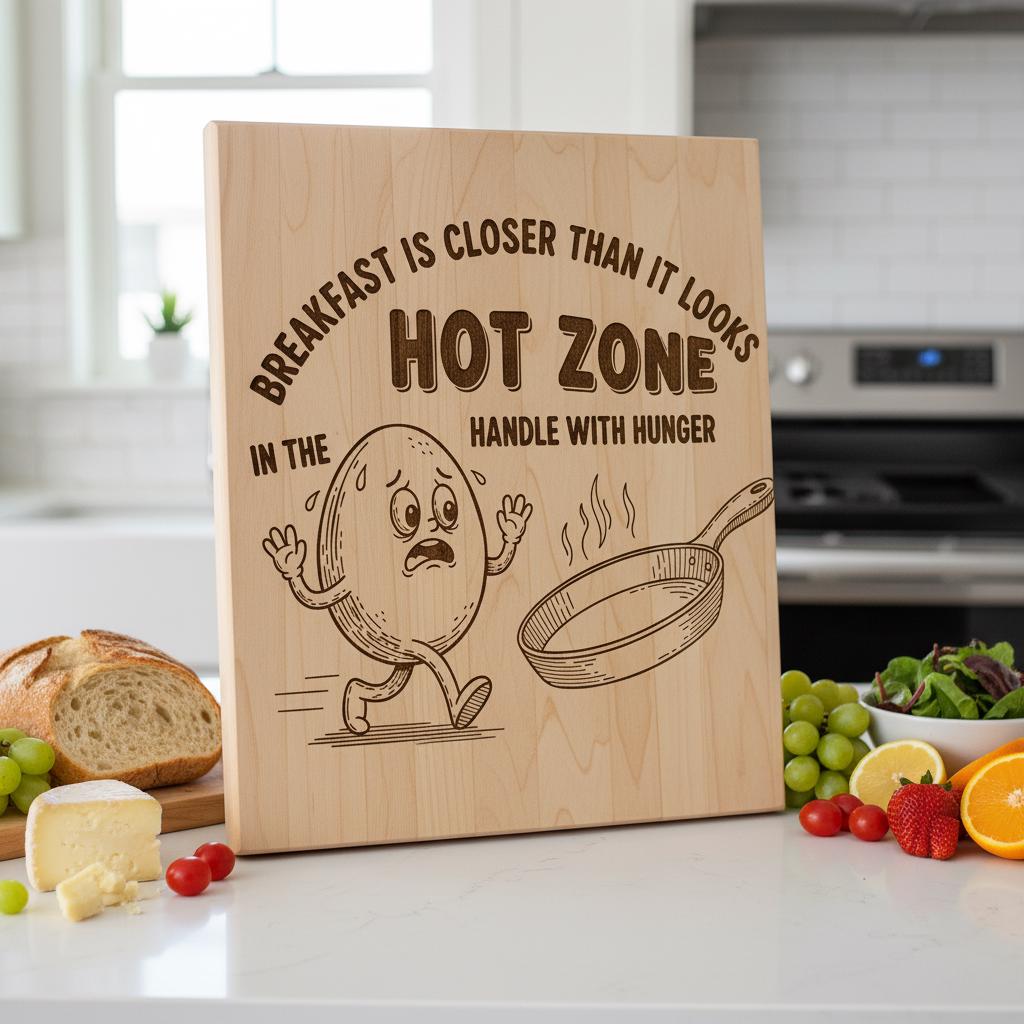
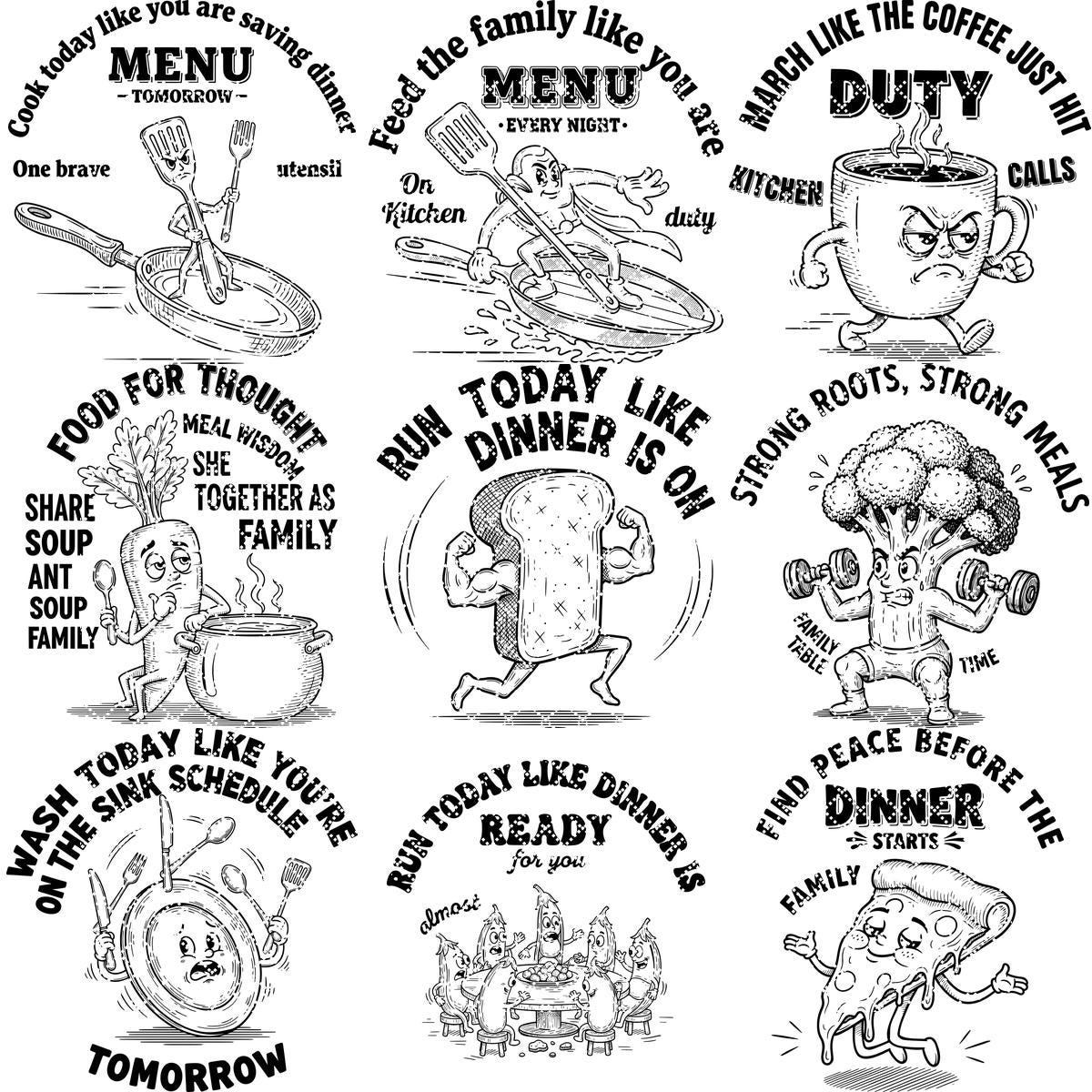
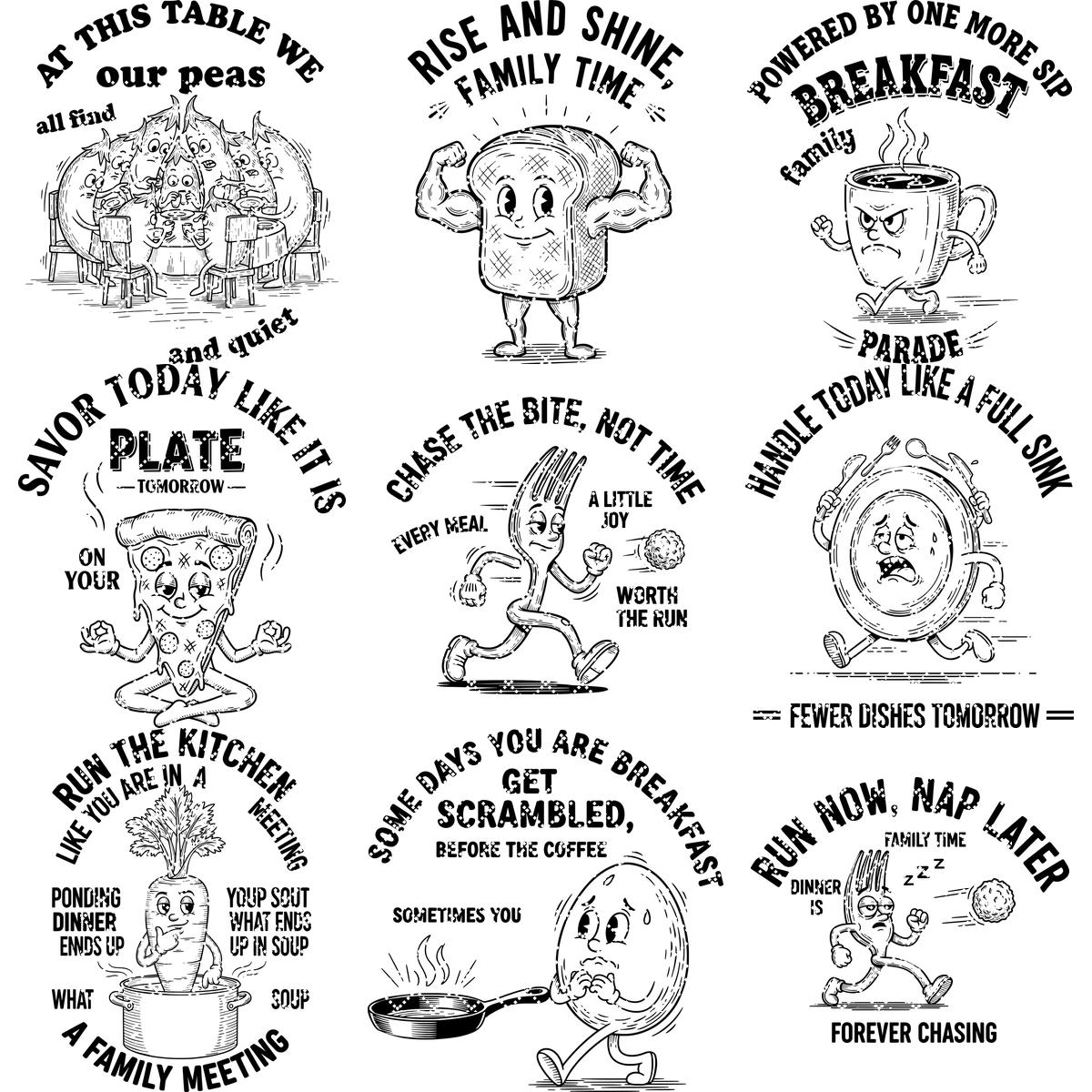
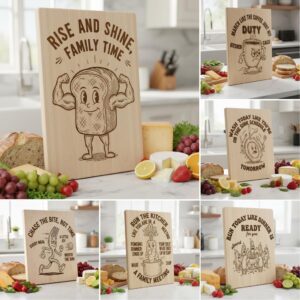
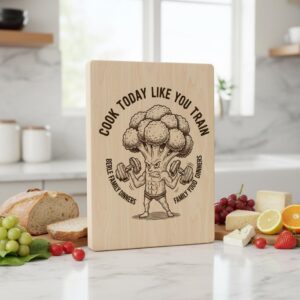
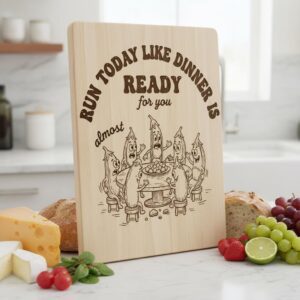
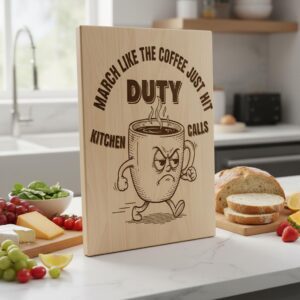
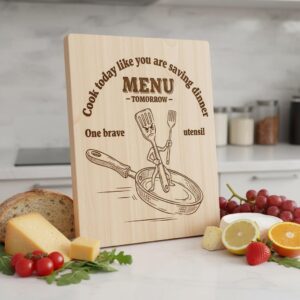
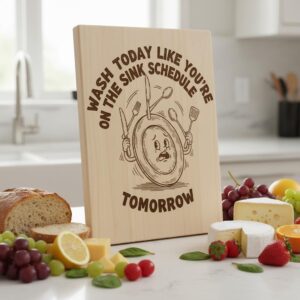
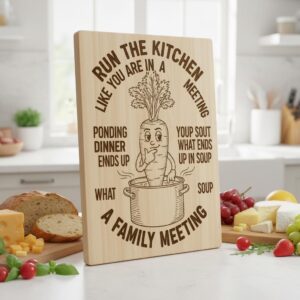
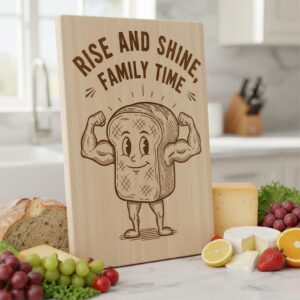
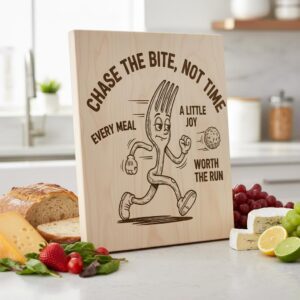
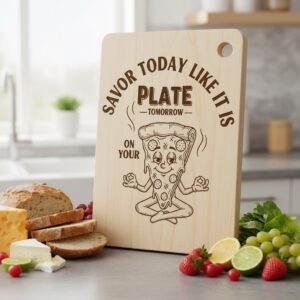
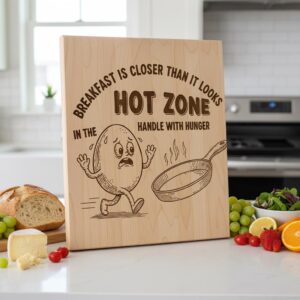
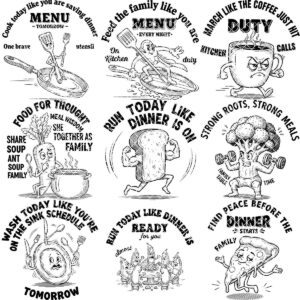
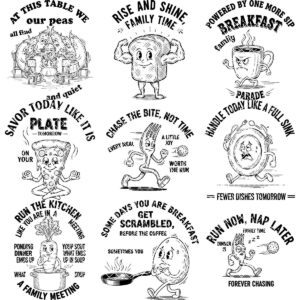
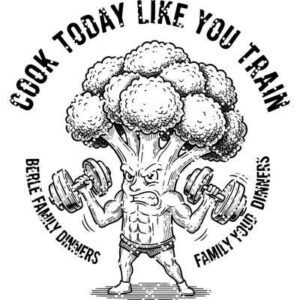
Transform your kitchen creations with our hilarious charcuterie engraving file, featuring a playful vegetable workout theme. Perfect for adding a dose of motivation and laughter to your meal prep routine, this design is sure to delight everyone who steps into your home.
Make your chopping boards truly personal by engraving your family name with this unique and spirited artwork. The engaging fitness-inspired graphic encourages healthy habits while turning everyday tasks into an enjoyable experience.
Designed for seamless compatibility with top laser engravers including Lightburn and Glowforge, this digital download brings professional results right to your fingertips. Elevate your gift-giving or treat yourself to a kitchen upgrade with this unforgettable engraving file!
Compatible with all laser engravers, such as Lightburn and Glowforge, this collection ensures your creations are both stunning and versatile. Transform your family gatherings or home workouts into engaging moments with these funny gym SVG designs. Perfect for any family that cherishes personalized kitchen accessories, this motivational laser engraving file is a must-have in every household’s creative arsenal.
*YOU WILL RECEIVE:
Digital file package that includes SVG, DXF and PDF formats.
* IMPORTANT NOTES:
– Ensure you're familiar with setting the correct parameters for laser engraving.
– Adjust the speed and power settings to achieve optimal results.
– The final quality will depend on both the material used and the engraving parameters you configure.
- Ensure you understand how to adjust laser engraving parameters.
- Experiment with speed and power settings to achieve optimal results.
- The final engraving quality depends on the material and the parameters you choose.
- For laser machines with fixed engraving power (non-dynamic), using the Jarvis image mode or Jarvis setting in LightBurn is recommended.
- Best wood types: Basswood, Birch, or other light-colored woods.
- Recommended settings: Power: 20-30% | Speed: 300-400 mm/s | DPI: 300-600.
- Always test on a small wood piece before engraving the final design.
- If the engraving appears too light, increase power or reduce speed slightly.
- If it's too dark or burns excessively, lower power or increase speed.
- Wood grain affects engraving quality—position the wood consistently for uniform results.
Reviews
There are no reviews yet.